CS 7600_User Guide (8J4071)_Ed04 49
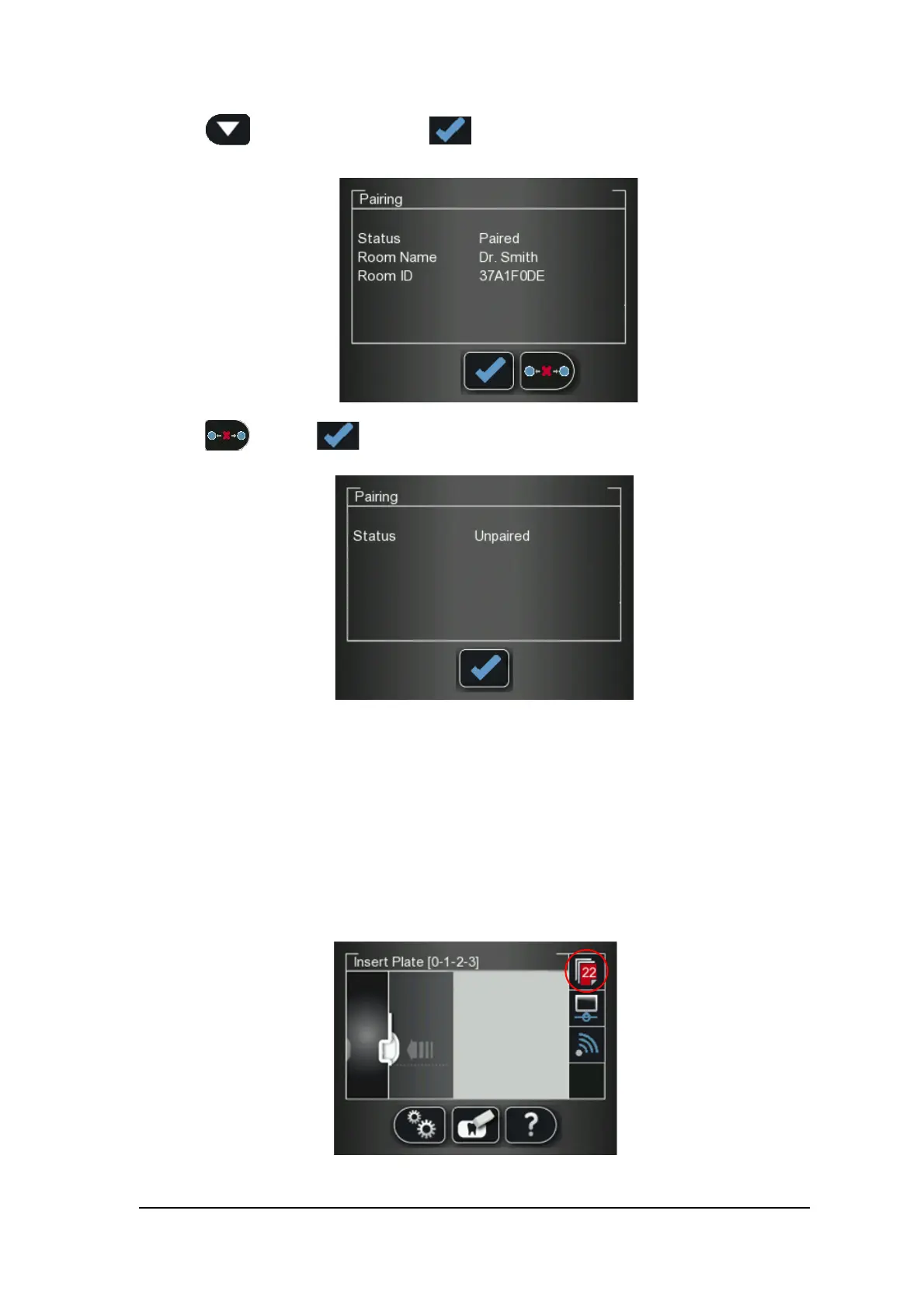
2 Press to select Pairing, and press
The Pairing status screen opens and shows a Paired status.
3 Press and press
The Pairing status screen shows an Unpaired status.
Clearing Scanner Memory
The scanner’s storage capacity is 25 images. Images are stored in the scanner’s memory in the following
cases:
• When No ID is selected in the scanner’s Select patient screen. (See “Retrieving No ID Images” on
page 36.)
• When the destination workstation is not available due to network problems and so forth.
When the scanner’s memory nears its limit, the scan number icon changes to red.











 To Next Page