48 Chapter 4 Scanner Interface Overview
3 If you reach an image that you wish to delete, press the delete icon
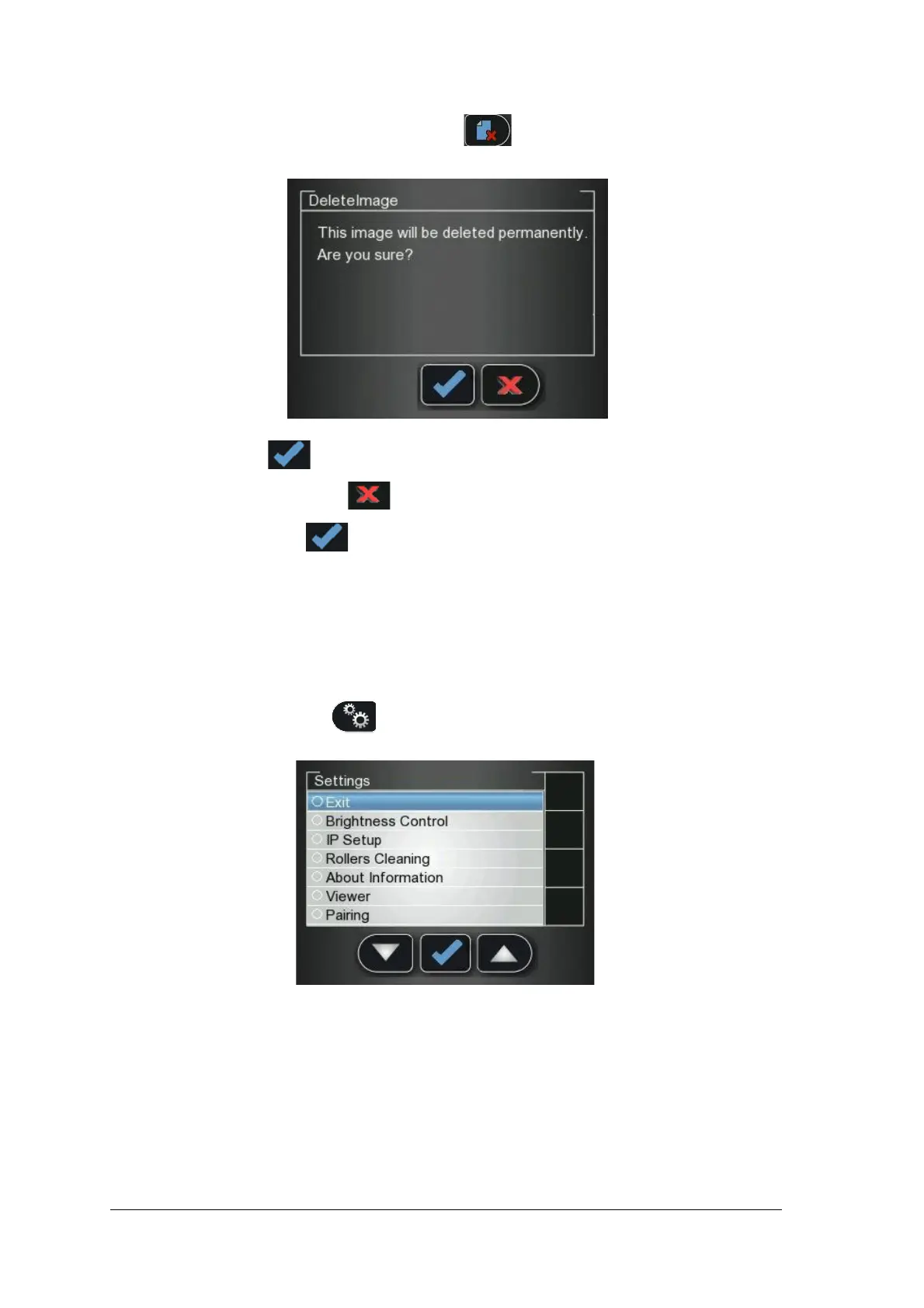
A Delete Image confirmation window appears.
• To delete, press .
• To cancel the deletion, press .
4 To close the Viewer, press .
Disconnecting a Peer to Peer Connection
Disconnecting a Peer to Peer Connection may be done from the image Acquisition interface or from the
Scanner interface.
To Unpair the Scanner, follow these steps:
1 In the Scanner interface, press Settings.
The Scanner Settings menu opens.











 To Next Page