CS 7600_User Guide (8J4071)_Ed04 39
4 Scanner Interface Overview
This chapter explains the scanner interface and how to use it.
Computer System Requirements
CS 7600 Scanner Interface Overview
The CS 7600 scanner interface is used primarily for scanning the exposed imaging plates and provides
easy-to-understand prompts.
The scanner interface also provides the option of changing the scanner default settings as described in the
CS 7600 installation guide.
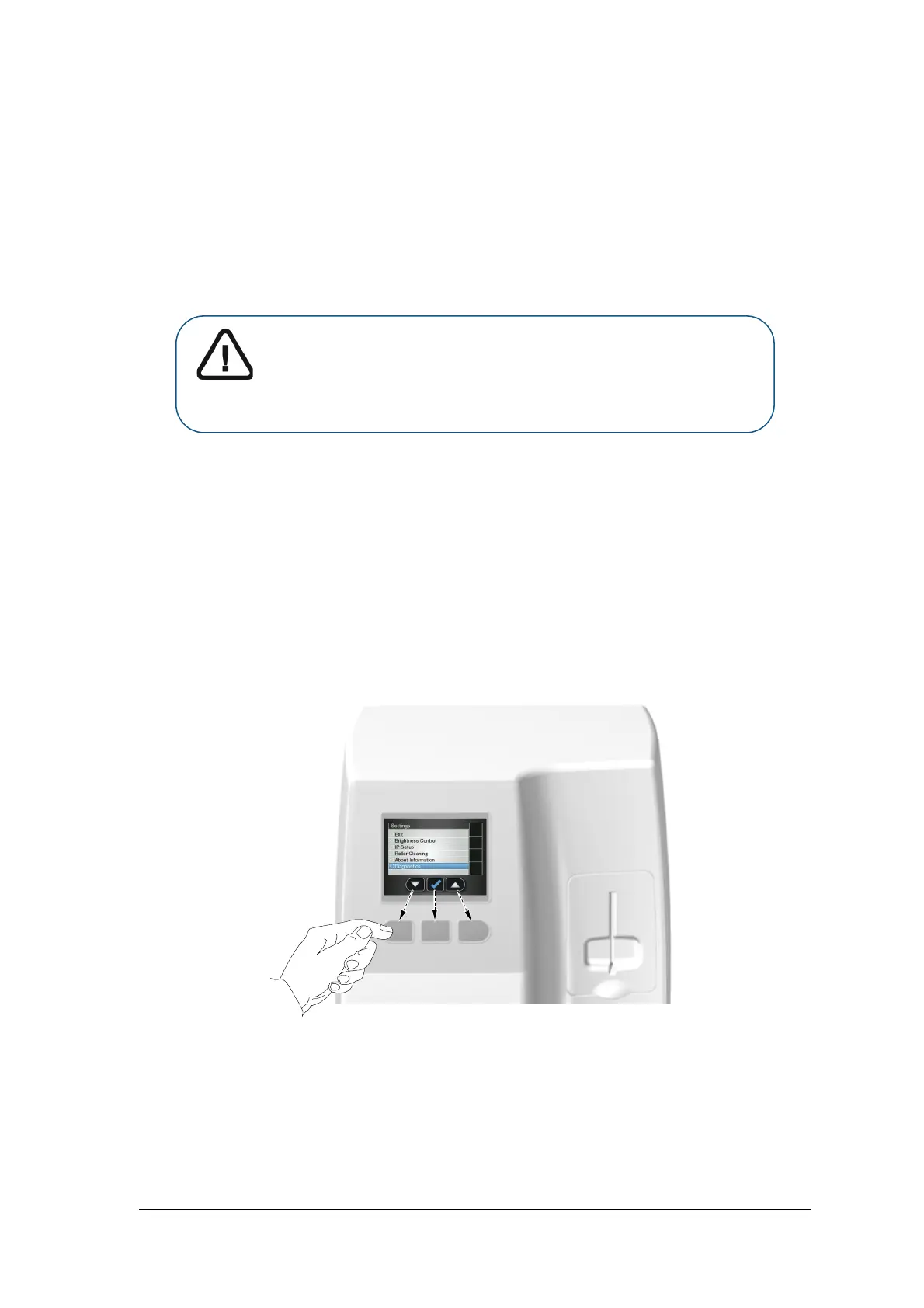
All scanner functions are applied using the three buttons beneath the LCD.
The functional buttons are used for navigating the LCD screens, menus and used to apply your selections.
Important: It is MANDATORY to check that the computer system
configuration is compatible with the computer minimum system
requirements specified in the Safety, Regulatory & Technical
Specifications User Guide. If necessary you must update your computer
system configuration.











 To Next Page