CS 7600_User Guide (8J4071)_Ed04 11
Connecting the Scan & Go Device
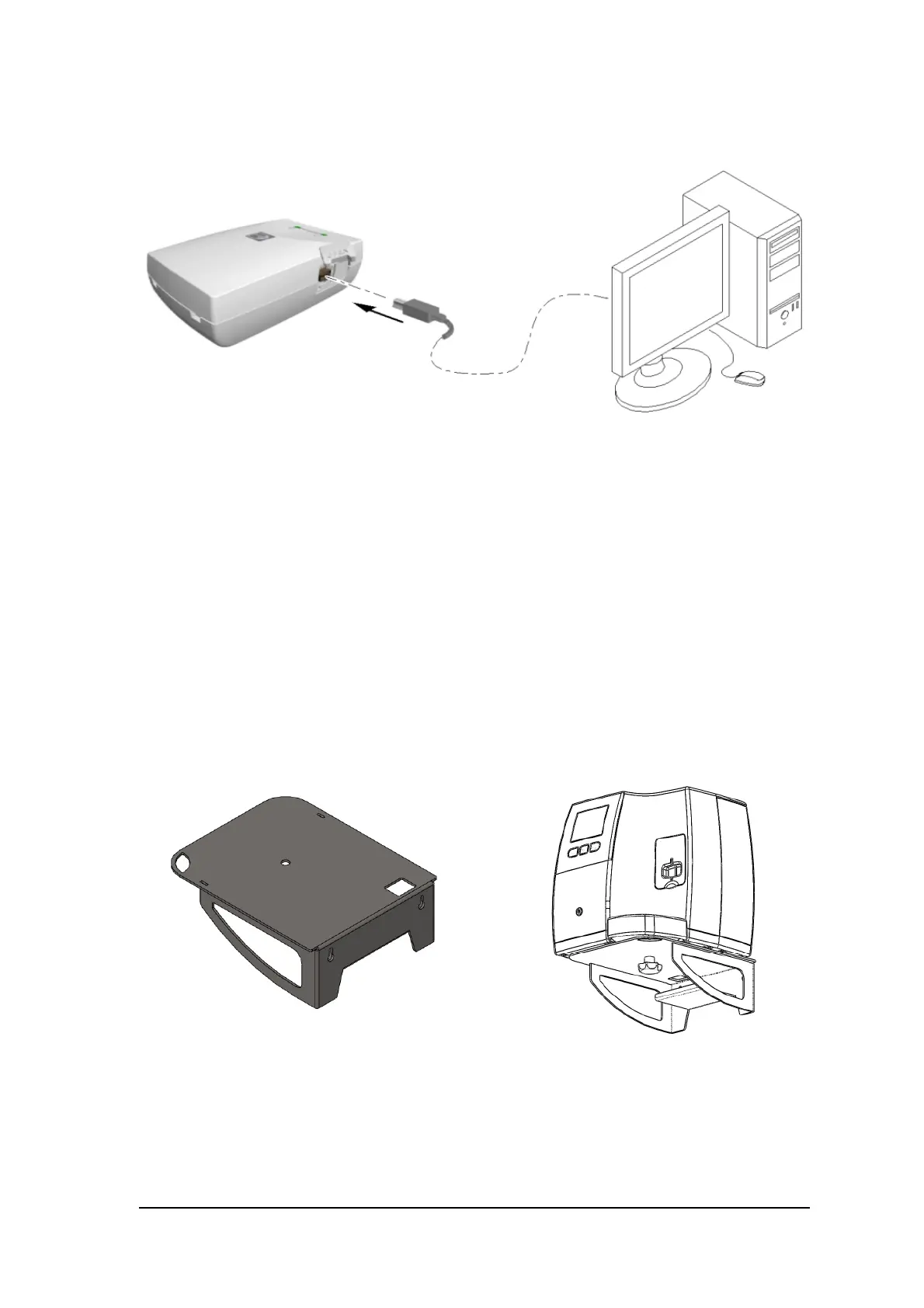
To connect the Scan & Go:
Connect the USB cable to the computer and to the USB port on the Scan & Go device.
• Scan and Go Generation 1, the right LED illumines amber, the left LED flashes blue to indicate that
it is ready for use.
• Scan and Go Generation 2, the right LED flashes green three times, the left LED illumines green
continuously and the device bleeps three times to indicate that it is ready for use.
Scanner Shelf
The CS 7600 can be optionally mounted on the wall using a shelf bracket.
The CS 7600 is attached to the shelf by a single central tightening nut.
For more information on Scanner Shelf Installation, see document HT014_20111006_EN
Scanner Shelf
Scanner on Shelf











 To Next Page