84 Chapter Appendix:
3 Click on the folder and press OK.
The process begins and takes few minutes until it is completed.
Upon completion you are able to send the file for inspection.
The zip file that was created by this tool is called "CollectInfo.tar.gz"
4 Select a destination folder for the information to be stored and click OK.
Wait a few minutes as the Information is being collected.
5 When the Collect Information is done message appears, click OK.
The information is stored in the selected destination folder.
Diagnose Connection
To diagnose the connection between the scanner and computer:
1 Click Diagnose Connection.
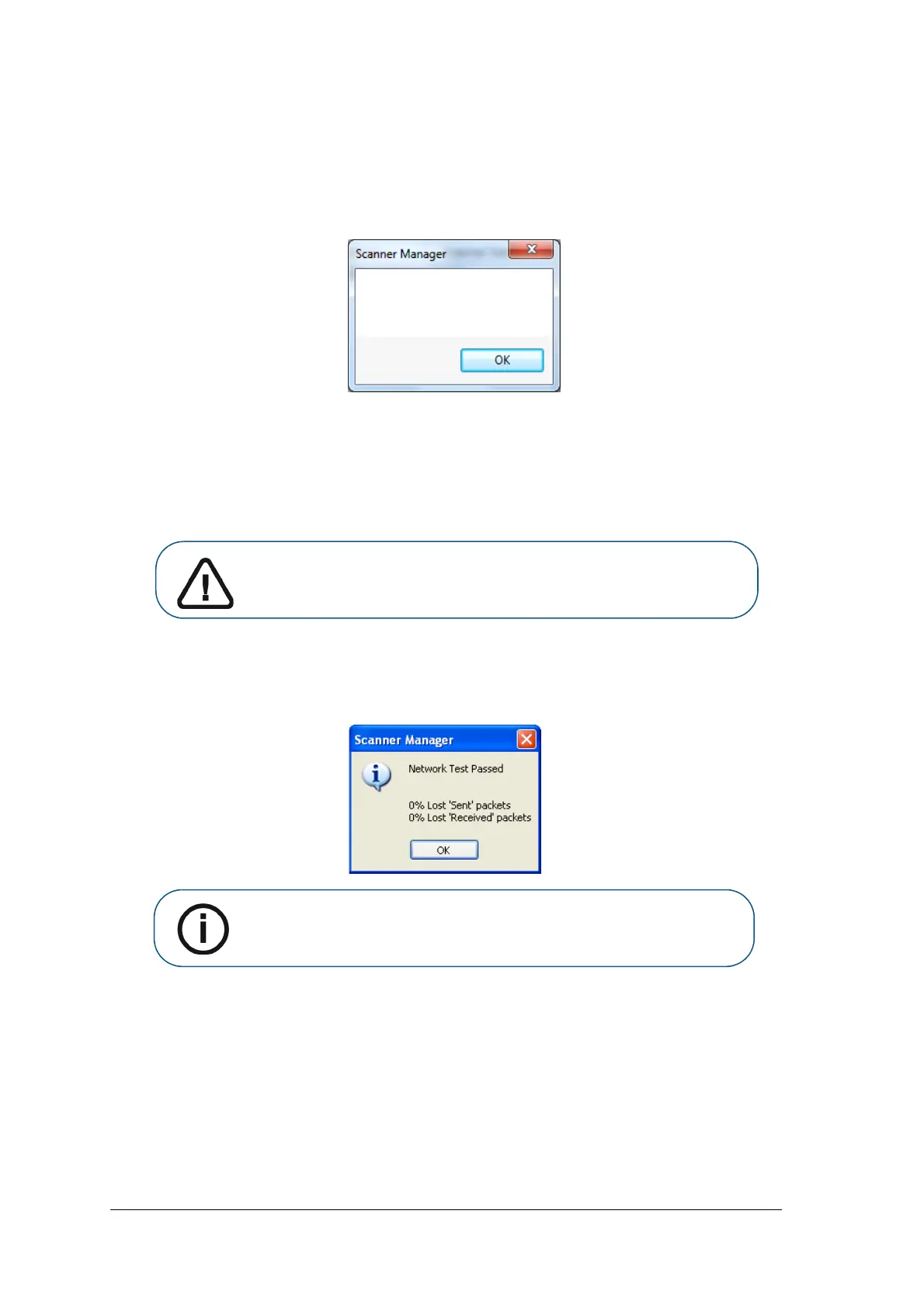
After a few minutes the following message appears:
2 Click OK.
Information Collected
Successfully
Important: Diagnose connection is to be performed under direct
supervision of a dental service engineer.
Note: If more than 3% of packets are lost, a Network Test Failed appears,
click OK and contact your system administrator.











 To Previous Page