40 Chapter 4 Scanner Interface Overview
Scanner Interface Icons
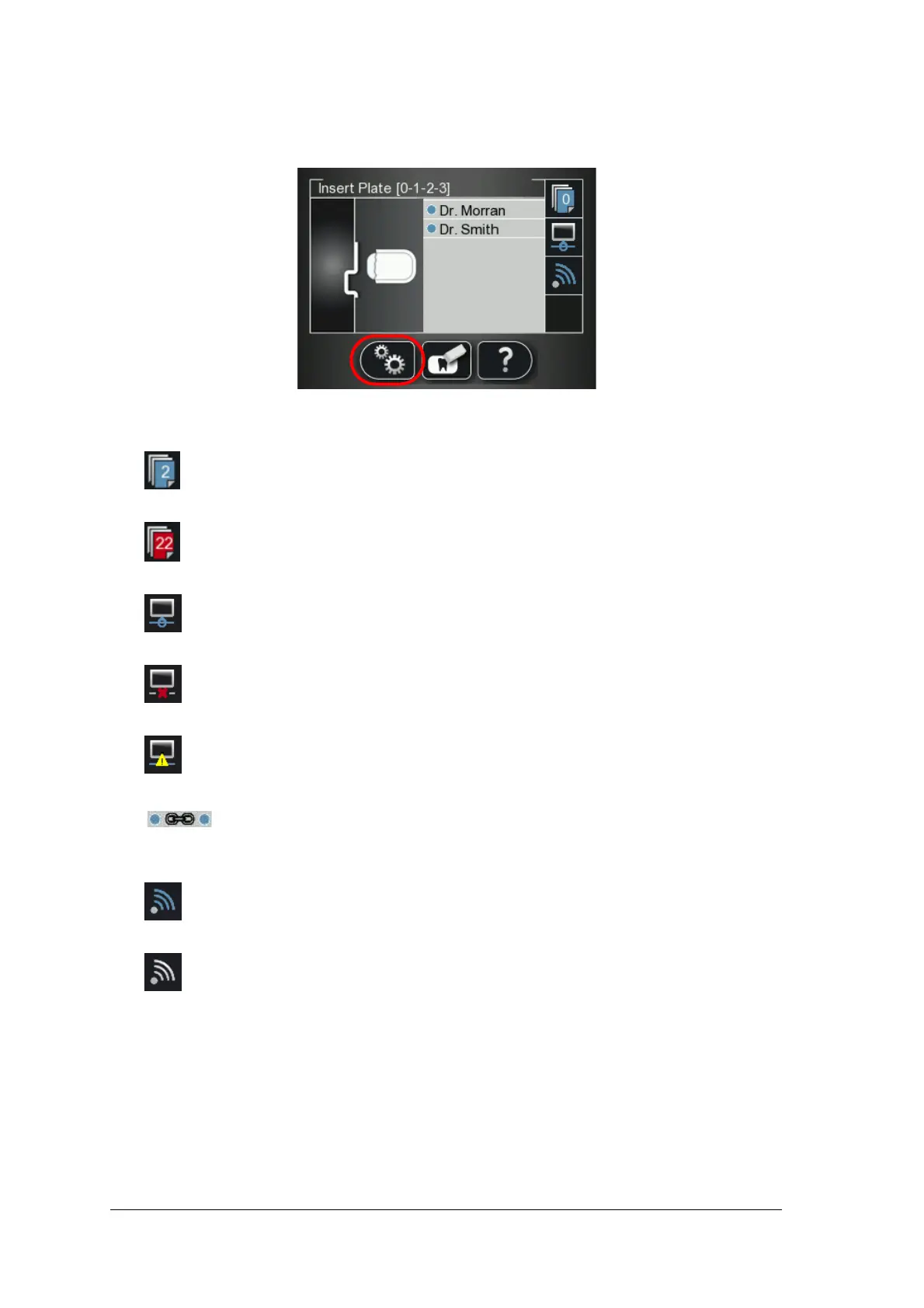
Figure 1 Example of Insert Plate screen
The following table lists the icons that are part of the various LCD screens.
Stored images counter and available memory status. Blue background indicates available
scanner memory.
Stored images counter and available memory status. Red background indicates scanner
memory is either nearing its full capacity or is already used up.
Network connection state, connected.
Network connection state, disconnected.
Network connection state, limited connection.
Scanner is Paired (connected Peer to Peer) to a workstation.
Scan & Go state indicator. Blue indicates the scanner supports Scan & Go smart
scanning. When scanning recorded imaging plates this icon blinks.
Scan & Go state indicator. White indicates the scanner does not support Scan & Go smart
scanning, or that the scanned imaging plate does not contain Scan & Go recorded
information.











 To Next Page