CS 7600_User Guide (8J4071)_Ed04 69
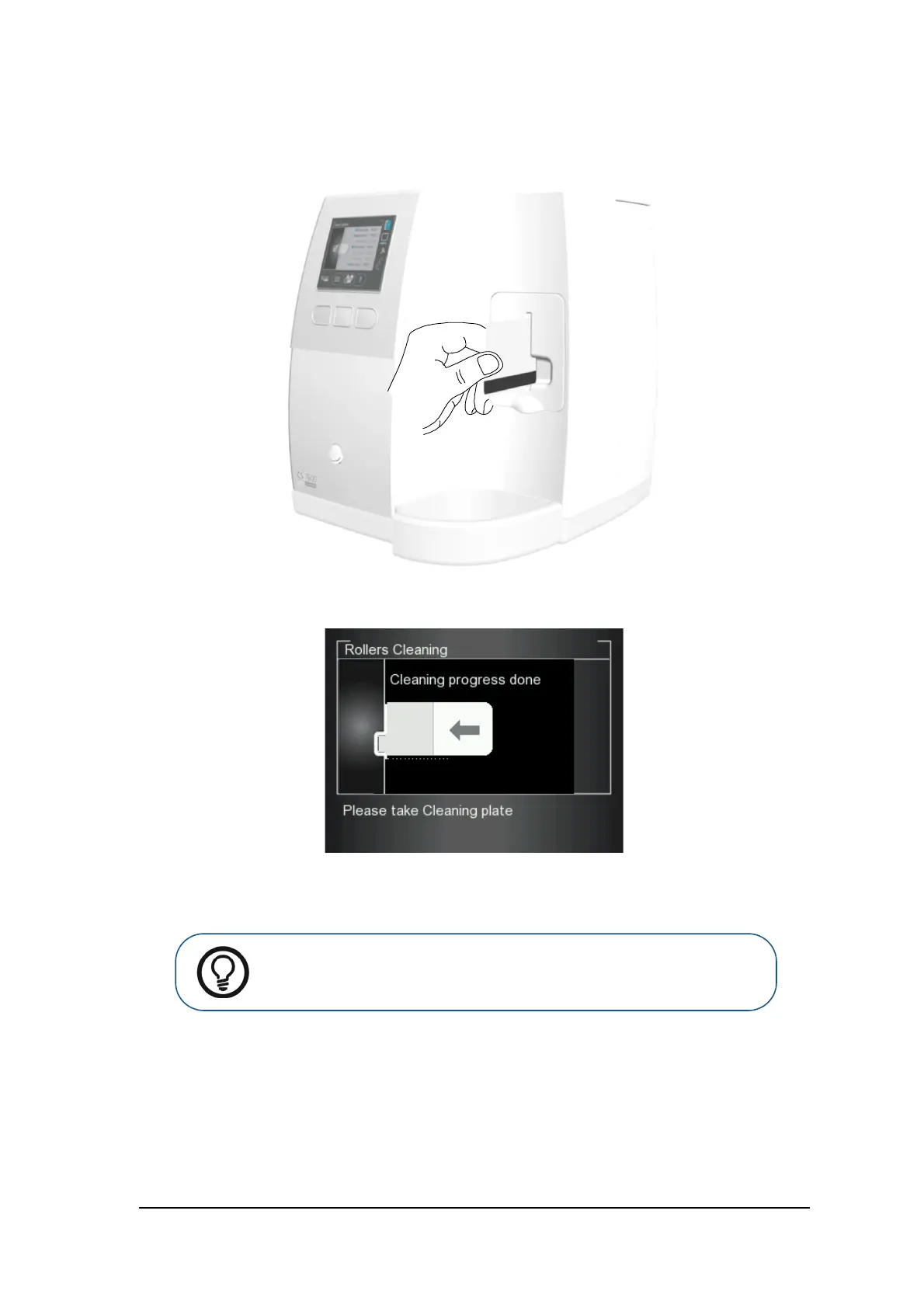
6 Insert gently the rollers cleaning plate into the size 4 insertion slot with the adhesive side first and the
black stripe facing downwards until the rollers draw the rollers cleaning plate in.
When the cleaning procedure is completed the scanner displays a message that the roller cleaning is
done.
7 Remove the roller cleaning plate from the insertion slot.
Tip: The cleaning procedure is to be repeated 3 times to ensure the rollers are
thoroughly cleaned.











 To Next Page