Managing the System
Applications
Cisco Small Business NSS 322, NSS 324, and NSS 326 Smart Storage Administration Guide 136
3
•
Syslo g S erver
Web File Ma na ger
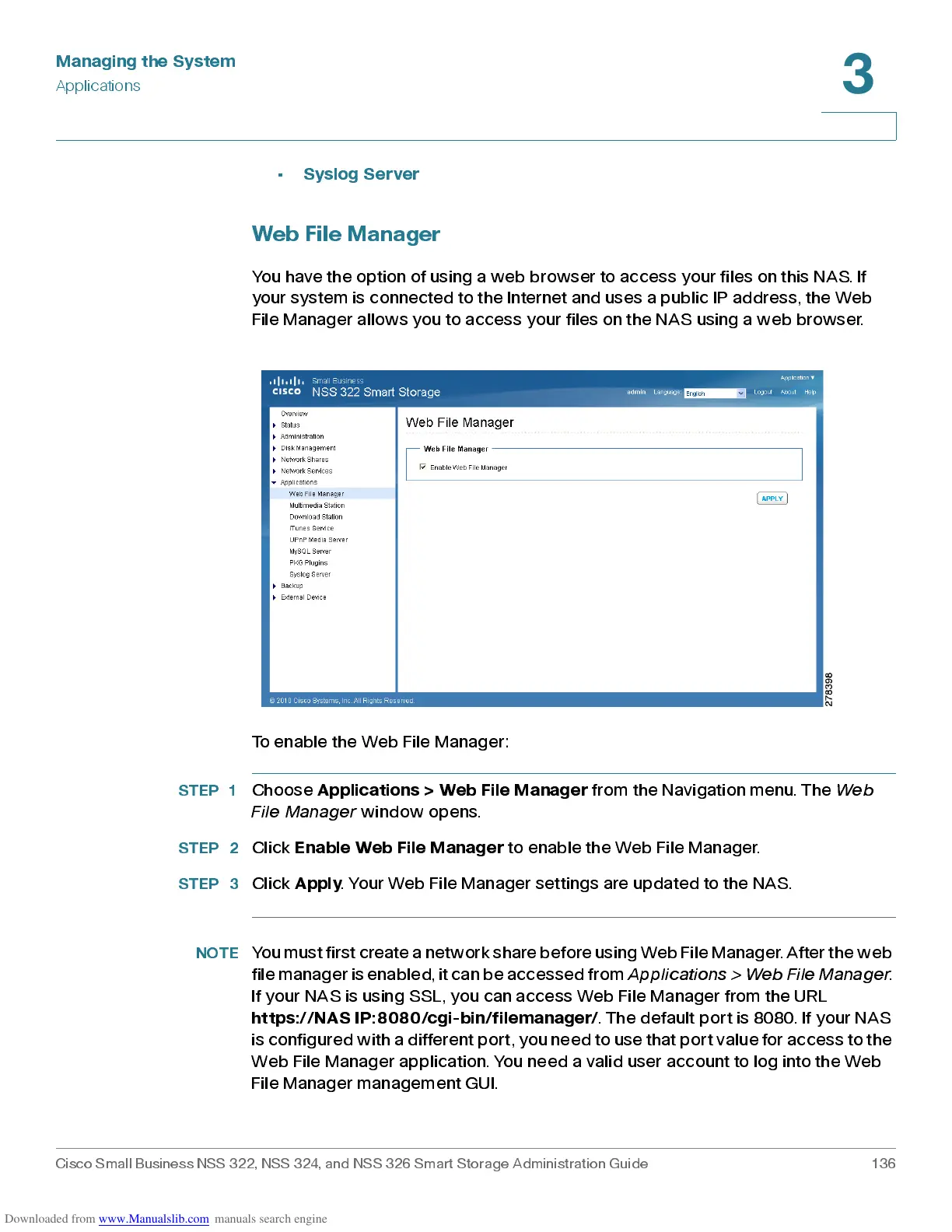
You have the option of using a web browser to acc e s s your files on this NAS. If
your sys tem is conne cted to the Internet and use s a pub lic IP address , the Web
File Manager allows you to acce ss your files on the NAS using a web browser.
To enable the Web File Ma nager:
STEP 1
Choose
Applic ation s > Web File Ma na ger
from the Navigation menu. The
Web
File Mana ge r
window opens.
STEP 2
Click
Enab le Web File Ma na ger
to enable the Web File Manager.
STEP 3
Click
Apply
. Your Web File Manager settings are updated to the NAS.
NOTE
You must first create a network shar e bef ore using W eb File Manager. Aft er the web
file manager is enabled, it can be accessed from
Applications > Web File Manager
.
If your NAS is using SSL, you can access Web File Manager from the URL
ht tps ://N AS IP : 8 08 0 /cgi- bi n/fi lem a n ager/
. The default port is 8080. If your NAS
is configured with a different port, you need t o use that port val ue for access t o the
Web File M anager applica tion. You ne ed a valid us er ac c oun t to log into th e Web
File Manager management GUI.



 To Next Page