Managing the System
Status
Cisco Small Business NSS 322, NSS 324, and NSS 326 Smart Storage Administration Guide 46
3
Resourc e Monitor
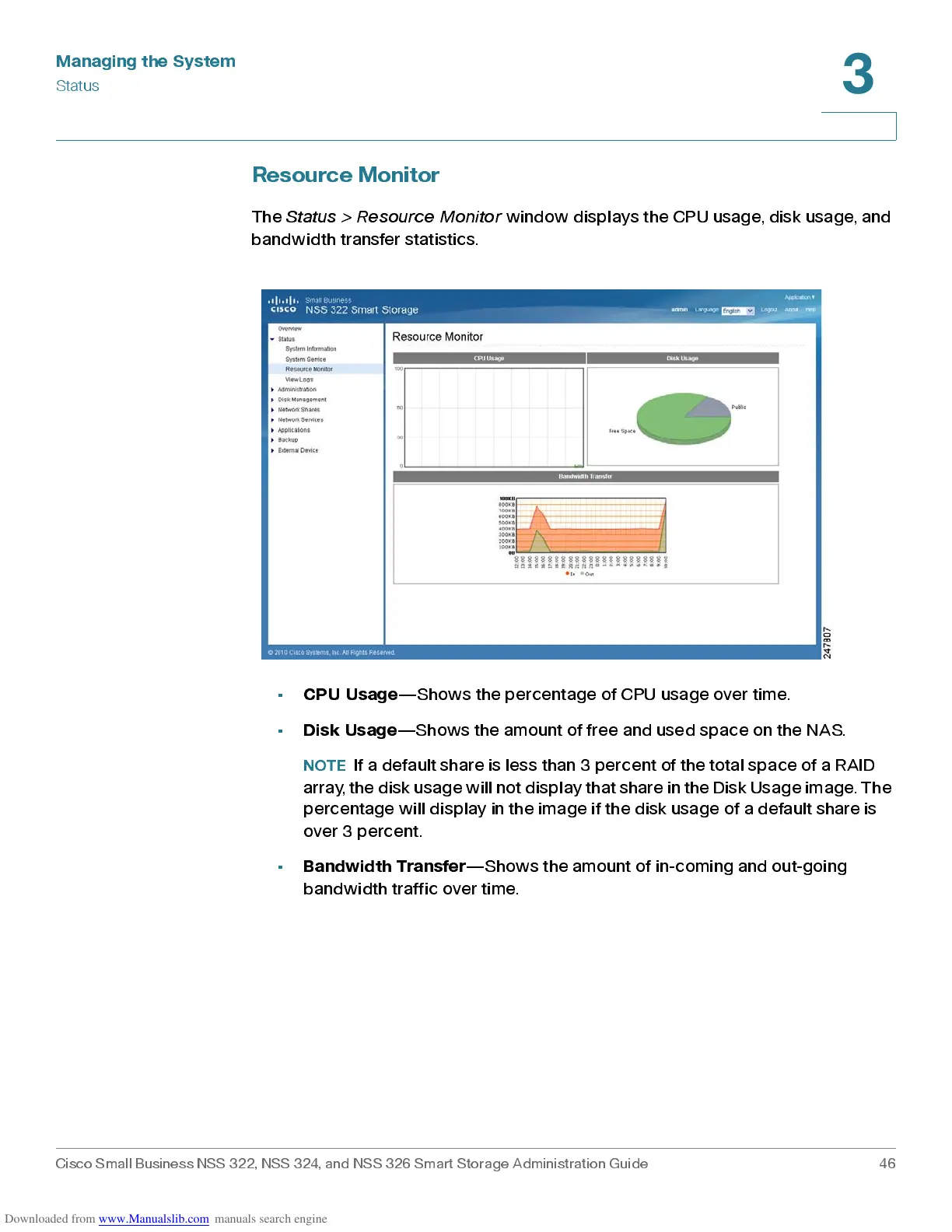
The
Status > Resource Monitor
window displays the CP U us age, dis k usa ge, and
band w idth tra nsfer statistics .
•
CPU Usage
—S how s the perc entage of CPU usa ge over time.
•
Disk Usage
—Shows the amount of free and used space o n the NAS.
NOTE
If a default share is less than 3 percent of the total space of a RAID
array , t he disk usage will not display that share in the Disk Usage image. The
percentage will display in the image if the disk usage of a default share is
over 3 percent.
•
Bandwidth Transfer
—S how s the am ount of in-coming and out-going
band w idth traf fic over time.



 To Next Page