7
Cisco Small Business NSS 322, NSS 324, and NSS 326 Smart Storage Administration Guide 186
Using the LCD Display
This chapter describes the LCD display on the front panel of the NSS 324 and
NSS 326 Smart Storage devices. Using the LCD display, you can configure the
disks and view the system information. The following sections are included:
•
System Configuration Using the LCD Display
•
Viewing System Information Using the LCD Display
•
System Me s sages
System Configuration Using the LCD Display
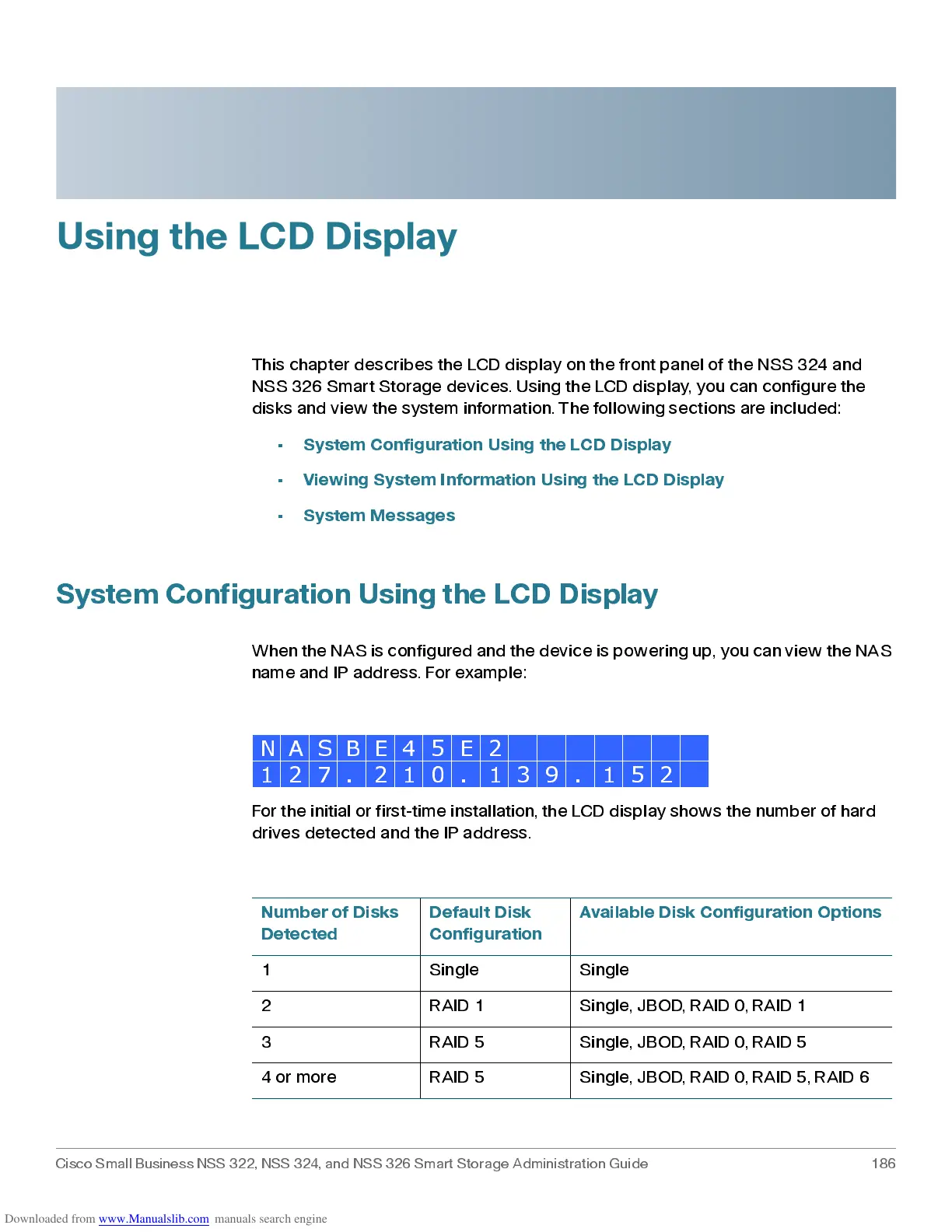
Whe n t h e NAS is co nf igured an d t he d e vi ce i s p o we ri n g u p , y o u can vi e w t h e NAS
name and IP address. For example:
For the initial or first-time installation, the LCD display shows the number of hard
drive s detected and the IP add res s.
N A S B E 4 5 E 2
1 2 7 . 2 1 0 . 1 3 9 . 1 5 2
Number of Disks
Detected
Default Disk
Configuration
Available Disk Configuration Options
1 Single Single
2 RAID 1 Single, JBOD, RAID 0, RAID 1
3 RAID 5 Single, JBOD, RAID 0, RAID 5
4 or more RAID 5 Single, JBOD, RAID 0, RAID 5, RAID 6



 To Next Page