Managing the System
Status
Cisco Small Business NSS 322, NSS 324, and NSS 326 Smart Storage Administration Guide 44
3
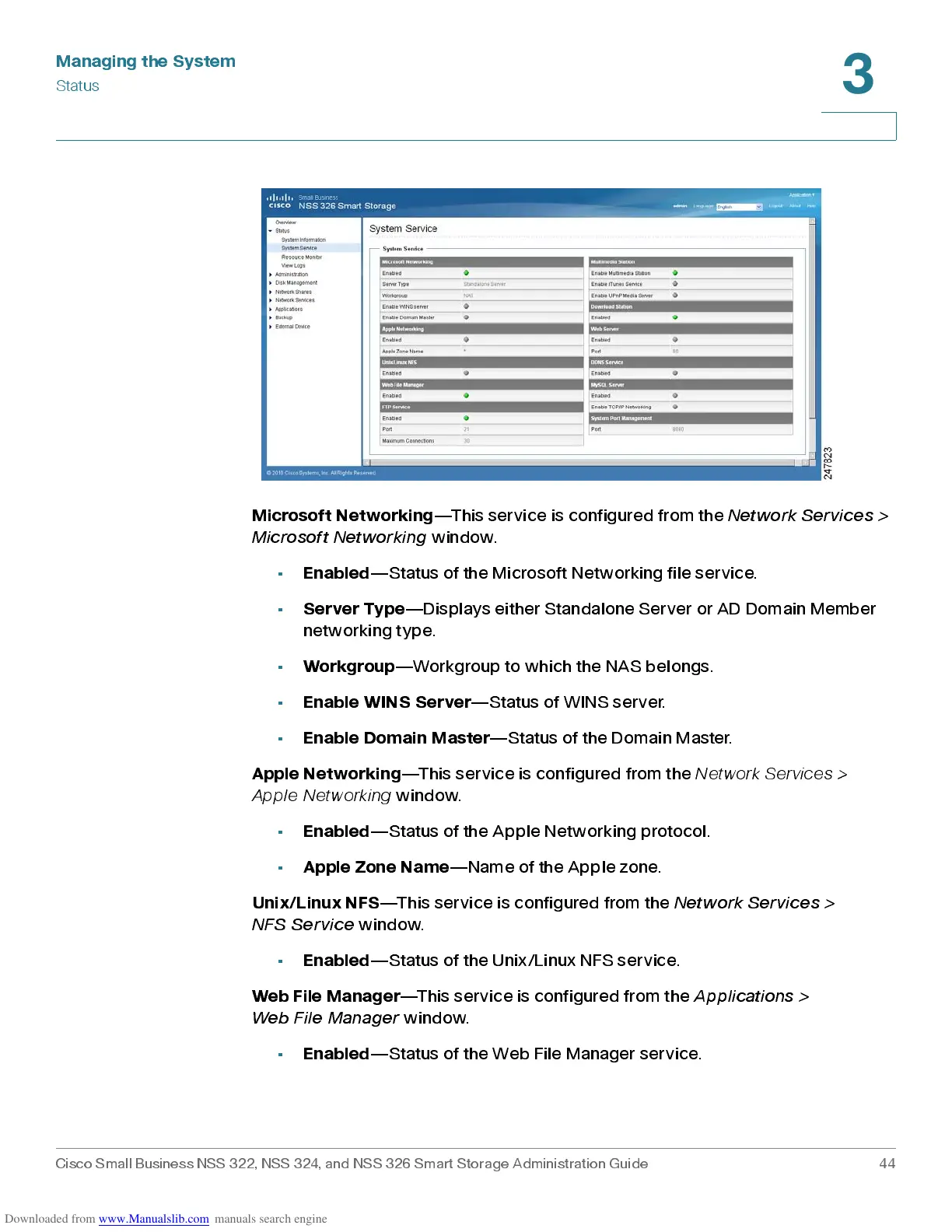
Microsoft Networking
—This service is configured from the
Network Services >
Microsoft Networking
window.
•
Enabled
—Status of the Microsoft Networking file service.
•
Server Type
—Displays either Standalone Server or AD Domain Member
networking type.
•
Workgroup
—Workgroup to which the NAS belongs.
•
Enab le W IN S S erver
—Status of WINS server.
•
Enab le D omain Mast er
—Status of the Domain Master.
Apple Networking
—This service is configured from the
Network Services >
Apple Net working
window.
•
Enabled
—Status of the Apple Networking protocol.
•
Apple Zone Name
—Name of the Apple zone.
Unix/Linux NFS
—This serv ic e is configured from th e
Network Services >
NFS Service
window.
•
Enabled
—Status of the Unix/Linux NFS service.
Web File Mana ger
—This s erv ic e is configured from the
Ap p li cat io ns >
Web File Manager
window.
•
Enabled
—Status of the Web File Manager serv ice.



 To Next Page