ComNav P4 Installation and Operation Getting Started
Document PN 29010100 V1r0 - 104 -
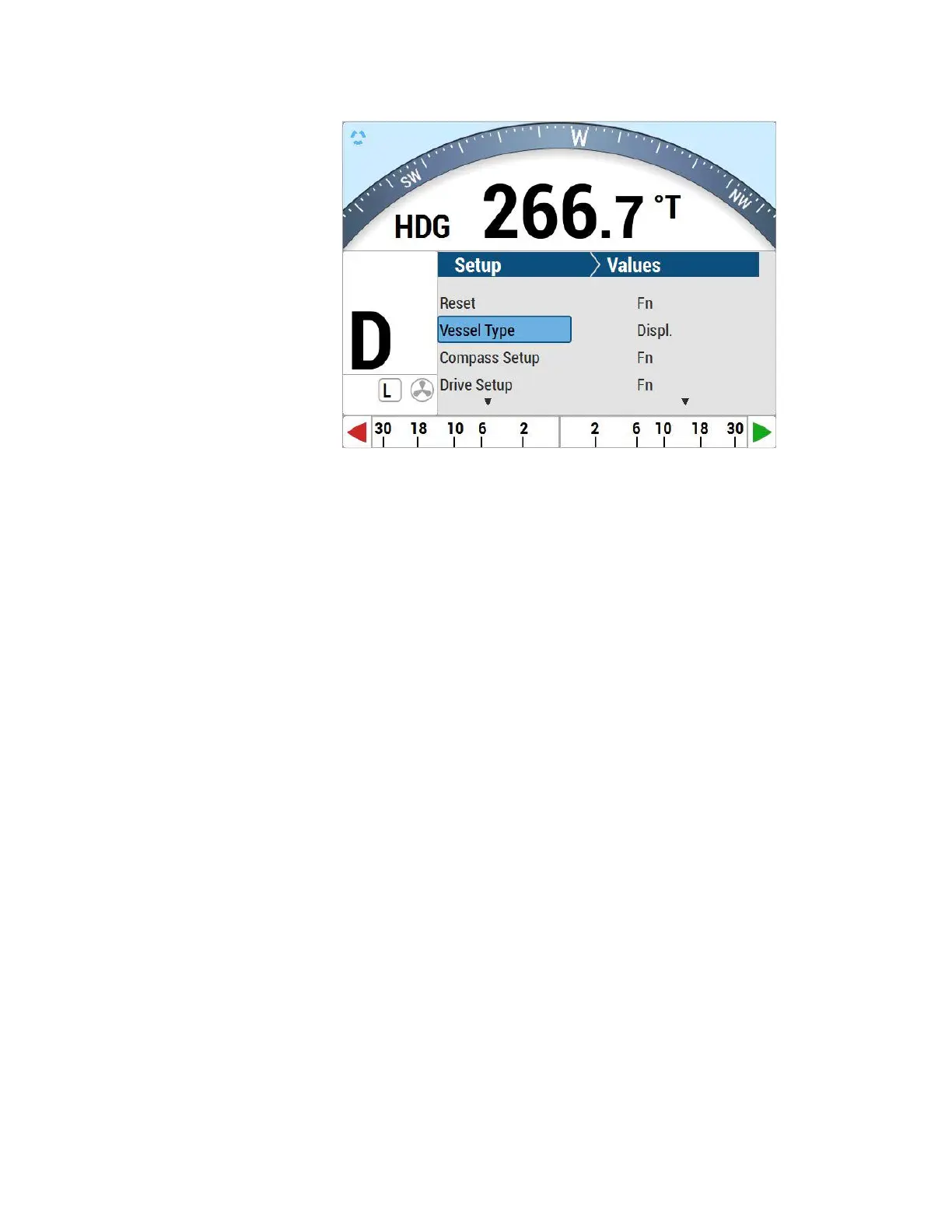
Figure 51 – Set Vessel type
NOTE: At this step in the setup process, all of the various Vessel Types (Displacement,
Stern, Semi, etc.) can be selected, for P4 autopilot.
Drive Setup
The procedure for setting up the autopilot to work properly with your boat’s steering system
varies, depending on whether or not you have fitted a Rudder Follower Unit.
For a P4 system which has an RFU fitted, the Rudder’s
characteristics are
automatically measured by the autopilot, during Drive Setup P4.
However in both cases, the purpose of the procedure is to find out:
The type of drive system (solenoid(s) or a reversing motor) the boat
has.
The orientation of the RFU (if one is fitted).
The direction the rudder moves in relation to the voltage polarity of
the drive outputs
from the SPU.
The Hard-Over to Hard-Over time of the rudder
The physical limits of the rudder’s travel.
To begin the Drive Setup procedure, scroll through the Dockside Setup menu to “Drive
Setup”, then press the ENTER button. This will start the setup’s automated script.
You will see a series of screens, prompting you for various actions or information. For
example: move the rudder all the way to Port, or center it, or enter the maximum deflection
of
the rudder, etc. (This could be an actual rudder, an I/O leg, an outboard motor, etc. – all
are referred to here as “rudders”).



 To Next Page