ComNav P4 Installation and Operation
Basic Operations
Document PN 29010100 V1r0 - 136 -
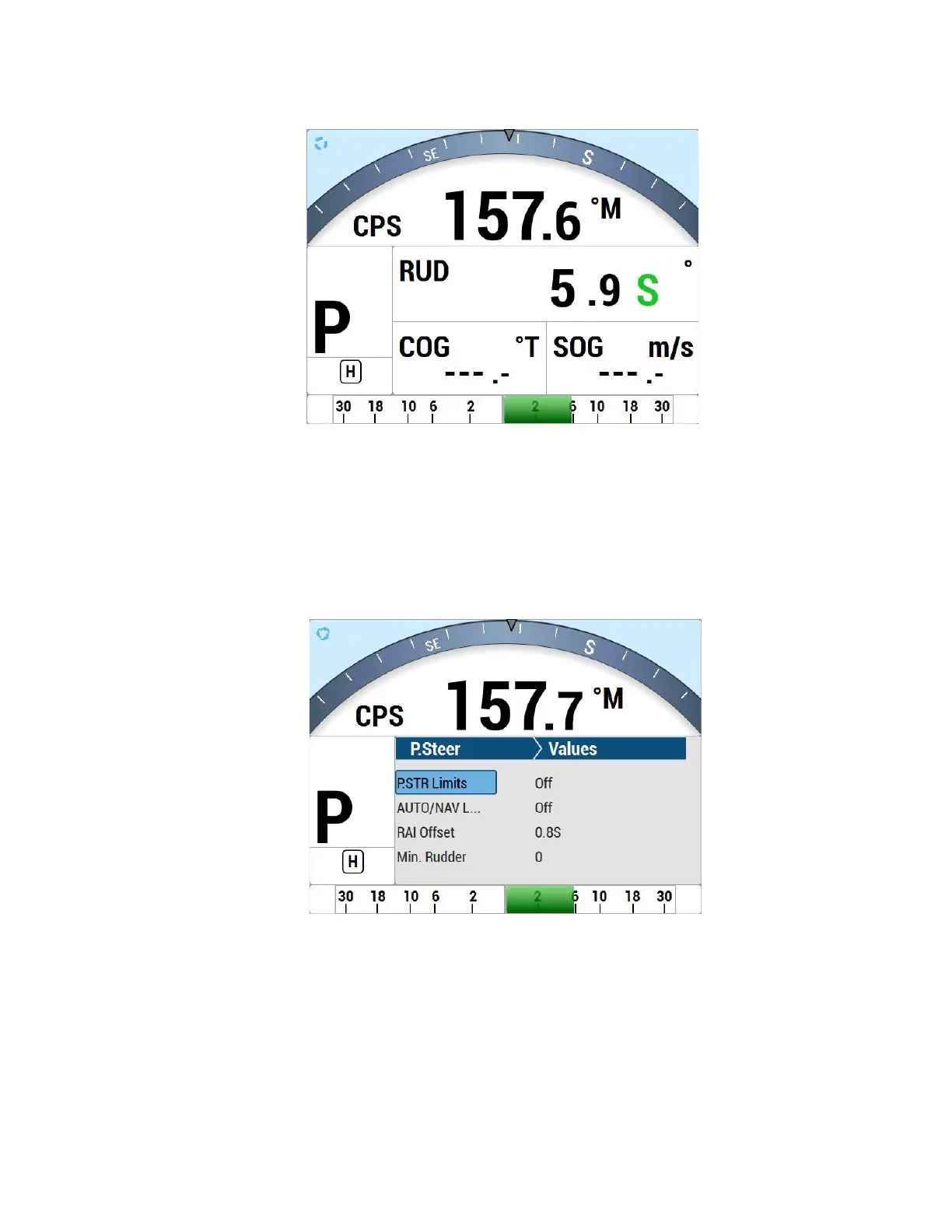
Figure 57 – Typical Power Steer Mode Screen
Power Steer Menu
The Power Steer menu contains the mechanical steering parameters (which are common to
all modes). To access the Power Steer menu, double-press the P.STR button.
Figure 58 – Power Steer Menu
Stdby/P.Str Limits - Power Steer Rudder Limits
When you initially set up the P4 system, you will move the rudder from hard over port to hard
over starboard so that the autopilot can measure these positions. These mechanical hard



 To Next Page