ComNav P4 Installation and Operation
Advanced Operations
Document PN 29010100 V1r0 - 157 -
Rudder Scale - Rudder Scale Factor
When WORK mode is engaged, the “Rudder Scale Factor” will multiply the Rudder Gain
setting in the Auto menu. Normally, the rudder is moved an amount proportional to the
course error detected (for example, the error times the Rudder Gain, and using some
constants which
depend on vessel type), but in WORK mode that amount will also be
multiplied by the Scale
Factor. This will always result in larger rudder movements for a
given course error.
Work Mode State
This parameter shows the current status of WORK mode. It is also a means to force
WORK
mode to be active or not. Normally, WORK mode is engaged or disengaged
depending on
the speed of the boat as given by a Navigation System. In cases where this
information is
not available, WORK mode can still be made to function by forcing it on.
The states shown are “Off”, “A_On” and “A_Rdy” (abbreviations for Automatic On and
Automatic Ready, respectively), or “M_On” and “M_Rdy” (Manual On and Manual Ready).
Special Turns
There are a number of Special Turns pre-programmed into the P4 system. Special Turns can
be executed only in AUTO, WORK and modes.
To execute a Special Turn (with the autopilot in the appropriate mode):
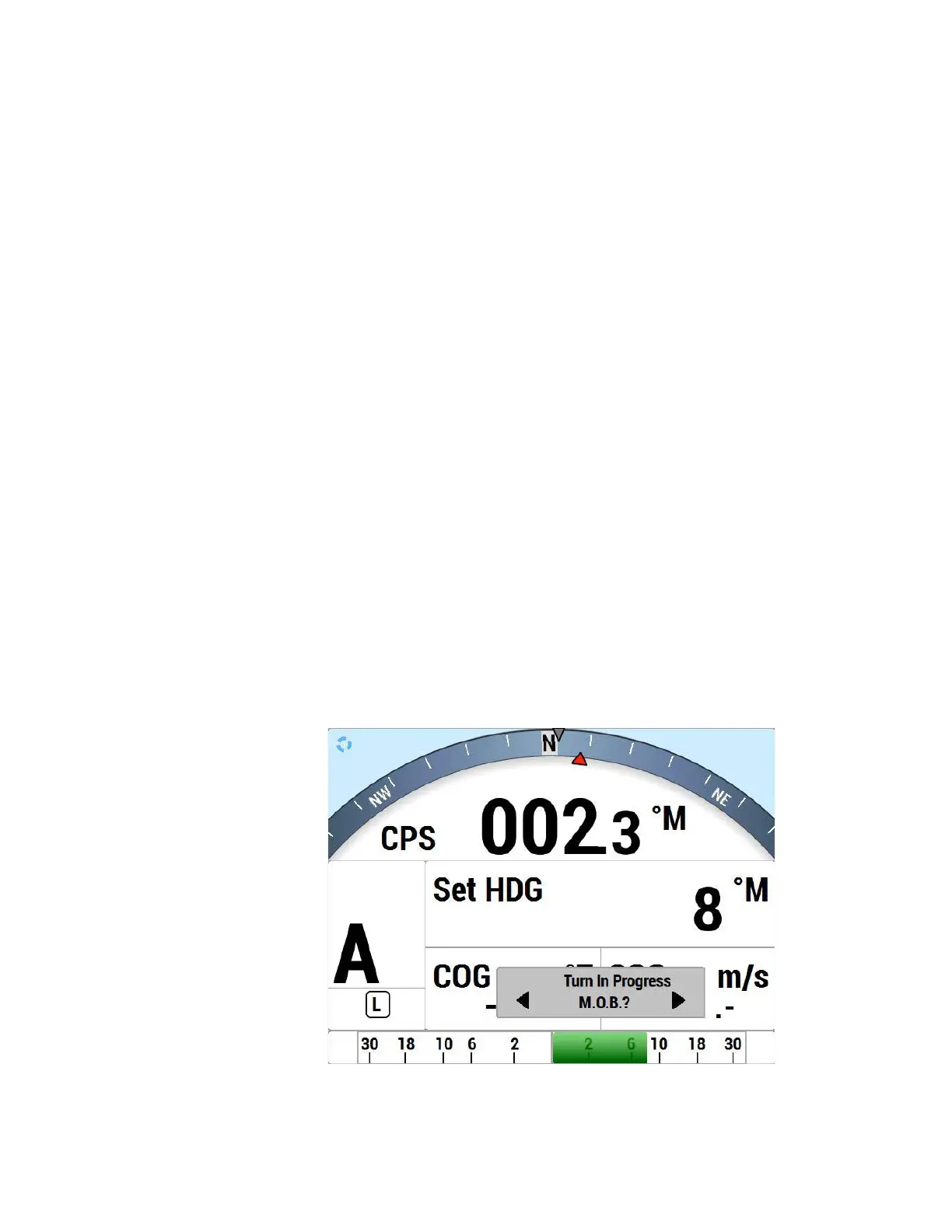
1) Press the TURN button. The default special turn will be displayed, along with a query
for a direction.
2) If a different special turn other than the default shown is desired, press the TURN
button again. The next special turn in the available list will be shown. Press the
TURN button again and again until the desired special turn is shown.
3) Press either the PORT or STARBOARD ARROW button to select the direction in
which to execute the Special Turn.
Figure 74 – Typical Special Turn Query\]



 To Next Page