ComNav P4 Installation and Operation Basic Operations
Document PN 29010100 V1r0 - 128 -
Whenever an alarm or error message occurs on the P4, an audible alarm will
sound, both at
the SPU and at the Control Head, and a message will be displayed on the LCD.
The alarm will remain activated until the condition that caused it is remedied, or the alarm is
cleared manually by the operator.
To clear the alarm manually, press the ENTER button once.
If the condition that caused the alarm remains, the alarm will reappear after approximately 20
seconds.
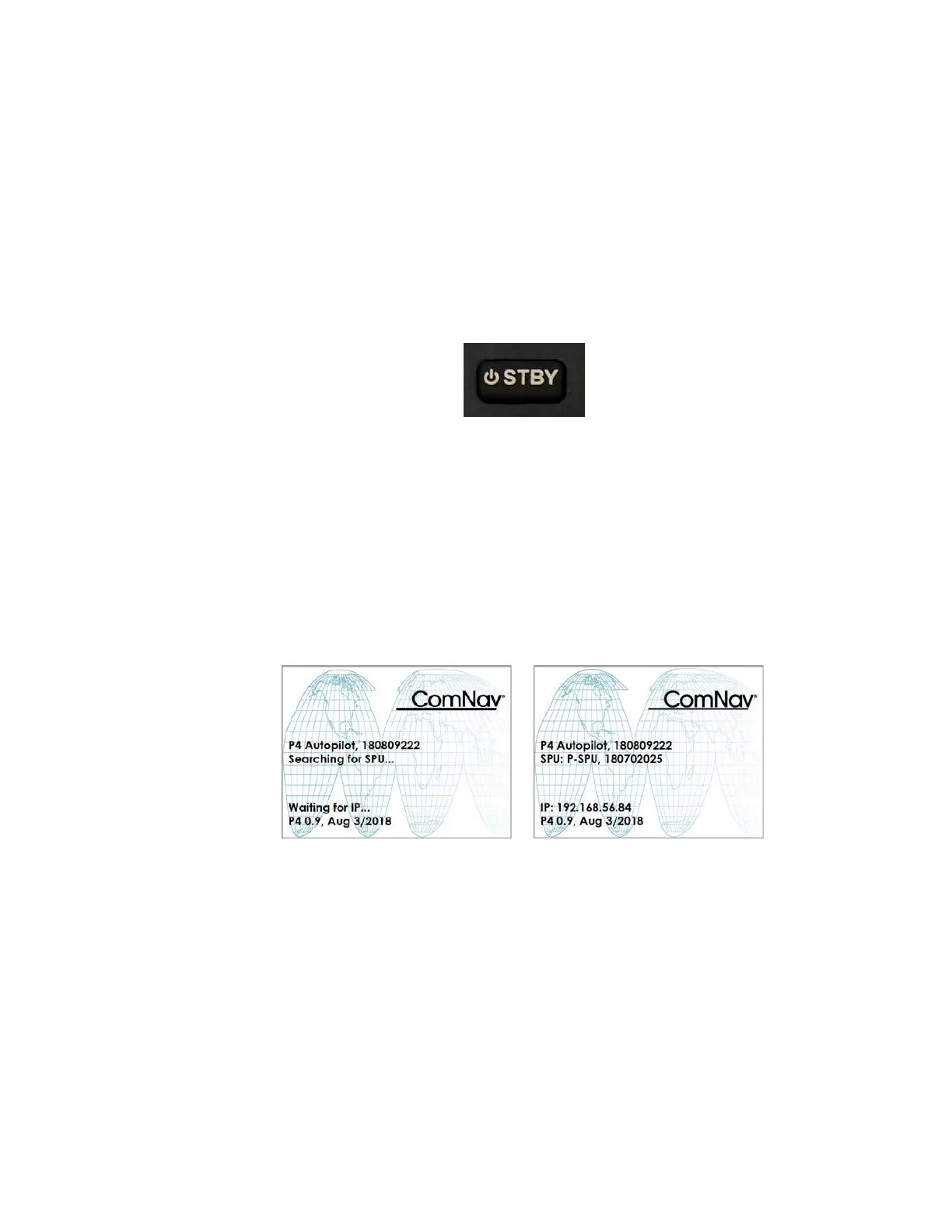
Figure 54 – Standby Button
Power On
The first step in using your P4 system is to turn it on …
Press the Control Head’s STANDBY button (Figure 54)
Press and hold until the introductory display appears on the LCD screen (Figure 55), then
release the button.
Figure 55 – Power On Sequence
On the SPU, the BATT PWR, DRV PWR and VCC diagnostic
LEDS should all light up.
After a few seconds, the firmware versions of both the Control Head and the SPU are listed
on the display. You should record those version numbers in the Notes section at the back of
the manual, to reference should your autopilot ever require servicing.
The autopilot then goes into STANDBY mode.
Power Off



 To Next Page