ComNav P4 Installation and Operation Getting Started
Document PN 29010100 V1r0 - 87 -
To repair and reset:
1. Make sure the N2K wires are connected to the SPU properly.
2. Press the Enter button to acknowledge alarm
3. Press and hold the CMD button to take control
4. Press the CMD button to “Main Menu”
5. Select Network Config
6. Select AP Network
7. Press Enter (TURN KNOB) button to acknowledge the Warning Message - press
ENTER to dismiss”
8. Select Linked SPU
9. Select the SPU serial number
10. Press Enter to select the SPU. Now the Control Head and the SPU are connected
together and the Remote is in control.
11. Press the CMD button to go back to the previous screen.
12. Press and hold the CMD to take control of the Head.
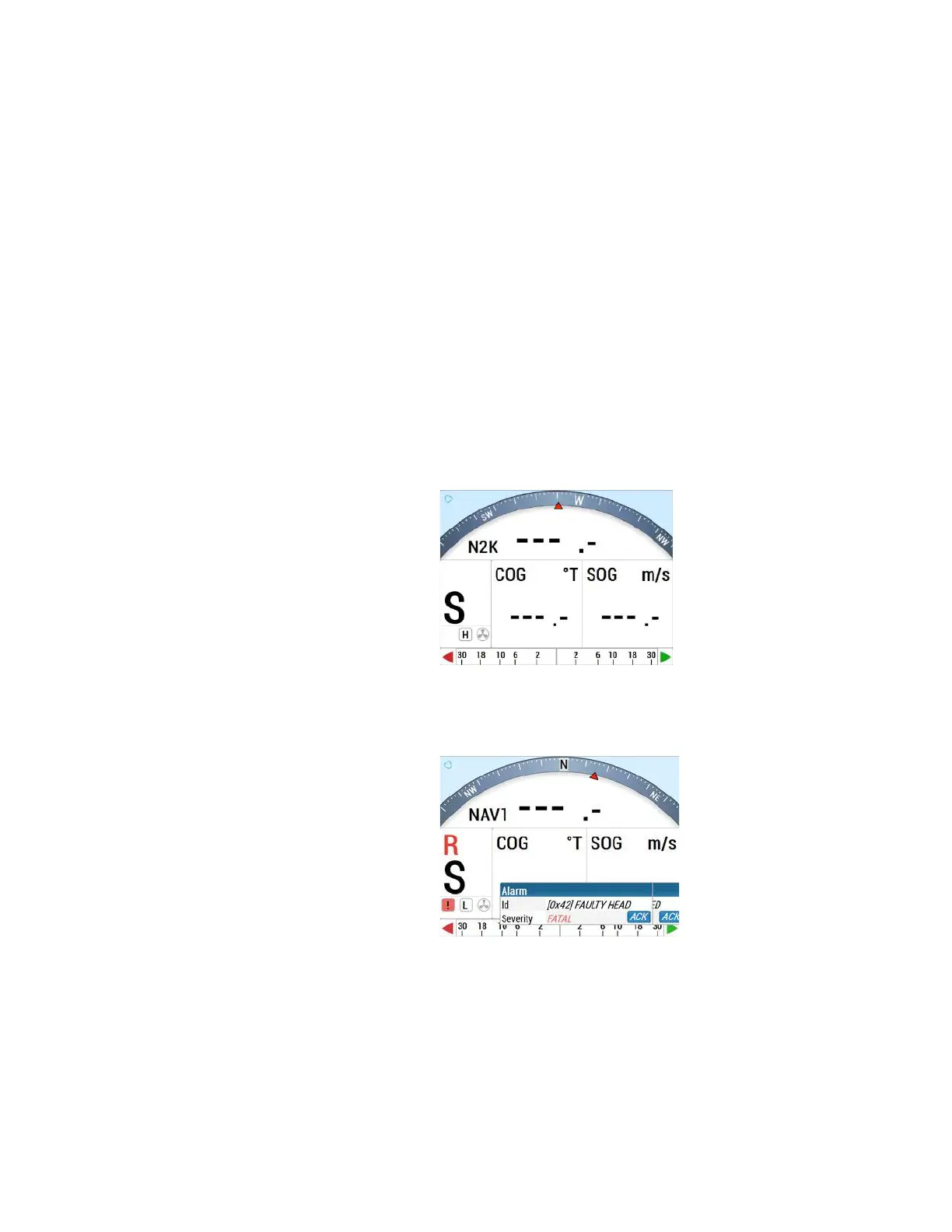
13. Press the CMD button a few times to get back to “STANDBY” screen, “S” on the left
lower corner as below.
For “Faulty Head”
The “Faulty Head” alert identifies a connection failure to the SPU upon initial start-up. The
“Compass error” alert occurs when the SPU can’t identify the Compass source. To correct
either of these alerts, do the following:
1. Press “Enter” (brought up by clicking/single press the TURN knob) to
acknowledge the alarm message.
2. Press and hold the “CMD” button to take control. The “Faulty Head” and
“Compass Error” messages will disappear.



 To Next Page