ComNav P4 Installation and Operation Getting Started
Document PN 29010100 V1r0 - 107 -
Compass Set-up
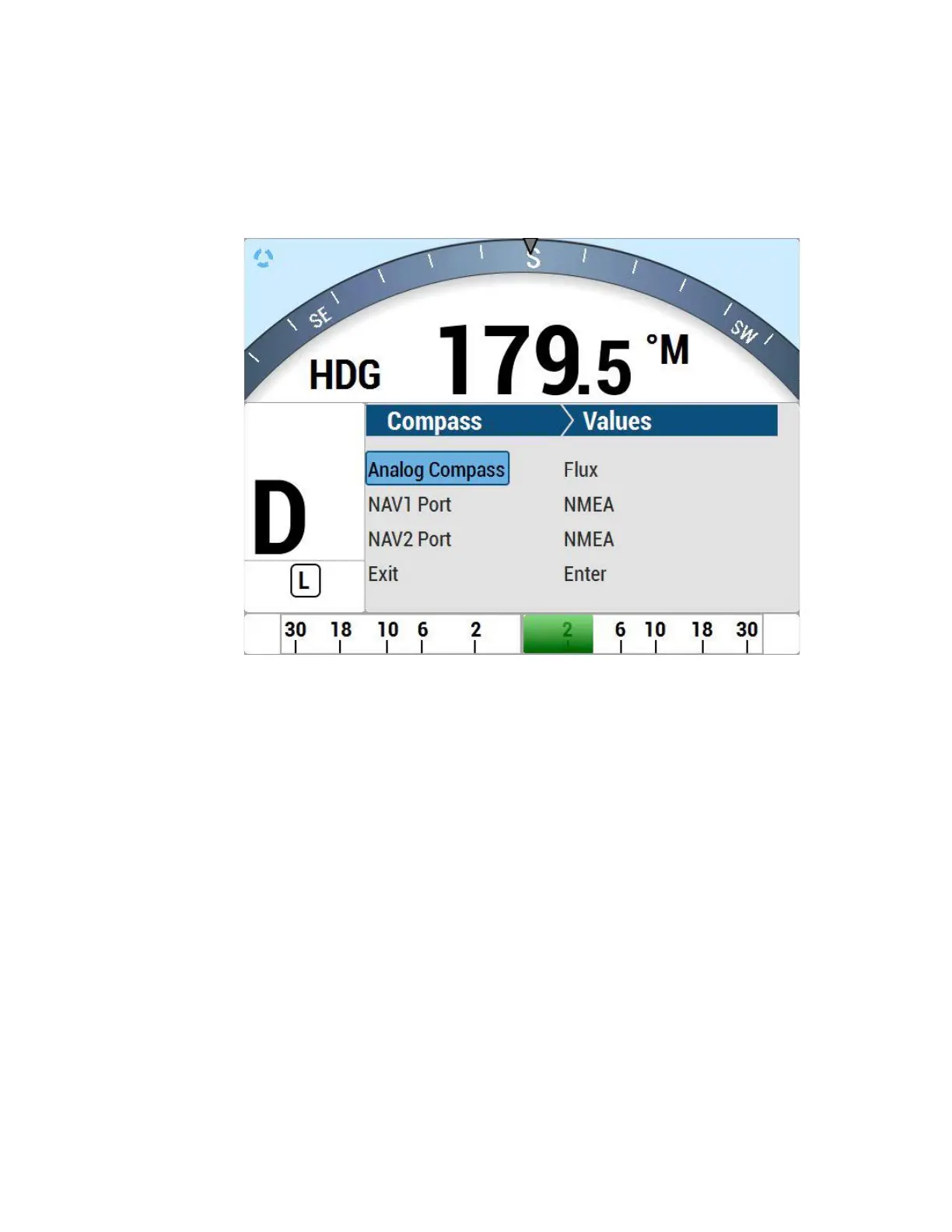
Highlight Compass Setup shown in Figure 52 and press ENTER. The list of all four
supported compass
heading sources will be displayed (see Table 5).
Figure 52 – Set Compass Type in Compass Configuration menu
The first step in setting up your compass(es) is to verify that it is (or they are) properly
wired
to the SPU.
After the verification, depending on which compass or compasses you are using, you
must do
the
calibration or configuration one at a time.
All calibration or configuration should be done while tied up to the dock, in case any re-
wiring
needs to be done, or if it turns out that some elements of the P4 system need to be
moved.
NOTE: during these steps, the autopilot may issue an INVALID HEADING alarm. These
alarms can be ignored, by hitting the ENTER button.
Once a compass is “found” during this procedure, the alarms should cease.



 To Next Page