ComNav P4 Installation and Operation Basic Operations
Document PN 29010100 V1r0 - 129 -
You can manually turn off the autopilot at any time:
Press and hold the STANDBY button.
The autopilot will switch first to STANDBY mode, if it was not already there.
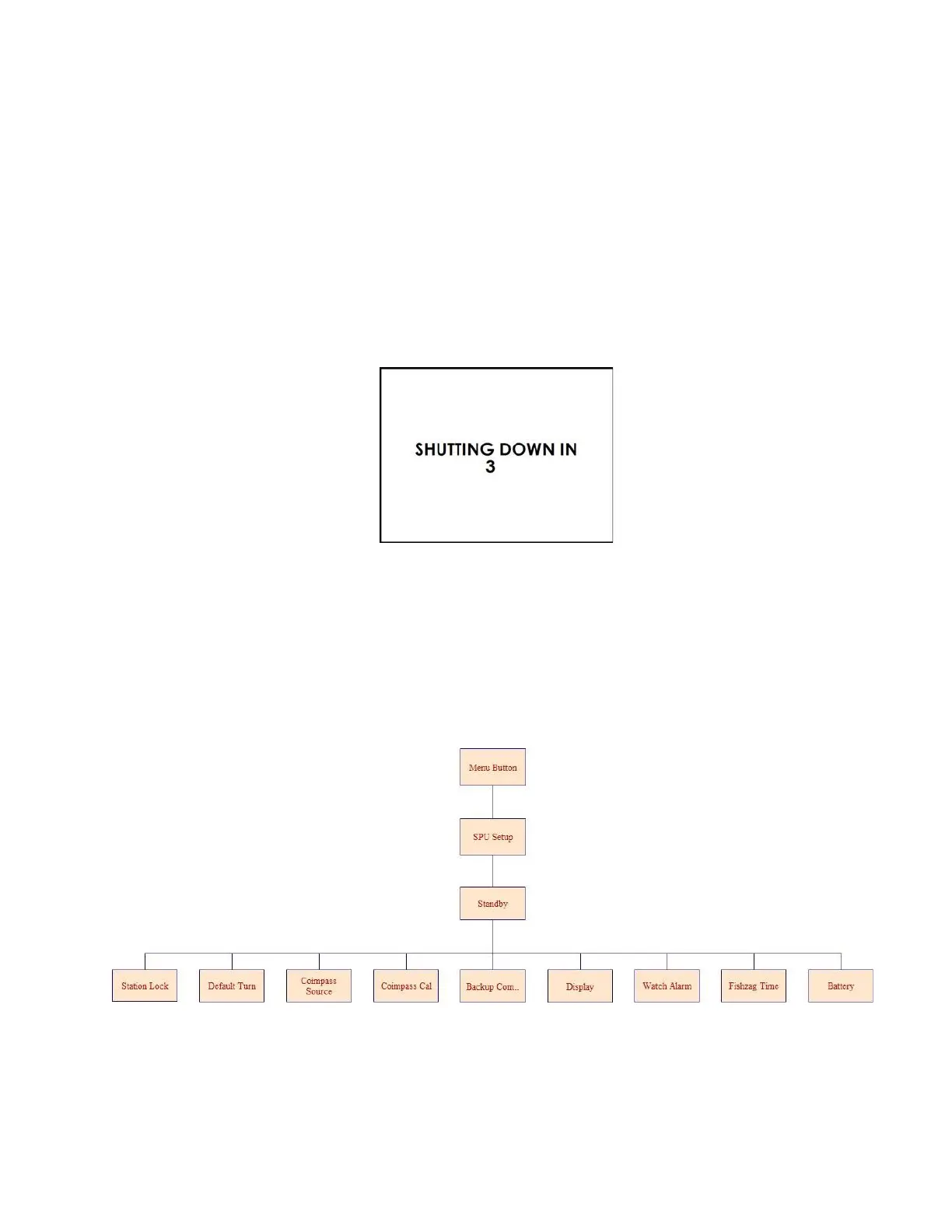
Then, if you keep pressing the button, the autopilot will start a 3 second power-down
sequence.
Once the countdown has expired, the display will prompt you to release the STANDBY
button … and once you do, the whole autopilot system will immediately shut off.
If you release the STANDBY button before the 3-second countdown has finished,
the autopilot will abort the countdown, and remain in STANDBY mode.
Standby menu
To access the STANDBY menu, press the Menu button and select “Setup.”
There are 9 sets of settings.



 To Next Page