ComNav P4 Installation and Operation Getting Started
Document PN 29010100 V1r0 - 74 -
Accessed through
when P4 is in
command
NMEA 2000, Analog
compass port (fluxgate
and magnetic), NAV1,
NAV2
Table 3a - Turning off P4 system
To turn off the P4 (at any time), press and hold the red STANDBY/ON/OFF button. The
autopilot will switch first to STANDBY mode, if it was not already in that particular mode.
At that point, if you keep pressing the button, the autopilot will start a 3-second power-down
sequence. Once the countdown has expired, the display will go blank. All outputs from SPU
will stop. Other P4 stations and remote controllers in the network that are linked to the same
SPU will also blank out. The whole system is in Sleep mode.
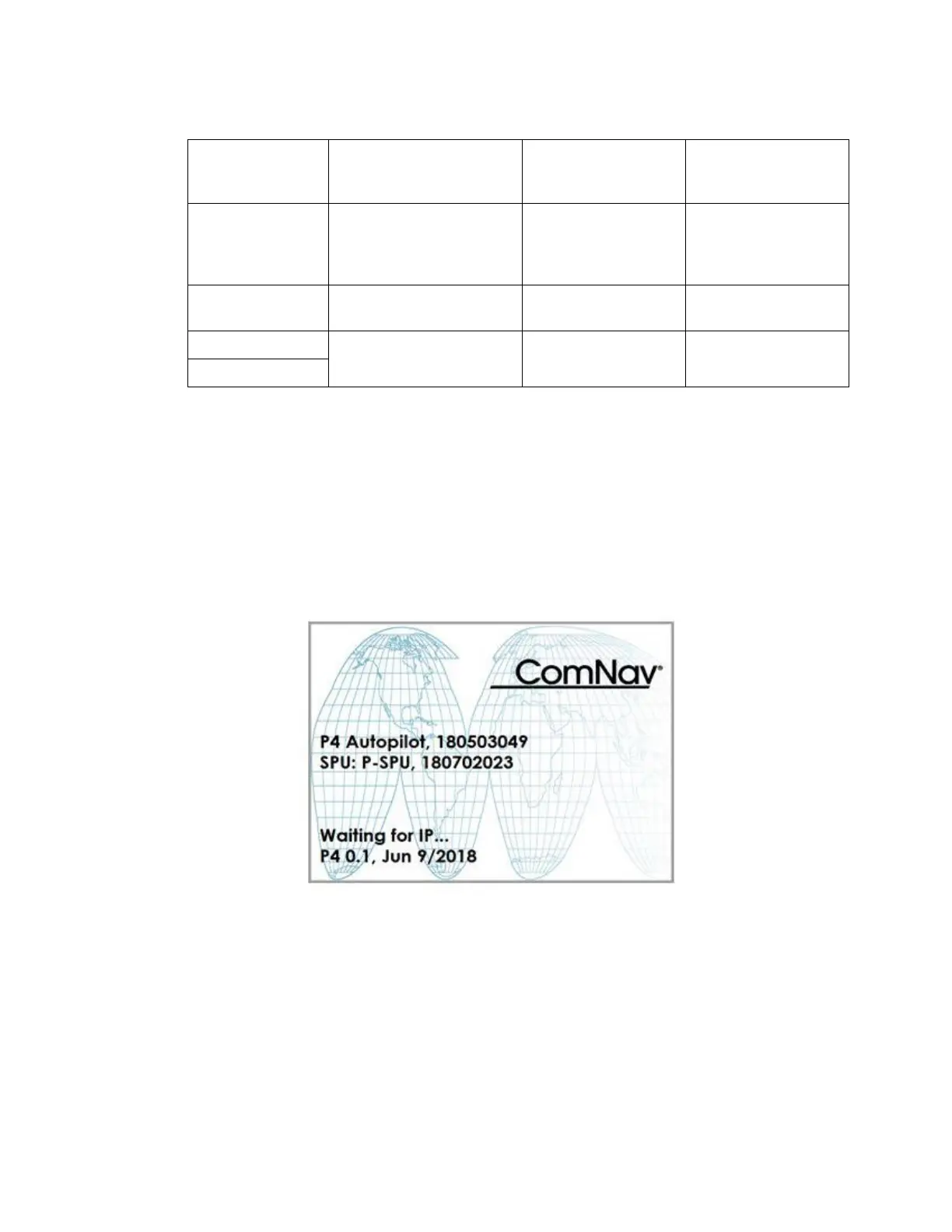
Figure 46 – Introductory display
If you release the STANDBY/ON/OFF button before the 3-second countdown has completed,
the autopilot will abort the countdown, and remain in STANDBY mode.
Turning on P4 system
Press and hold the PWR button on a P4 will wake up the P4 system. All installed controllers
for the same SPU restart as if they are powered on.



 To Next Page