ComNav P4 Installation and Operation
Basic Operations
Document PN 29010100 V1r0 - 150 -
If desired, you can also bring the rudder back to centre (Dead Ahead) part-way through a
Dodge. For example, you might want to center the rudder in order to maintain a temporary
but specific Heading that the vessel has reached during the dodge.
• Press the other ARROW button (PORT if you are dodging to Starboard, and vice-versa),
without releasing the button already being pressed.
• Maintain both the ARROW buttons simultaneously for as long as you wish to keep the
rudder centred.
The course that the vessel follows while both buttons are pressed will typically be a straight
Track, at approximately the Heading that was current at the time the second button was
pressed.
However, this can be affected by weather and waves, by the vessel’s rudder speed and
steering response time, and any directional offset that the vessel exhibits when the rudder is
centred.
• Releasing one button will re-start a Dodge in the other direction.
• Releasing both buttons will end the dodge completely, with the same mode-dependant
behaviour with respect to “Resuming the Track” as noted previously.
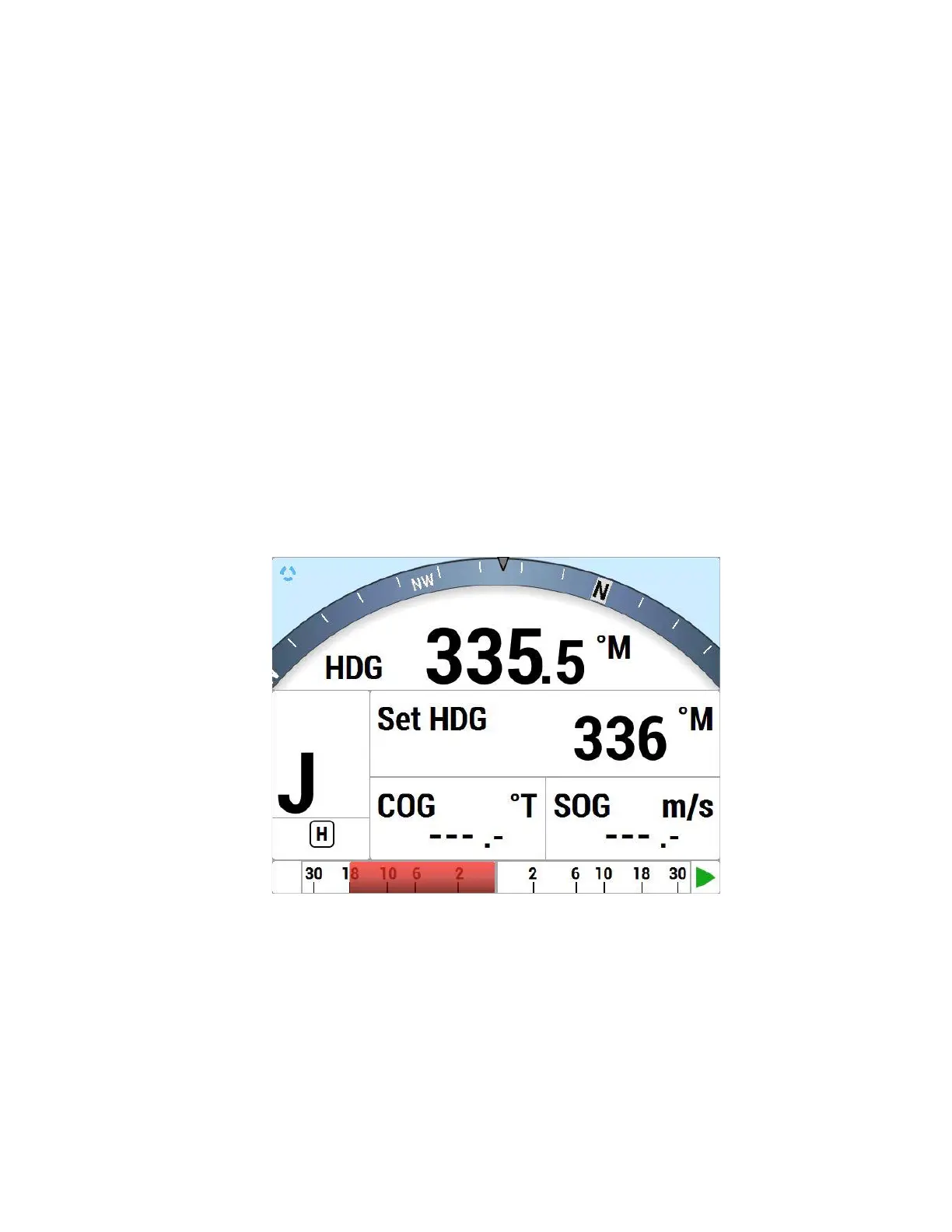
Jog Lever Turns
Figure 71 – Typical Jog Lever Activated Screen
If a Jog Lever is connected to SPU terminal block J3, you can directly change the vessel’s
heading with that Lever, while the P4 is in POWER STEER, AUTO, NAV, or WORK modes.
This is identical to a Dodge, except that you use a Jog Lever to start and control it, and also
you can do it while in POWER STEER mode.



 To Next Page