ComNav P4 Installation and Operation
Advanced Operations
Document PN 29010100 V1r0 - 158 -
The default Special Turn can be changed as desired by adjusting the “Default Turn” in the
STANDBY menu.
Special Turns can be aborted by pressing the TURN button again while the Special Turn is
executing, or by changing modes.
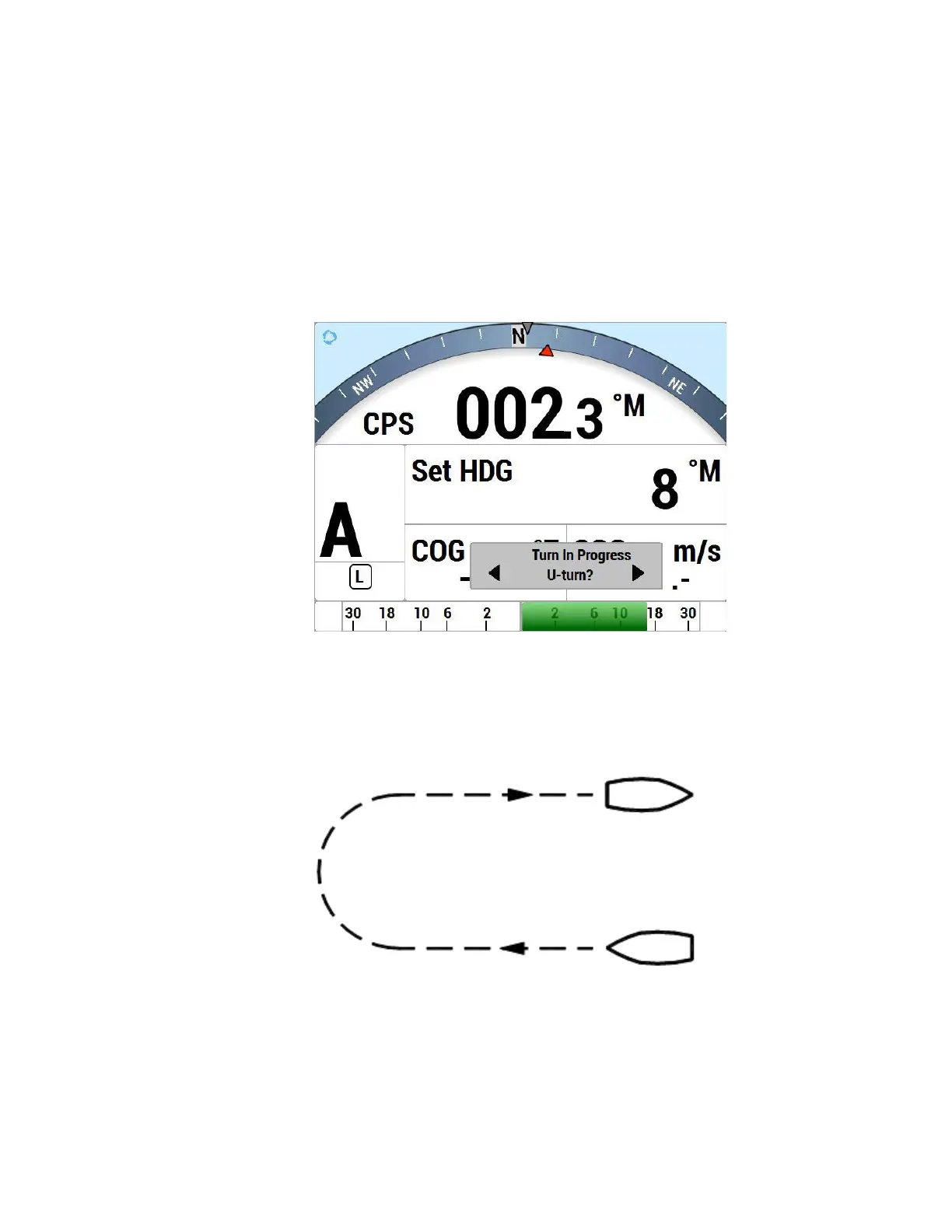
U-Turn
For a U-Turn, the autopilot calculates a reciprocal course to the vessel’s heading, and then
turns the vessel to that heading, in the appropriate direction, once the PORT or
STARBOARD ARROW button is pressed.
Figure 75 – U-Turn Query
Figure 76 – U-Turn Vessel Path



 To Next Page