ComNav P4 Installation and Operation Getting Started
Document PN 29010100 V1r0 - 86 -
For typical ComNav P4 N2K system - P4 Head and SPU with GNSS (N2K) Compass and
Rotary Feedback, do the following:
1. Install the P4 SPU as per the “Wiring the system” section for Signal Processor
Unit and Power Supply.
2. Install the Rudder Follower unit, pump, drives and Navigation devices as per the
“Installation” and “Wiring the system” sections for the RFU to the P4 SPU.
3. Connect the GNSS (N2K) Compass onto the N2K network with a drop cable.
4. Connect the P4 Head and SPU onto on the N2K network with drop cables
The ComNav P4 system is designed with safety messages for all situations requiring alerts,
and users must acknowledge the alarm messages if and when they occur.
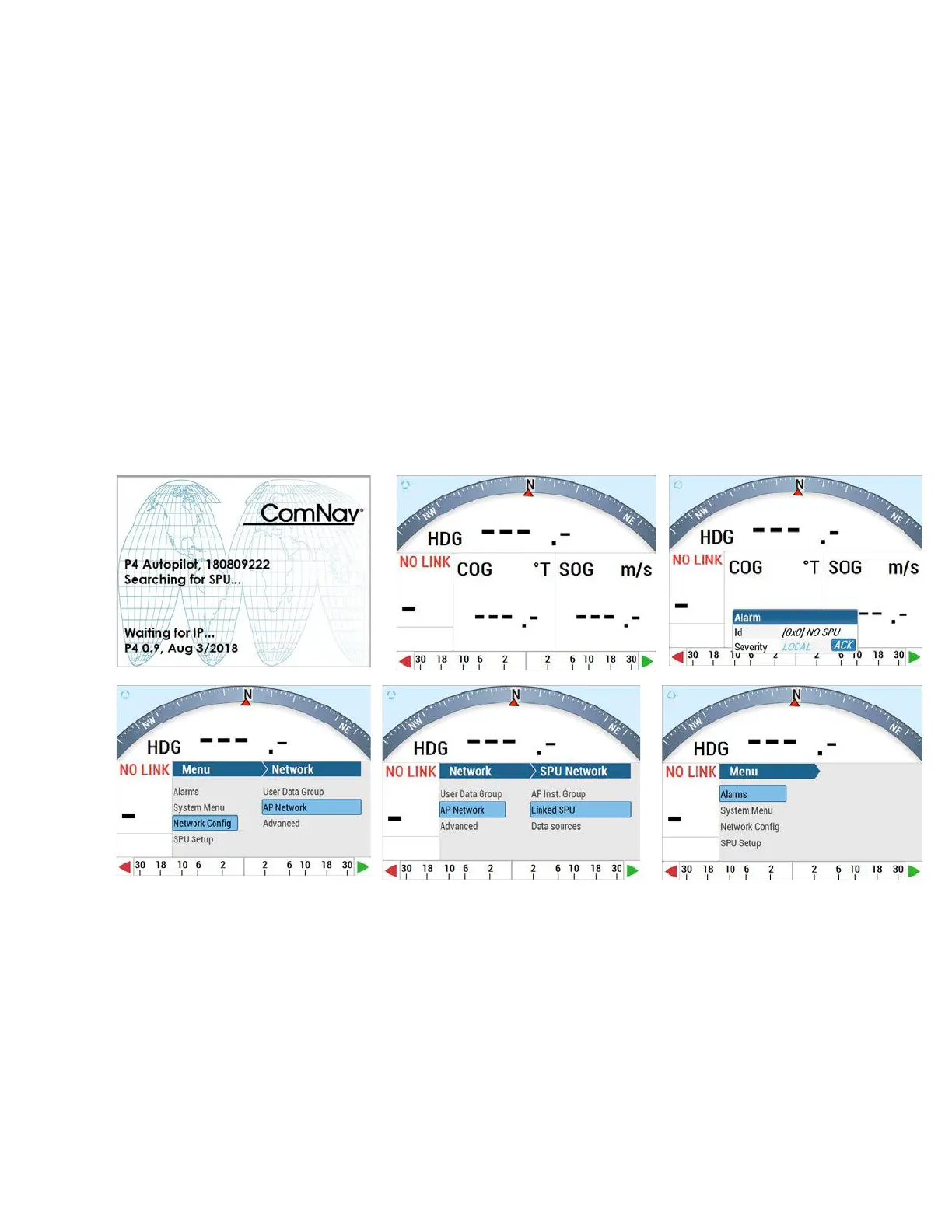
When the unit is first connected to the N2K network, there will be two possible screens with
alert messages. One is “No Link” to SPU. The other is “Faulty Head.”
For “No Link” to SPU:



 To Next Page