ComNav P4 Installation and Operation Getting Started
Document PN 29010100 V1r0 - 96 -
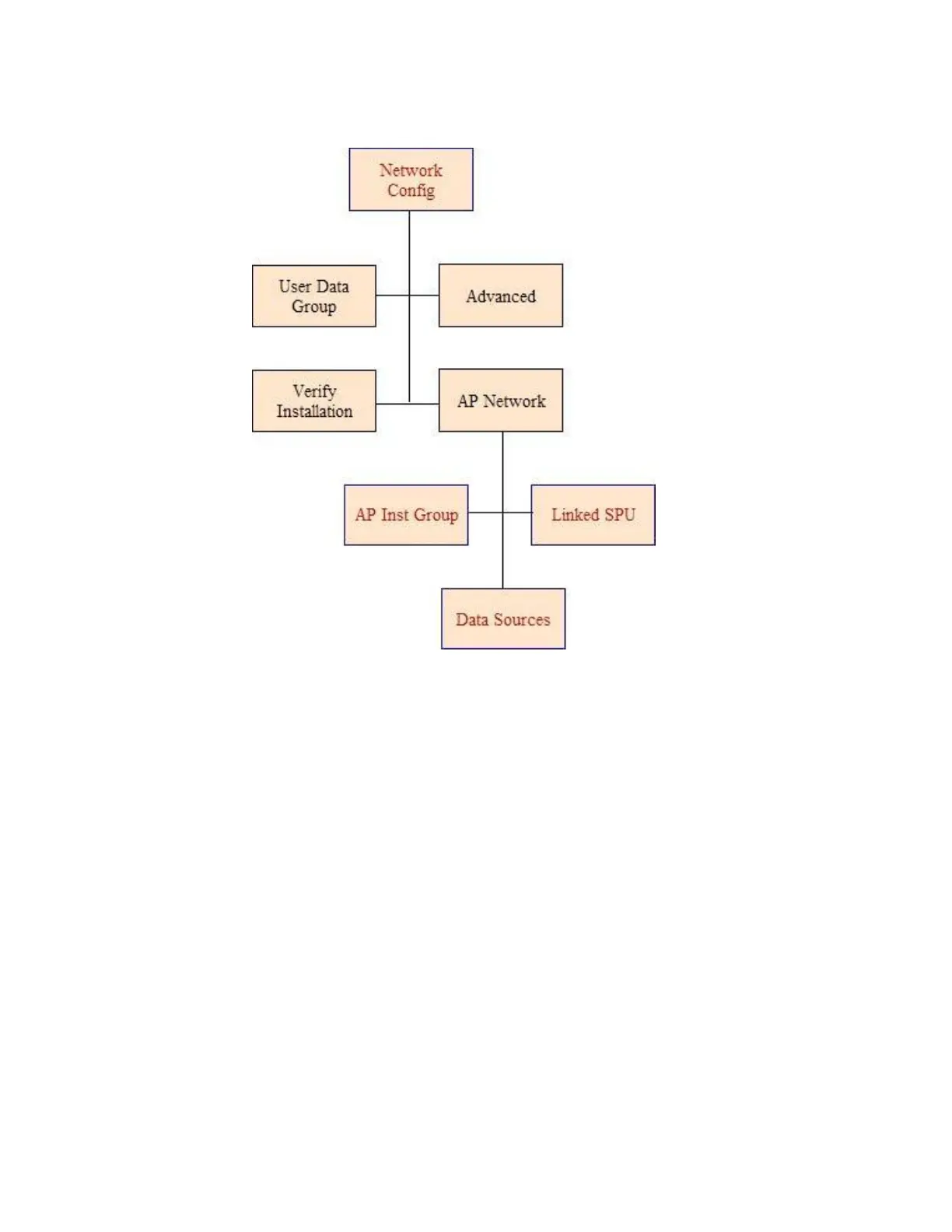
Network Config menu
The Network Config menu allow users to configure the preferred Compass Source,
Navigation Source, multiple P4 SPUs’ and multiple P4 Heads’ that are involved with a P4
Autopilot connecting to a N2K Network. To
access the Network Config menu, double-press
the CMD button to bring up the MAIN Menu and then press TURN KNOB button to select.
User Data Group
Allows the user to change the group data field for their device.
P4 devices with the same group data field will sync to each other. For example, if
you set one P4 device with a group data field from 1 to Night mode, other P4s on
the network with the same value for their group data will also change to Night
mode.



 To Next Page