INS_CNGE3FE8MS[POE][HO] Rev. 11.7.17 PAGE 185
INSTRUCTION MANUAL CNGE3FE8MS[POE][HO]
TECH SUPPORT: 1.888.678.9427
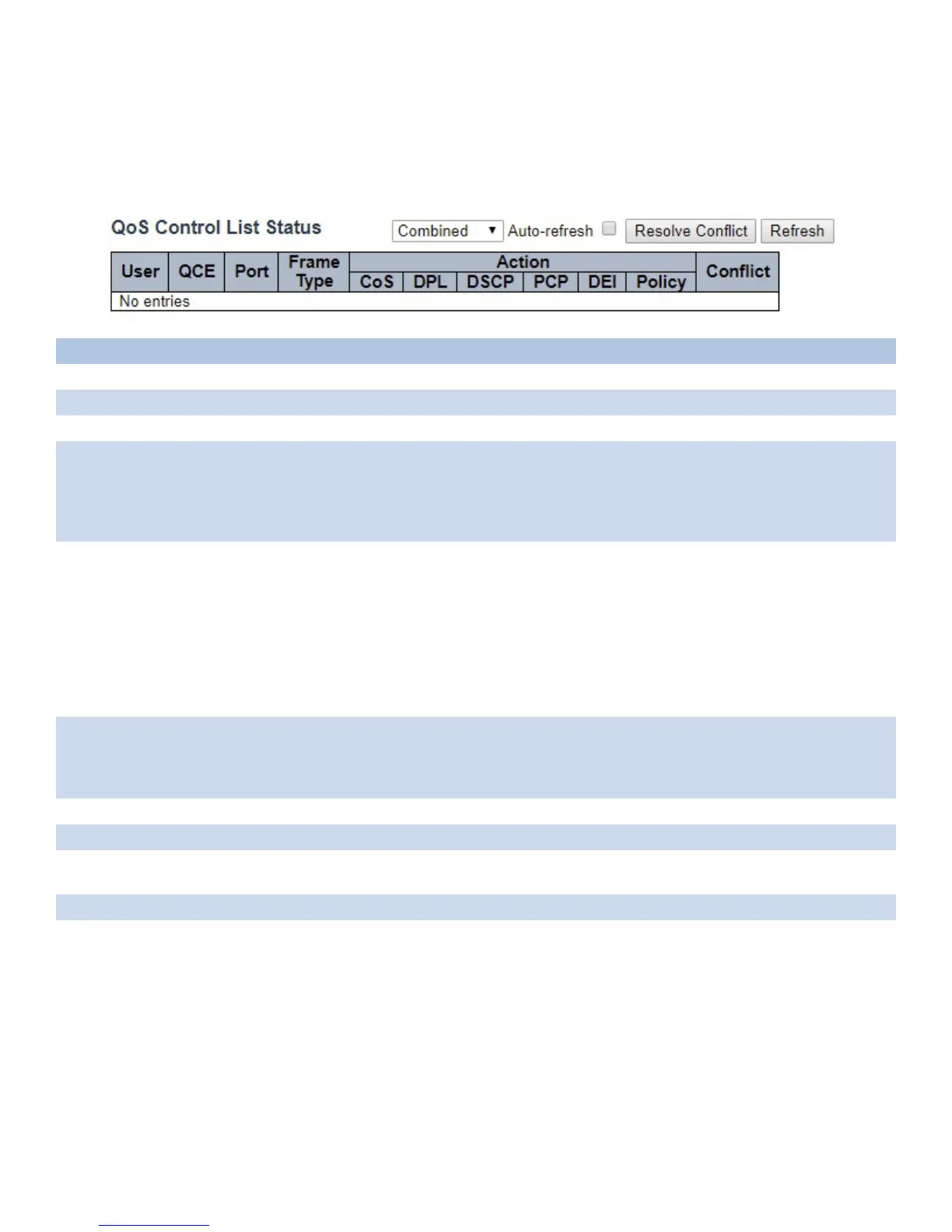
QCL Status
This page shows the QCL status by different QCL users. Each row describes the QCE that is
defined. It is a conflict if a specific QCE is not applied to the hardware due to hardware limitations.
The maximum number of QCEs is 256 on each switch.
Object Description
User Indicates the QCL user.
QCE Indicates the QCE id.
Port Indicates the list of ports configured with the QCE.
Frame Type Indicates the type of frame. Possible values are: Any: Match any frame type.
Ethernet: Match EtherType frames.
LLC: Match (LLC) frames.
SNAP: Match (SNAP) frames.
IPv4: Match IPv4 frames. IPv6: Match IPv6 frames
Action Indicates the classification action taken on ingress frame if parameters configured are matched
with the frame’s content.
Possible actions are:
CoS: Classify Class of Service.
DPL: Classify Drop Precedence Level.
DSCP: Classify DSCP value.
PCP: Classify PCP value.
DEI: Classify DEI value.
Policy: Classify ACL Policy number.
Conflict Displays Conflict status of QCL entries. As H/W resources are shared by multiple applications.
It may happen that resources required to add a QCE may not be available, in that case it shows
conflict status as ‘Yes’, otherwise it is always ‘No’. Please note that conflict can be resolved by
releasing the H/W resources required to add QCL entry on pressing ‘Resolve Conflict’ button.
Combined Select the QCL status from this drop-down list.
Auto_refresh Check to refresh the page automatically every 3 seconds.
Resolve Conflict Click to release the resources required to add QCL entry, in case the conflict status for any QCL
entry is ‘yes’.
Refresh Click to refresh the page.



 To Next Page