INS_CNGE3FE8MS[POE][HO] Rev. 11.7.17 PAGE 243
INSTRUCTION MANUAL CNGE3FE8MS[POE][HO]
TECH SUPPORT: 1.888.678.9427
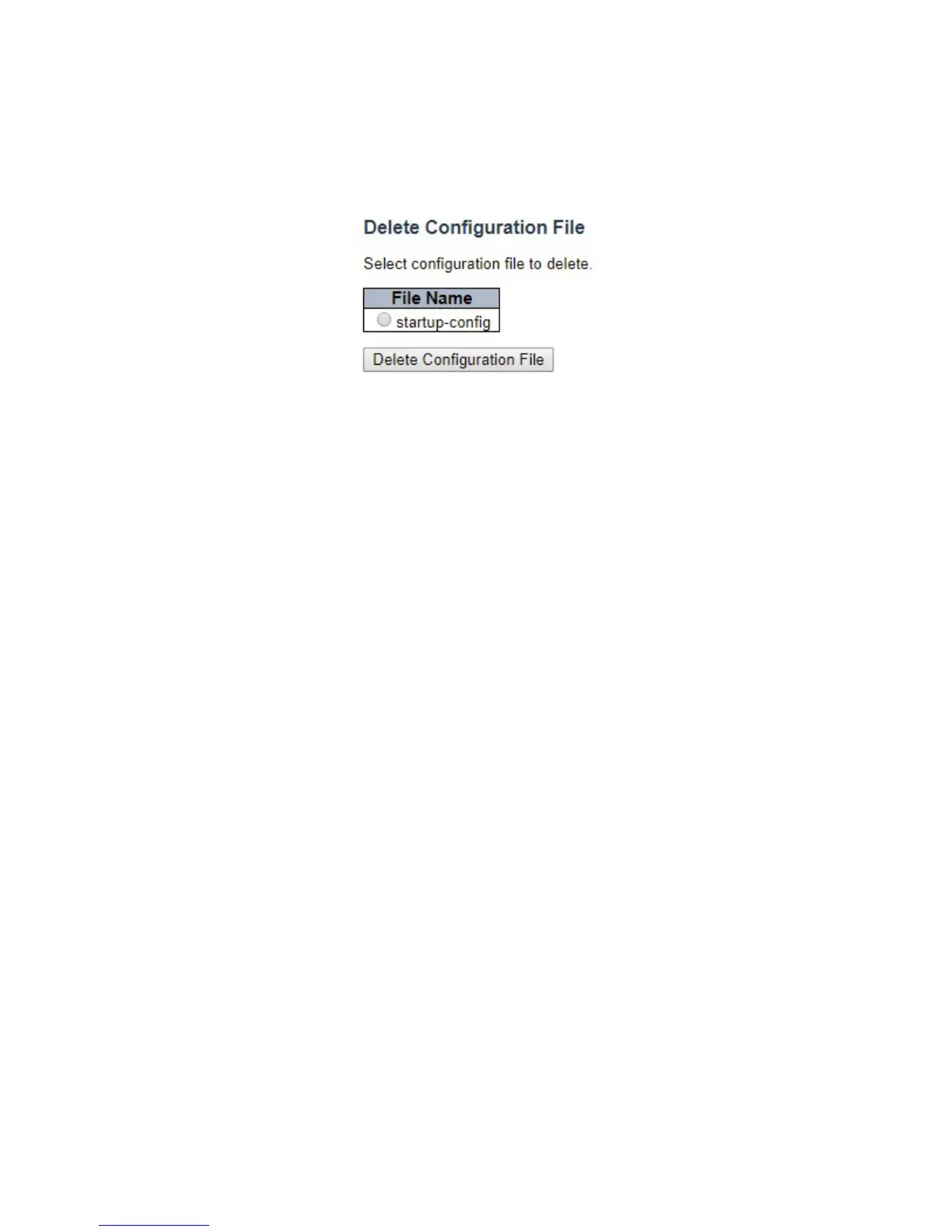
Delete
It is possible to delete any of the writable files stored in flash, including startup-config. If this is
done and the switch is rebooted without a prior Save operation, this effectively resets the switch
to default configuration.
Select “startup-config” file, and click “Delete Configuration File” button to delete the startup-
config. Switch will reconfigure itself to factory default after restart.



 To Next Page