INS_CNGE3FE8MS[POE][HO] Rev. 11.7.17 PAGE 43
INSTRUCTION MANUAL CNGE3FE8MS[POE][HO]
TECH SUPPORT: 1.888.678.9427
SNMP
System
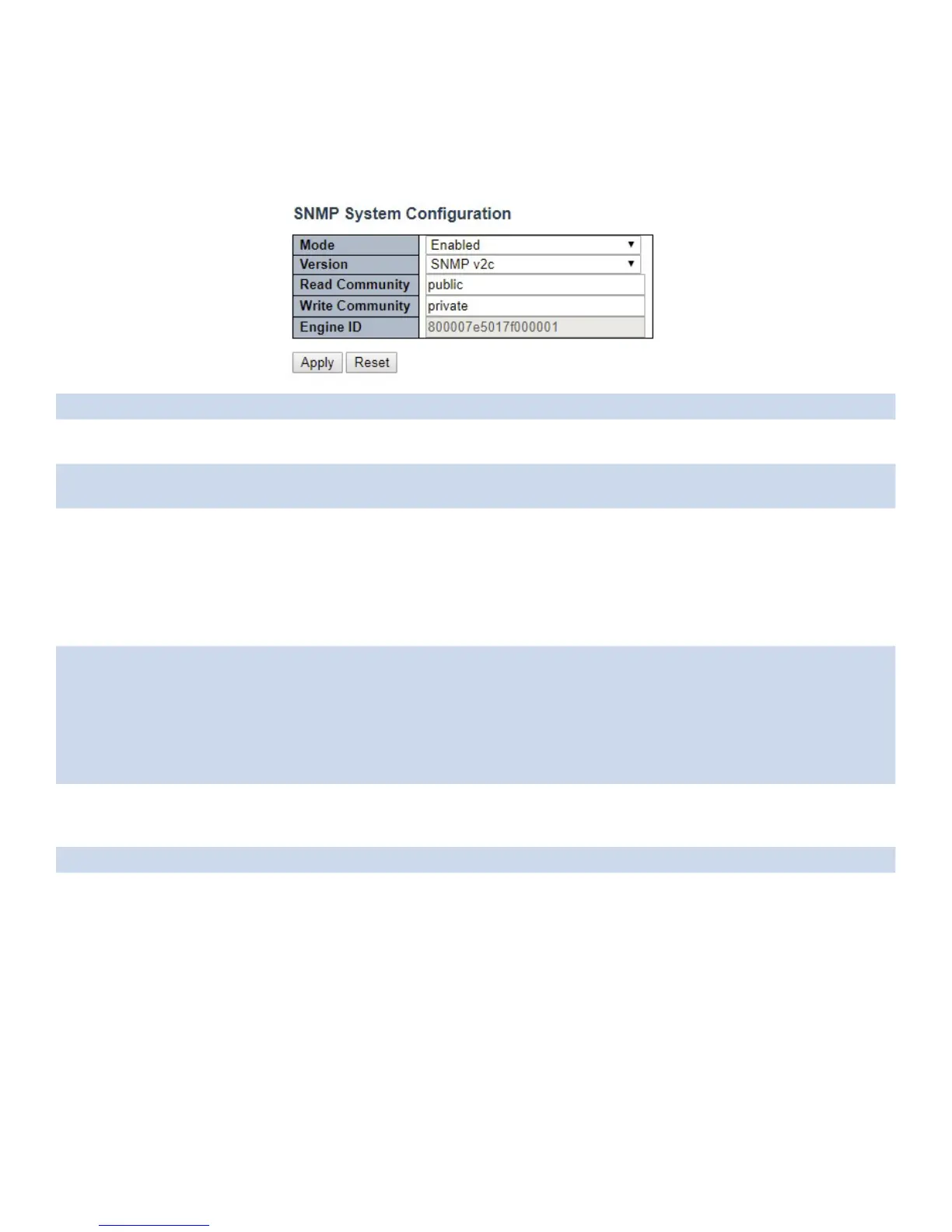
Configure SNMP on this page.
Object Description
Mode Indicates the SNMP mode operation. Possible modes are: Enabled: Enable SNMP mode
operation. Disabled: Disable SNMP mode operation.
Version Indicates the SNMP supported version. Possible versions are: SNMP v1: Set SNMP supported
version 1. SNMP v2c: Set SNMP supported version 2c. SNMP v3: Set SNMP supported version 3.
Read Community Indicates the community read access string to permit access to SNMP agent. The allowed
string length is 0 to 255, and the allowed content is the ASCII characters from 33 to 126.The
field is applicable only when SNMP version is SNMPv1 or SNMPv2c. If SNMP version is SNMPv3,
the community string will be associated with SNMPv3 communities table. It provides more
flexibility to configure security name than a SNMPv1 or SNMPv2c community string. In addition
to community string, a particular range of source addresses can be used to restrict source
subnet.
Write Community Indicates the community writes access string to permit access to SNMP agent. The allowed
string length is 0 to 255, and the allowed content is the ASCII characters from 33 to 126.
The field is applicable only when SNMP version is SNMPv1 or SNMPv2c. If SNMP version is
SNMPv3, the community string will be associated with SNMPv3 communities table. It provides
more flexibility to configure security name than a SNMPv1 or SNMPv2c community string. In
addition to community string, a particular range of source addresses can be used to restrict
source subnet.
Engine ID Indicates the SNMPv3 engine ID. The string must contain an even number (in hexadecimal
format) with number of digits between 10 and 64, but all-zeros and all-’F’s are not allowed.
Change of the Engine ID will clear all original local users.
Apply Click to apply changes.
Reset Click to revert to previous values.



 To Next Page