INS_CNGE3FE8MS[POE][HO] Rev. 11.7.17 PAGE 93
INSTRUCTION MANUAL CNGE3FE8MS[POE][HO]
TECH SUPPORT: 1.888.678.9427
Object Description
Restricted TCN If enabled, causes the port not to propagate received topology change notifications and topology
changes to other ports. If set it can cause temporary loss of connectivity after changes in a spanning
tree’s active topology as a result of persistently incorrect learned station location information. It is
set by a network administrator to prevent bridges external to a core region of the network, causing
address flushing in that region, possibly because those bridges are not under the full control of the
administrator or the physical link state of the attached LANs transits frequently.
BPDU Guard If enabled, causes the port to disable itself upon receiving valid BPDU’s. Contrary to the similar
bridge setting, the port Edge status does not effect this setting.
A port entering error-disabled state due to this setting is subject to the bridge Port Error Recovery
setting as well.
Point-to-Point Controls whether the port connects to a point-to-point LAN rather than to a shared medium. This
can be automatically determined, or forced either true or false. Transition to the forwarding state is
faster for point-to-point LANs than for shared media.
Apply Click to apply changes.
Reset Click to revert to previous values.
MSTI Ports
This page allows the user to inspect the current STP MSTI port configurations, and possibly
change them as well.
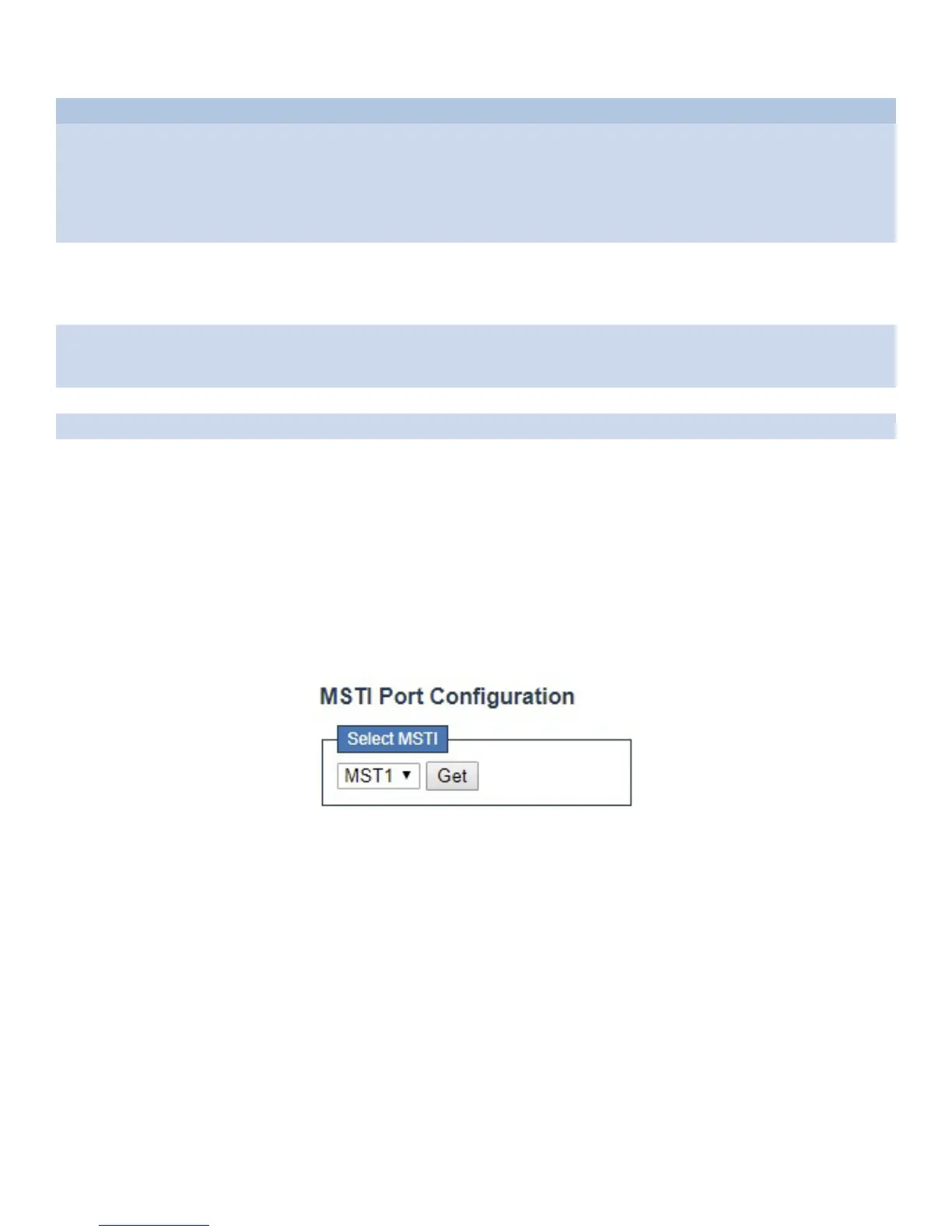
An MSTI port is a virtual port, which is instantiated separately for each active CIST (physical) port
for each MSTI instance configured on and applicable to the port. The MSTI instance must be
selected before displaying actual MSTI port configuration options.
This page contains MSTI port settings for physical and aggregated ports.
Click “Get” to retrieve settings for a specific MSTI, the page displayed as follow.



 To Next Page