Managing Power 4-13
Writer: Karen S. Williams Saved by: Cheryl Love Saved date: 09/05/97 3:21 PM
Part Number: 220709-003 File name: Ch04.doc
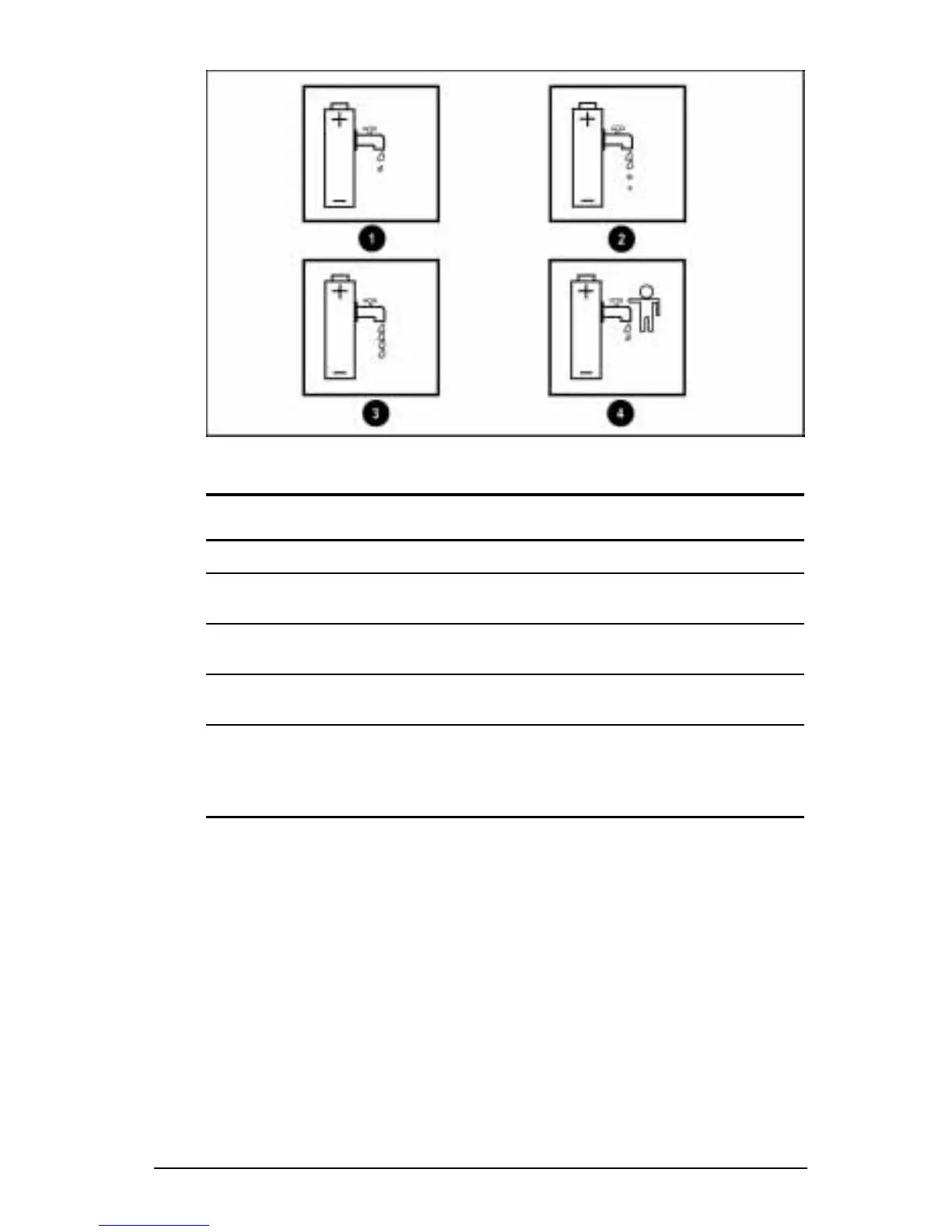
Battery Conservation Settings Icons
Battery Conservation Levels
Level Result
1
High Provides maximum battery conservation and
the most battery life from a single charge.
2
Medium (Default) Provides a balance between system
performance and battery life.
3
None (Drain) Turns off battery conservation; the system runs
at full power.
4
Custom Enables you to customize screen brightness
and processor speed and timeouts for
Suspend, system idle, hard disk idle, and
screen save.
NOTE:
Press the
Fn+F7
hotkey to view the icon for the current
conservation level in a popup window. To change the
conservation level, use the cursor keys.











 To Next Page