41
CONTROLLER
OPERATION
A
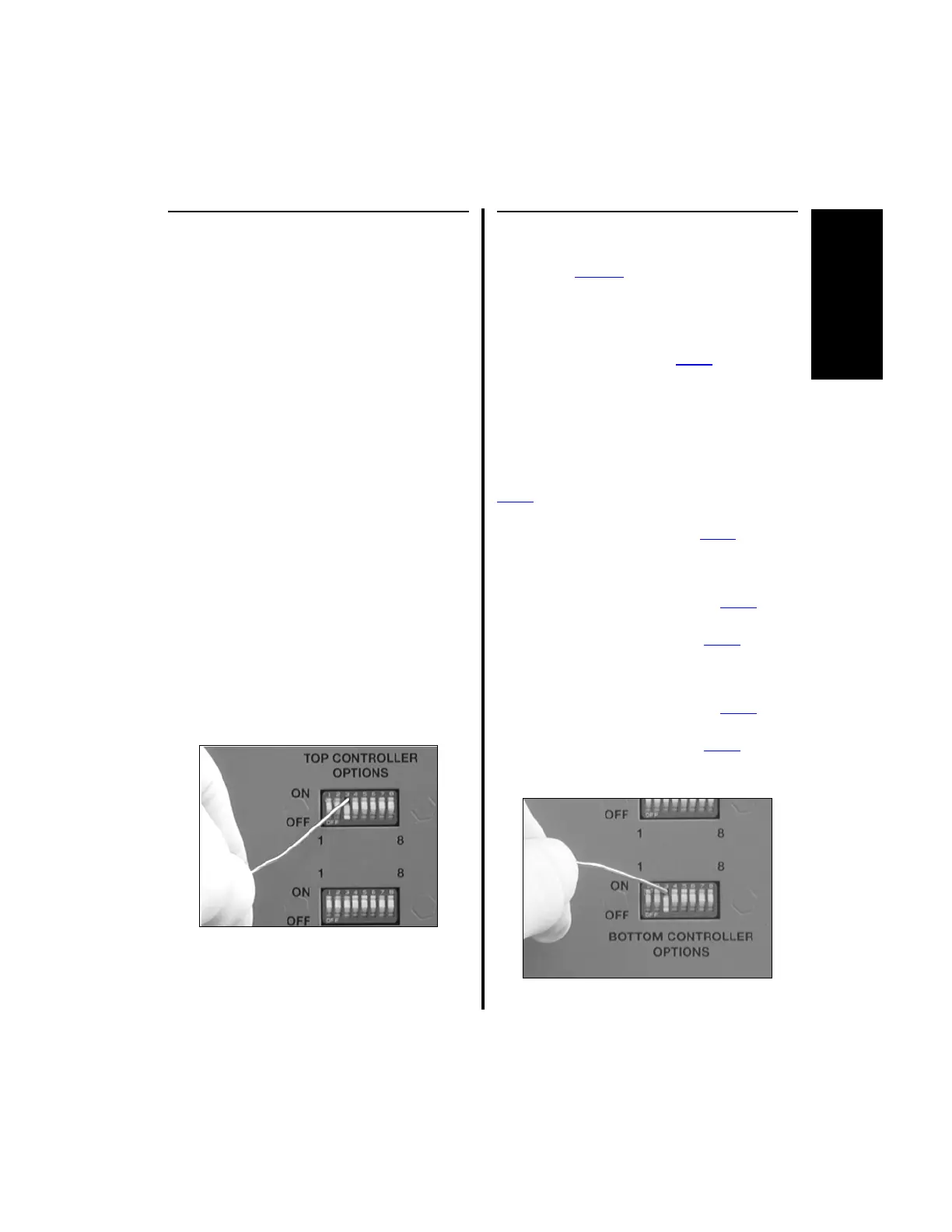
2.1.3.4 Switch 3 - Audio Selection
NOTES:
1. This switch applies to the E9000
controller and the top portion only
(Port 1 and Port 2) of the Advantage
controller.
2. The audio selection is inoperative when
using a MicroChoice saw
(Reciprocating - 5020-023,
Sagittal - 5020-022, or
Oscillating - 5020-024) or the Cranial
Perforator Drive Handpiece (E9015).
The Audio Selection allows the user to turn the
audio on or off.
When audio is on, forward, reverse and oscillate
are pronounced when the handpiece direction is
changed with the footswitch [See “2.1.7
Footswitch Operation (Advantage Top
Portion Only, PowerPro and E9000)” on page
55], a 2-Button handpiece (C9824 or D9824), or
a Full-Function handpiece (MC9828 or C9828).
1. To set audio on, place switch 3 to the “ON”
position.
2. To set audio off, place switch 3 to the
“OFF” position.
2.1.3.5 Switch 3 - Handpiece
Operating Mode Selection
(
PowerPro Electric
Two-Trigger Handpiece Only)
NOTES:
1. This switch applies to the
PowerPro
controller
and Port 3 of the Advantage controller.
2. The controller is shipped from the factory set
to Default mode.
The Handpiece Operating Mode Selection lets the
user switch the functionality of the
PowerPro
Electric Two-Trigger Handpiece
(PRO2200E) between the Default and Swiss mode of
operation (Reference the associated
PowerPro
handpiece instruction manual on handpiece
operation).
1. To set the controller to operate the
PowerPro
Two-Trigger handpiece in the Default Mode of
operation, place switch 3 of the
PowerPro
controller or bottom row of the Advantage
controller to the “OFF” position.
2. To set the controller to operate the
PowerPro
Two-Trigger handpiece in the Swiss Mode of
operation, place switch 3 of the
PowerPro
controller or bottom row of the Advantage
controller to the “ON” position.















 To Next Page