SETUP Connecting to a computer or network (optional)
Cubiscan 325 19
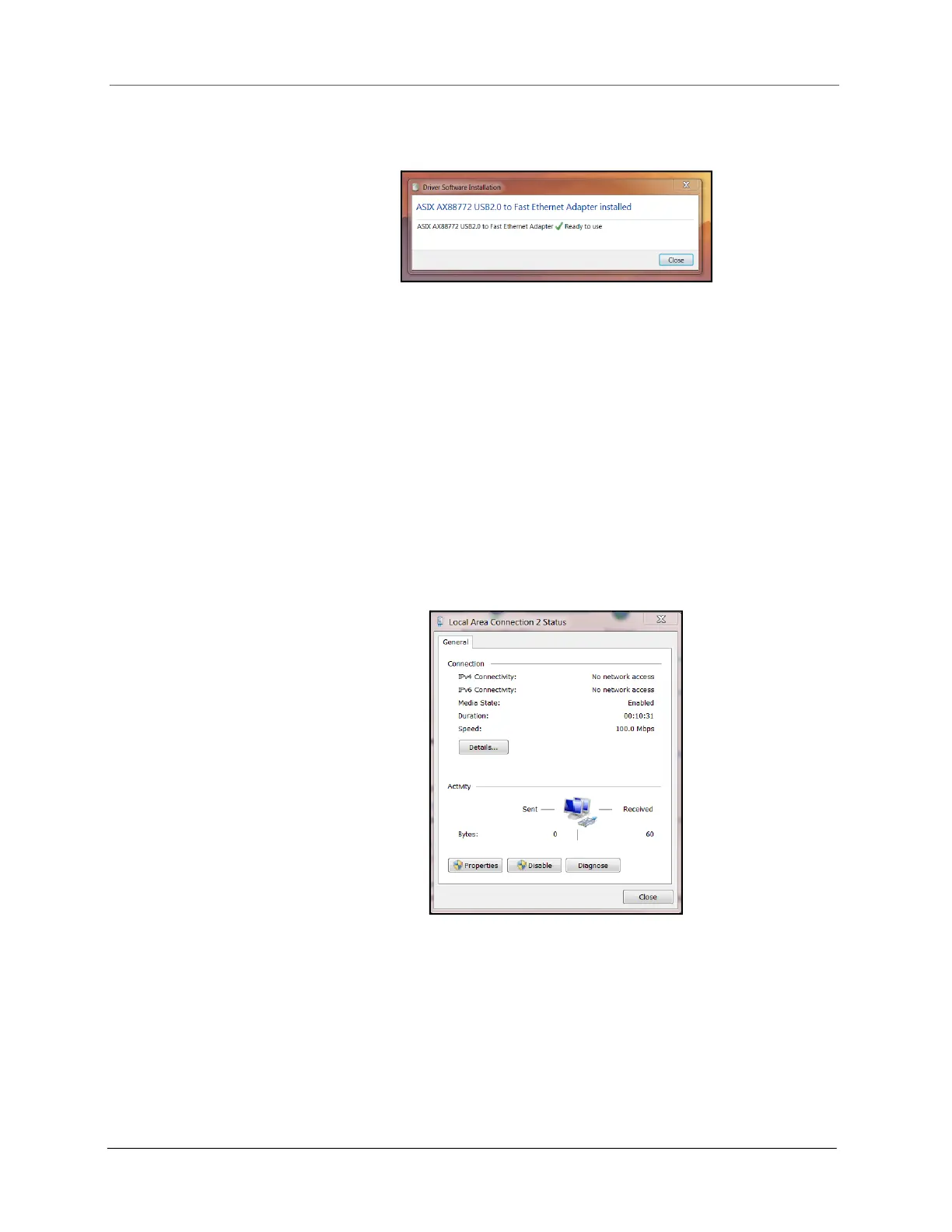
• Once the driver has finished the installation process it will report that the
adapter is ready to use.
Access Ethernet network settings
Once the driver is installed you need to set the static IP address and the
Subnet mask of the adapter. You can access these network settings by
completing the following steps:
1. Under Control Panel > Network and Internet > Network and Sharing
Center locate and click on the correct connection to bring up the status
window.
Figure 18
Adapter is ready to use
Figure 19
Status window



 To Next Page