MAINTENANCE Removing the controller
Cubiscan 325 61
Removing the controller
If you suspect that there is a problem with the Cubiscan 325 controller, first
review the Troubleshooting chapter and take any recommended action. If
the problem persists, contact Cubiscan Technical Assistance at
801.451.7000 for assistance.
If Cubiscan recommends removing the controller and returning it for
service, proceed as follows.
1. Turn off the power switch, and disconnect the power cord from the
controller.
2. Remove the two center cover thumb screws that are located on the
right side of the system. Slide the cover to the left so that you can
access the controller cables.
3. You can try to remove the controller without removing the glass, or you
can remove the glass platform using two people. It can simply be lifted
off the Cubiscan 325 base. Place the platform in a safe location where it
will not get stepped on or broken.
4. Move the gate to the far left position.
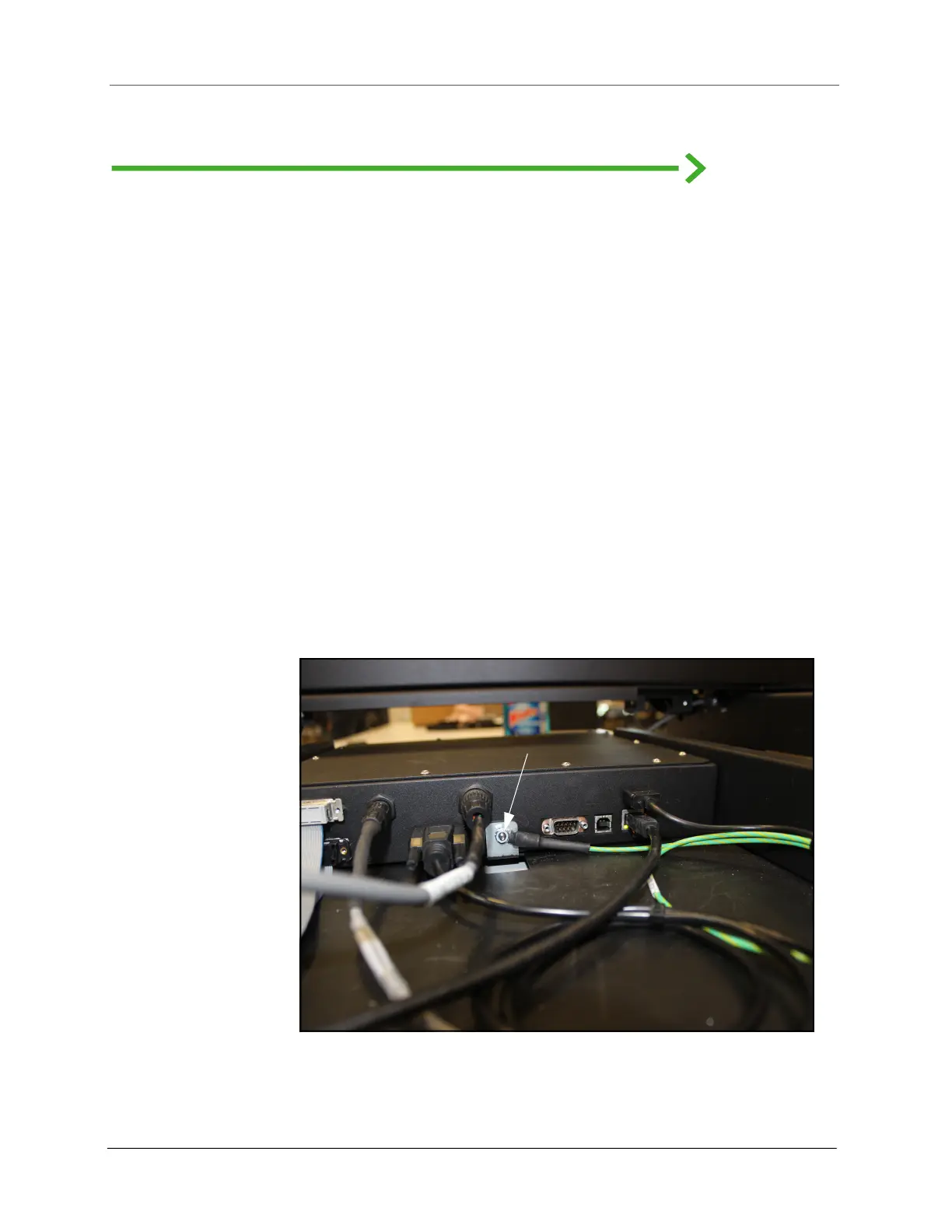
Figure 57
Controller box
Remove nut
Controller



 To Next Page