TROUBLESHOOTING Diagnostics
Cubiscan 325 73
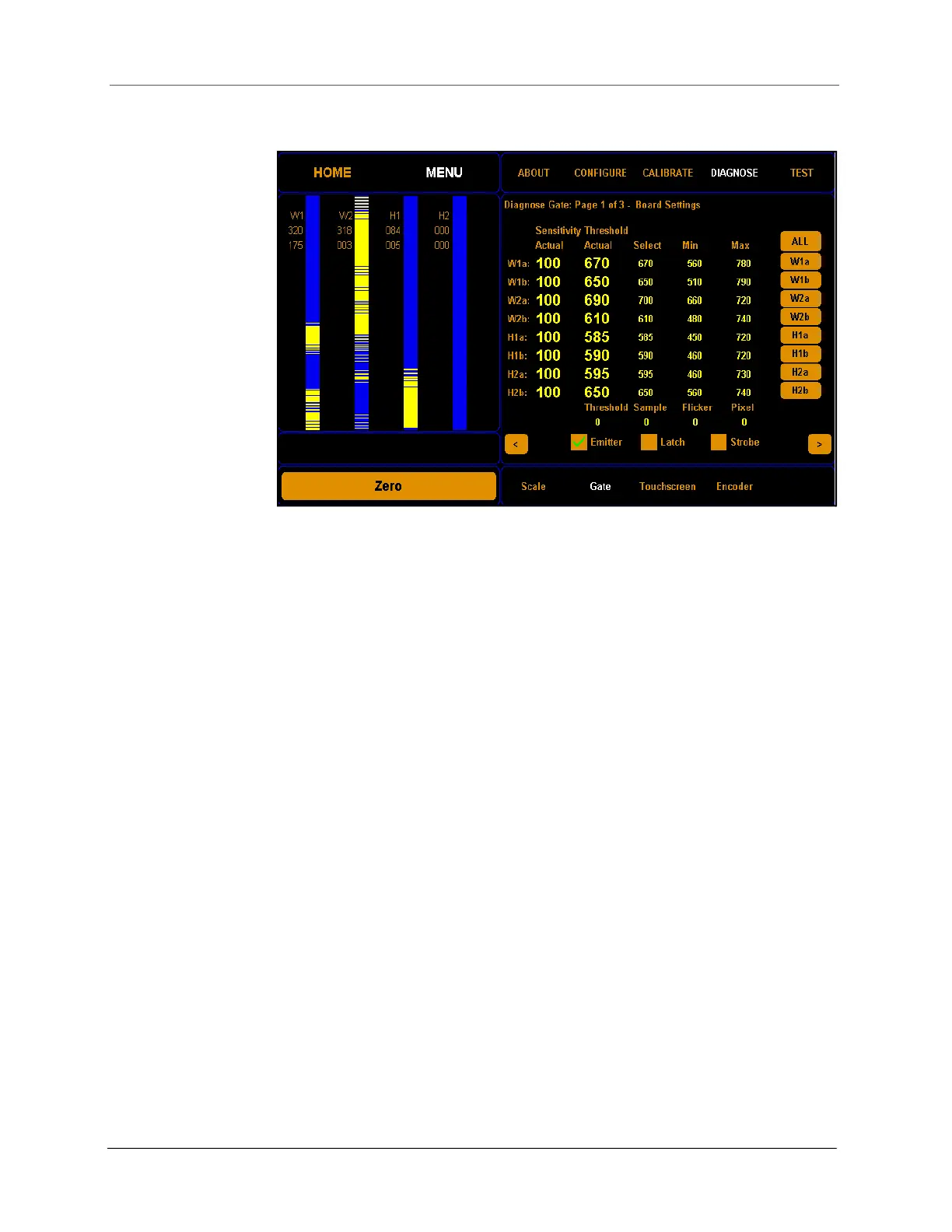
2. Tap DIAGNOSE. Select the Gate option if it is not already selected.
From this screen you can view the sensitivity threshold board settings.
The four LED beam bars now shown on the display represent the LED
beams that the Cubiscan 325 uses to measure objects. This is a useful
screen for determining the functionality of the LED beams.
The width and height bars correspond to the width and height boards in
the measurement gate.
These LED beams bars are solid blue when no light beams are being
broken, which typically means that there is no object in the measurement
field.
The emitter checkbox should always be checked when you are measuring
objects. When this box is unchecked, the gate is not emitting light and
cannot measure objects.
Figure 68
First gate diagnostic screen



 To Next Page