TROUBLESHOOTING Diagnostics
Cubiscan 325 74
3. Tap the [>] button to go to the next screen.
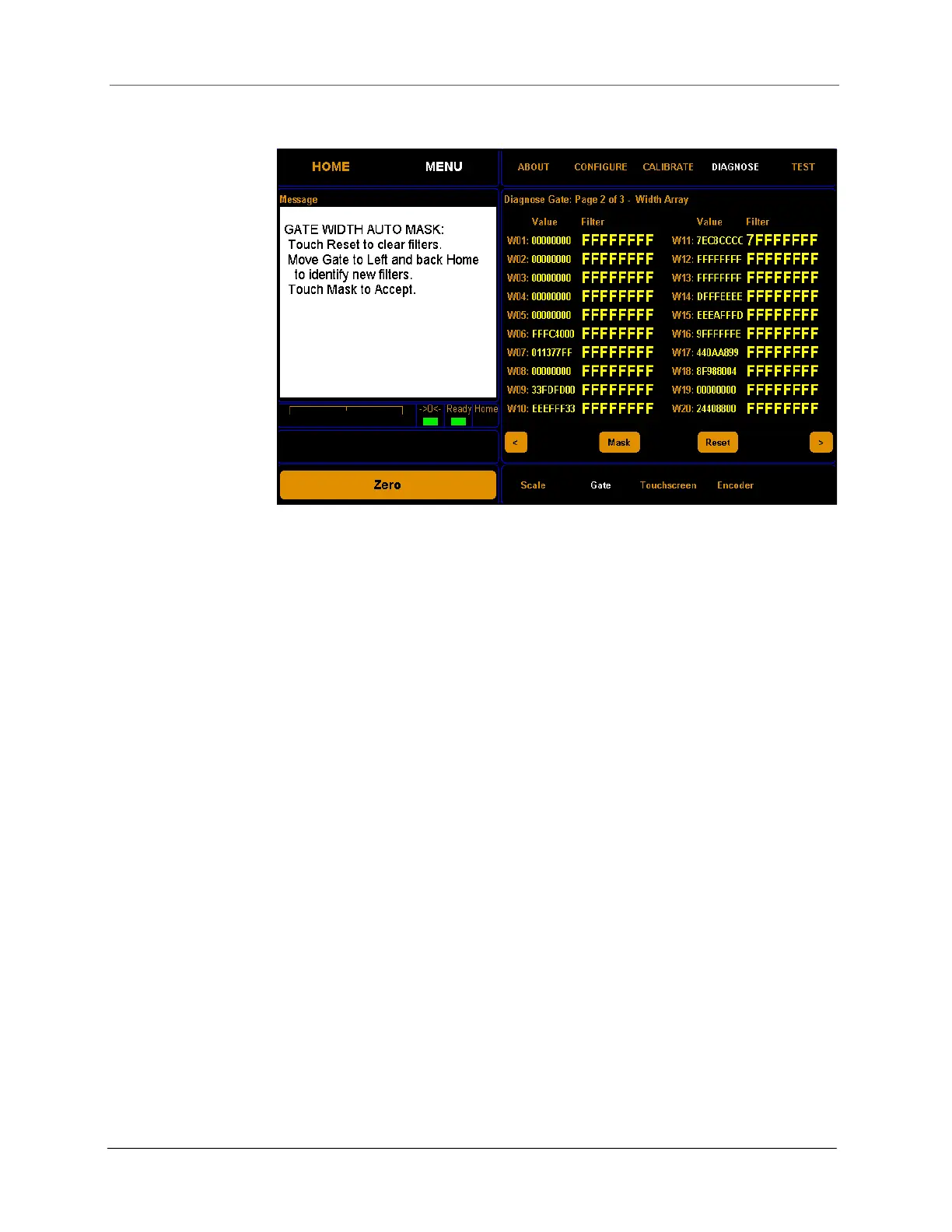
From this screen you can view the gate width array settings and
automatically mask width LEDs that are malfunctioning. No more than
three LEDs should be masked at one time, or measurements may be
affected.
To mask malfunctioning LED’s, complete the following steps.
Step 1.0 Clear the glass platform of all objects.
Step 1.1 Tap Reset to clear any masks that may have been
previously set.
Step 1.2 Move the gate slowly from the home position (right-hand
side) all the way to the left side and back to the home
position. Malfunctioning LED’s appear as yellow tick marks
Figure 69
Second gate diagnostic screen



 To Next Page