SETUP Unpacking
Cubiscan 325 6
Examine the container and the Cubiscan 325 carefully for any damage. If,
after unpacking, you discover any damage to the Cubiscan 325, contact the
carrier immediately.
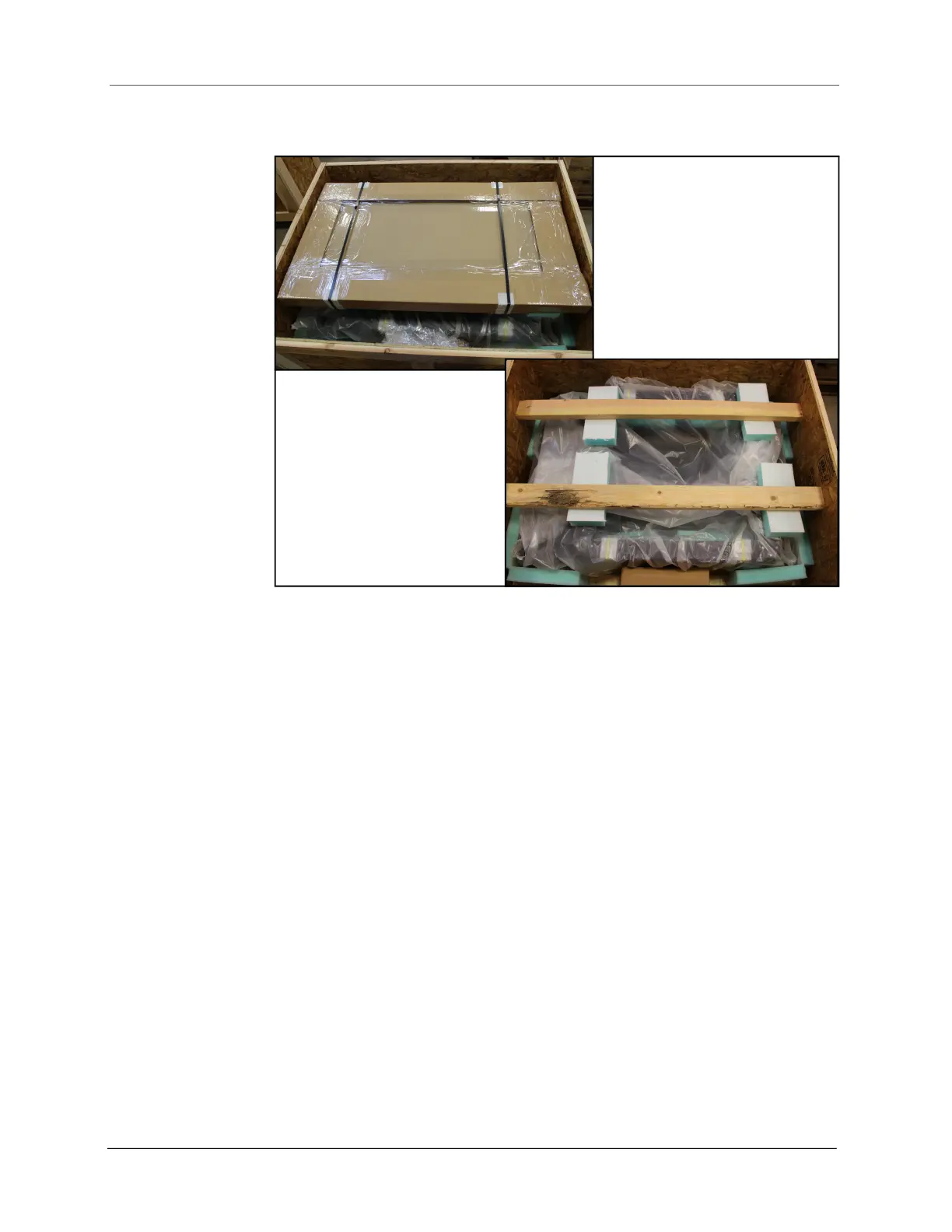
Remove the wooden supports holding the Cubiscan 325 in place.
Refer to the list below to identify the components.
• AC power cord
• Calibration Cube, 5'' x 3'' x 2''
• Ethernet cable
• Hardware (Phillips screws, load cell balls, T-handle pins, glass platform
ball sockets)
• Touchscreen
• TRENDnet Ethernet adapter
If any of the components or accessories are missing or defective, contact
Cubiscan or your system integrator.
Figure 2
Cubiscan 325 in crate



 To Next Page