OPERATION Cubiscan 325 touchscreen
Cubiscan 325 27
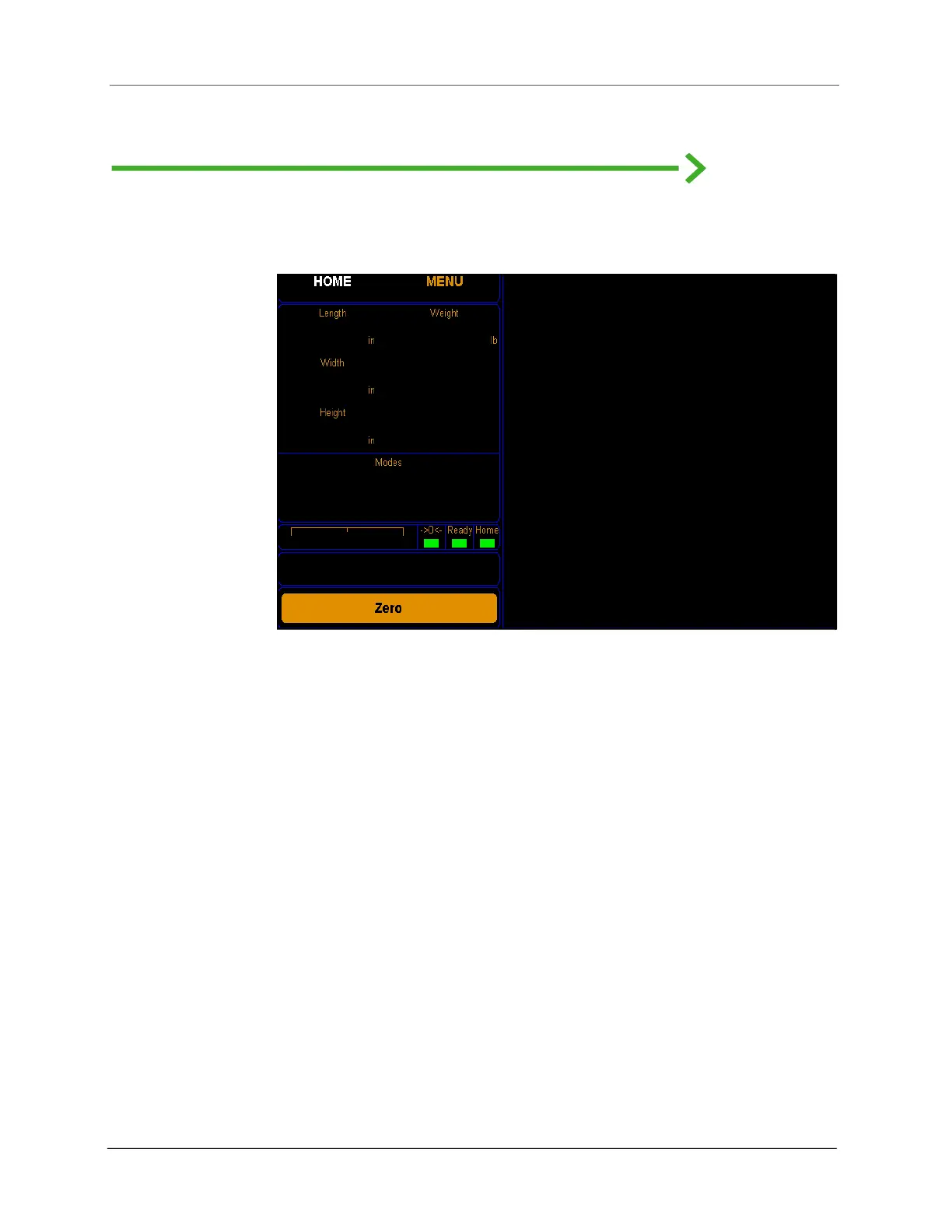
Cubiscan 325 touchscreen
You can use the Cubiscan 325 touchscreen (below) to configure and control
the Cubiscan 325 as well as display measurement results.
All measurement, setup, and diagnostic information is shown on the
touchscreen. You tap touch keys on the display to change the configuration
and perform diagnostics.
• Tap a key to select a function.
• Tap [Zero] to “zero” the Cubiscan 325 (see “Zeroing the Cubiscan 325
on page 32).
• Tap [Menu] to select configuration or calibration functions.
Other touch keys may be used for specific functions and are described in
the instructions for that function. Refer to CHAPTER 4 “CONFIGURATION”
on page 37 for information on configuration and to “Diagnostics” on
page 70 for information on diagnostics.
Figure 24
Cubiscan 325 touchscreen



 To Next Page