CONFIGURATION System configuration
Cubiscan 325 39
Display Dim
Weight
Check this box if you want the dim weight and factor to be displayed on
the home screen.
Enable Scale
Check this box if you want to enable the Cubiscan 325’s scale. If this box is
not checked, weight will not be reported on the home screen or sent in the
data packet.
Enable Ethernet
Check this box if you want to enable Ethernet communication.
Enable Smallest
Box
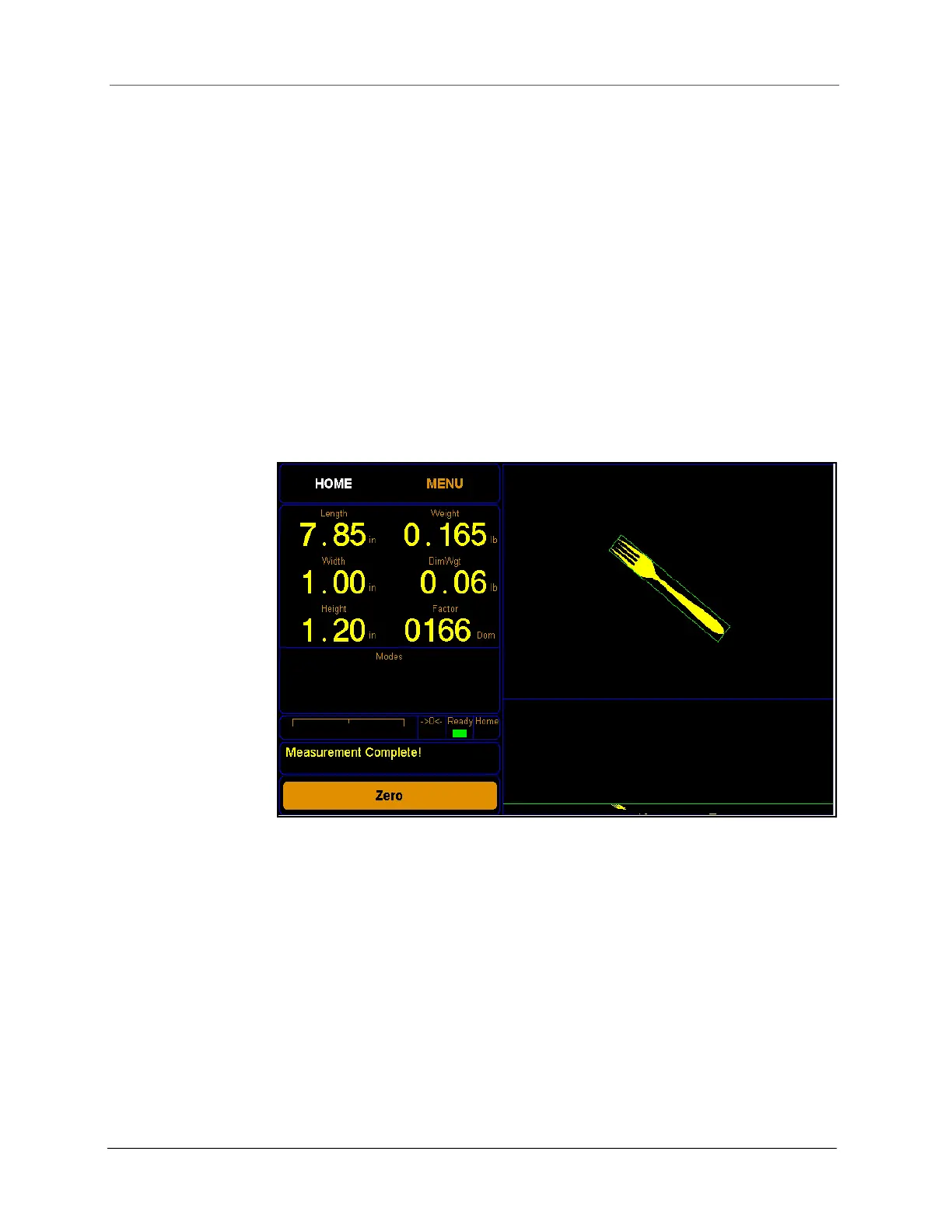
Check this box if you want to enable the smallest box mode. This mode
boxes items into the smallest box possible, the placement of the item on
the platform makes no difference. Turning off the smallest box mode
measures items depending on their placement on the platform.
The images below illustrate the difference between having the smallest
box mode on or off.
Figure 35
Smallest box mode on



 To Next Page