CONFIGURATION System configuration
Cubiscan 325 45
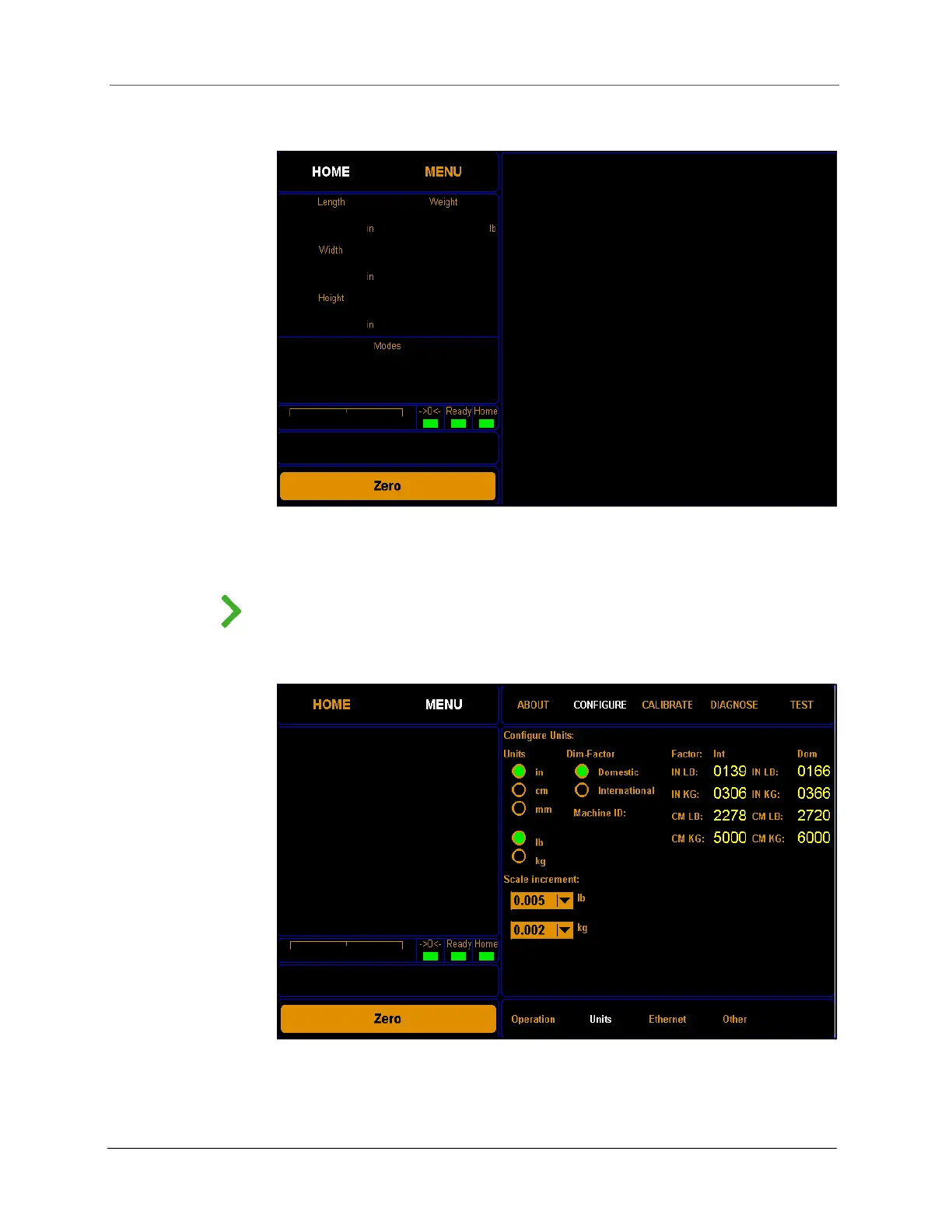
1. From the home screen, tap MENU.
NOTE
If you have set up a password previously in the system configuration, you need to
enter the password to unlock the menu. Refer to page 43.
2. Tap CONFIGURE. Select the Units option if it is not already selected.
Figure 40
Home Screen
Figure 41
Configure operation



 To Next Page