OPERATION Cubing and weighing
Cubiscan 325 29
Cubing and weighing using the touchscreen
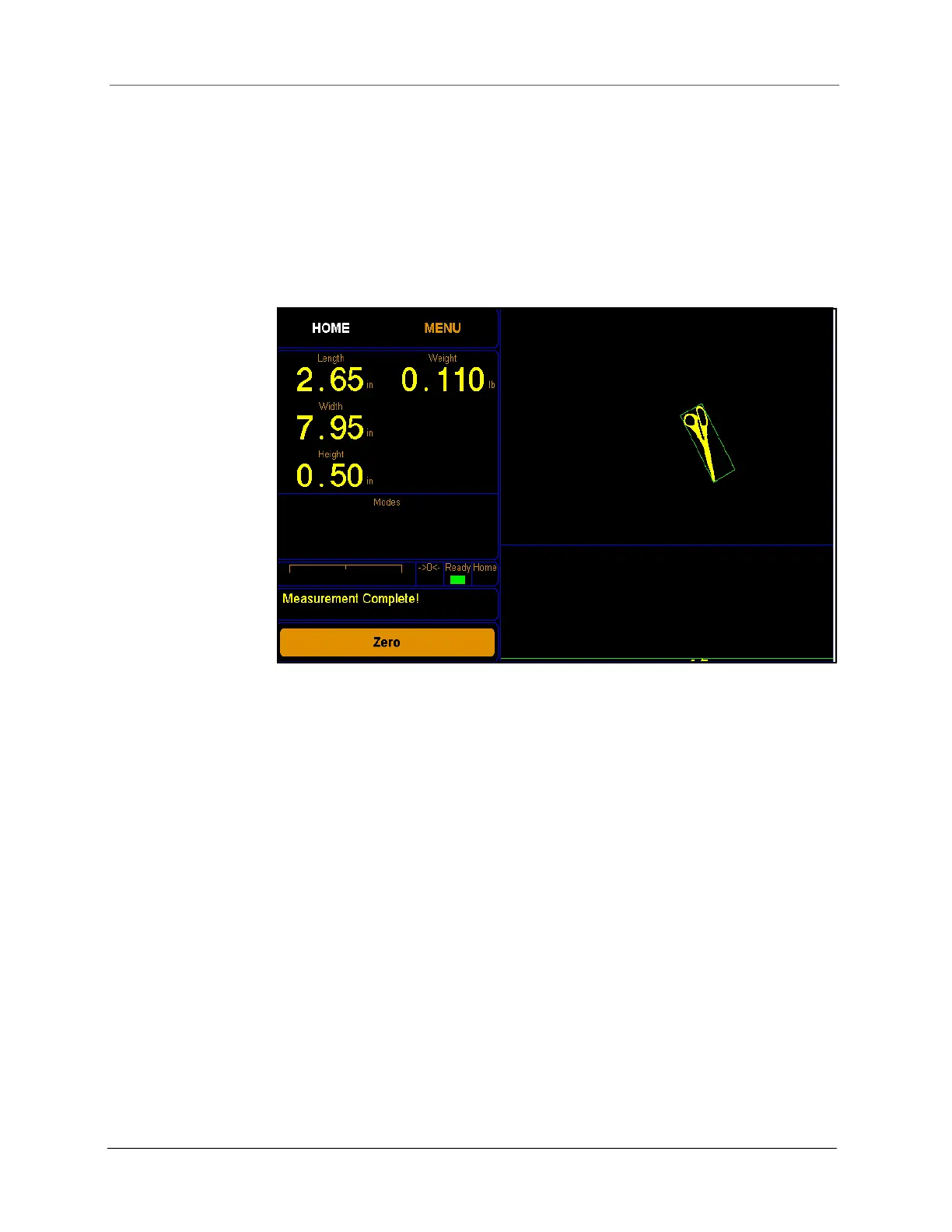
All controls and displays for the Cubiscan 325 are shown on the
touchscreen at the front of the base. If a computer is not connected, you
can use the touchscreen to measure and weigh objects.
Measurement and weight results will only display when the Cubiscan 325
touchscreen is displaying the home screen.
Length
Width
Height
These display the measured dimensions in inches (in), centimeters (cm), or
millimeters (mm) as selected.
Weight
This displays the measured weight in pounds (lb) or kilograms (kg) as
selected.
->0<-
(indicator)
This indicates that the scale is zeroed and ready to receive an object. This
indicator must be lit before you can place an object on the platform. When
you place an object on the platform, the indicator goes off.
Ready
(indicator)
This indicates that the Cubiscan 325 is ready for cubing and weighing.
Figure 25
Measurement display



 To Next Page