CONFIGURATION System configuration
Cubiscan 325 40
Enable Swap
Longest
Check this box if you want to enable the Swap Longest feature. This feature
will automatically report the longest dimension as the length.
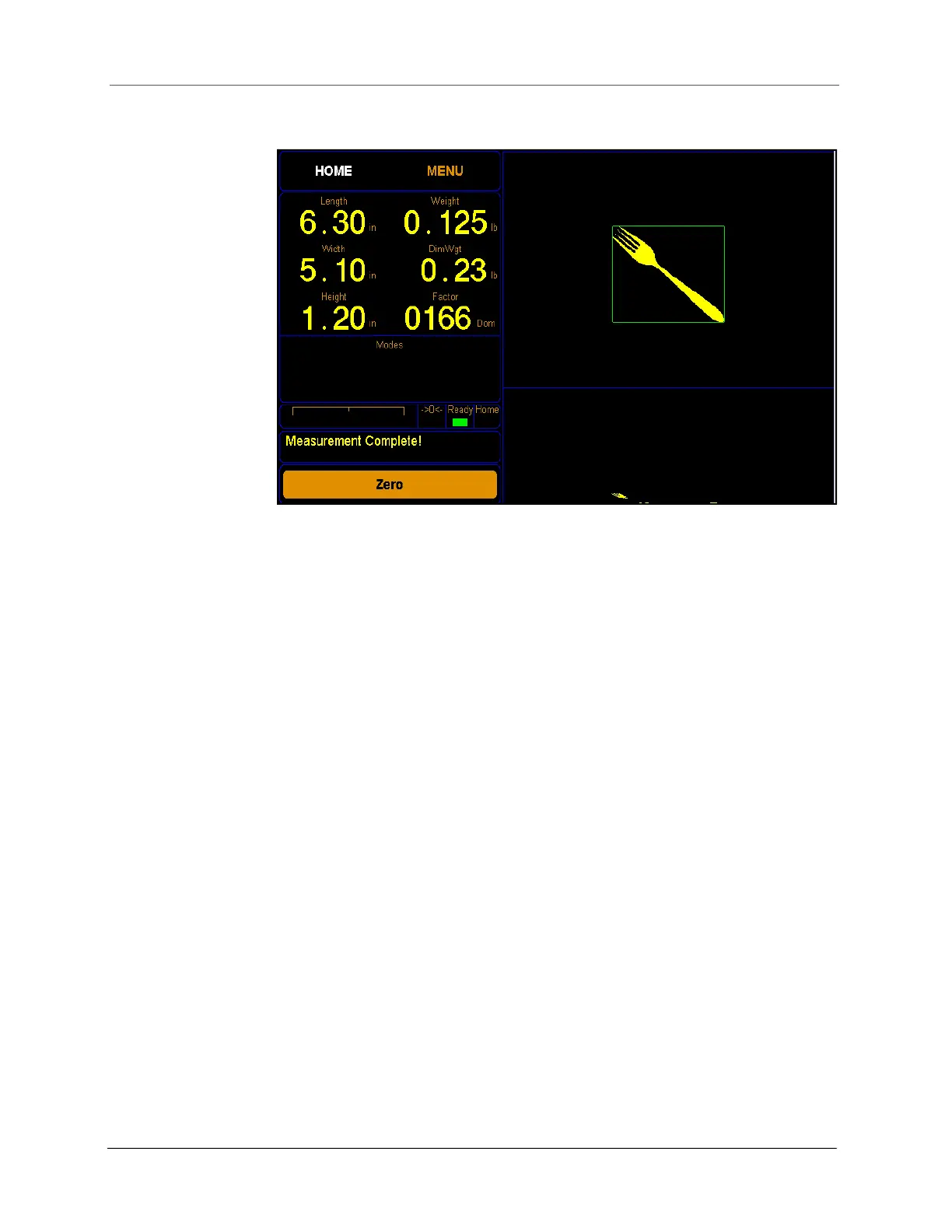
Clear on Zero
When this box is enabled, the image associated with a measurement will
disappear once the item is removed from the measuring platform. When
this box is unchecked, the image associated with a measurement will
remain on the screen until a measurement of another item is taken. See
page 32.
Language
From this drop-down box you can select which language is used. The
options are: English, French, Spanish, Japanese, Korean, and Chinese.
Protocol
From this drop-down box you can select which protocol is used. The
options are Standard, Expanded, CS 100-L, and Custom.
The Standard option is the default and works the best with Qbit software.
The Expanded option includes more information in the data packet, such
as the packet number and date and time.
The CS 100-L option makes the data packet backwards compatible with the
Cubiscan 100-L.
The Custom option allows the use of a custom communication protocol file
that has been saved on the SD card.
Figure 36
Smallest box mode off



 To Next Page