SETUP Assembling the Cubiscan 325
Cubiscan 325 9
Removing the shipping material
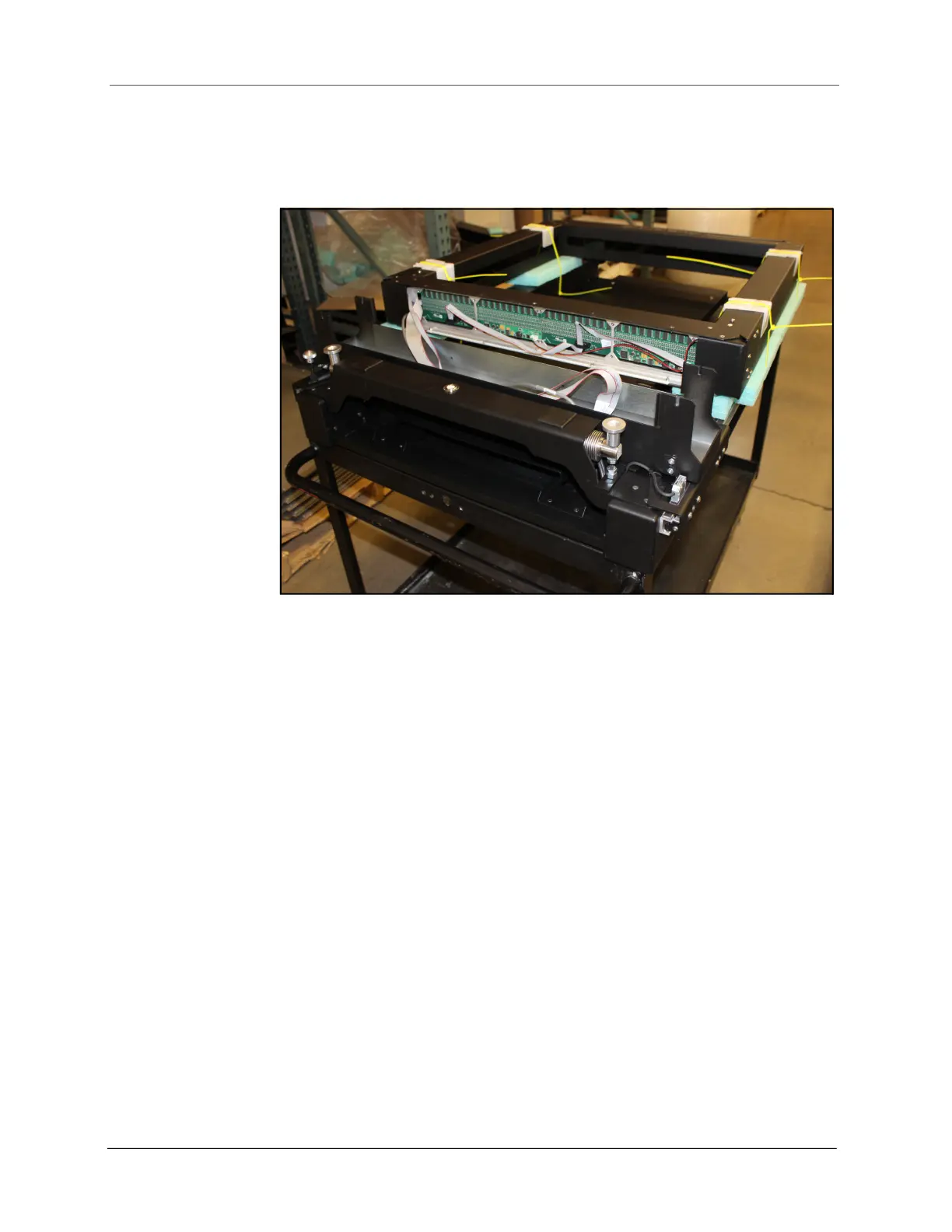
1. Remove the zip ties holding the gate in place.
Placing the gate
1. Use two people to carefully lift the gate up and place it in the gate tray;
avoid pinching any cables. The front of the gate (the side with the
handle attached), must face the front of the system. If this side of the
gate is not in front, the Cubiscan will not work properly.
2. Before securing the gate in place, remove the red brackets at the
bottom of the gates.
Figure 4
Gate zip ties



 To Next Page