SETUP Barcode Scanner Mount (optional)
Cubiscan 325 23
Barcode Scanner Mount (optional)
For your convenience, the barcode mounting assembly for the Cubiscan™
325 is designed to mount on either the left or right side of the cart simply
by flipping the mounting unit over to the correct orientation.
To do this ensure that the mount is situated so that the top surface slopes
downward toward the front of the cart. This surface is where the barcode
reader will be mounted and should be situated in a way that makes it easily
accessible.
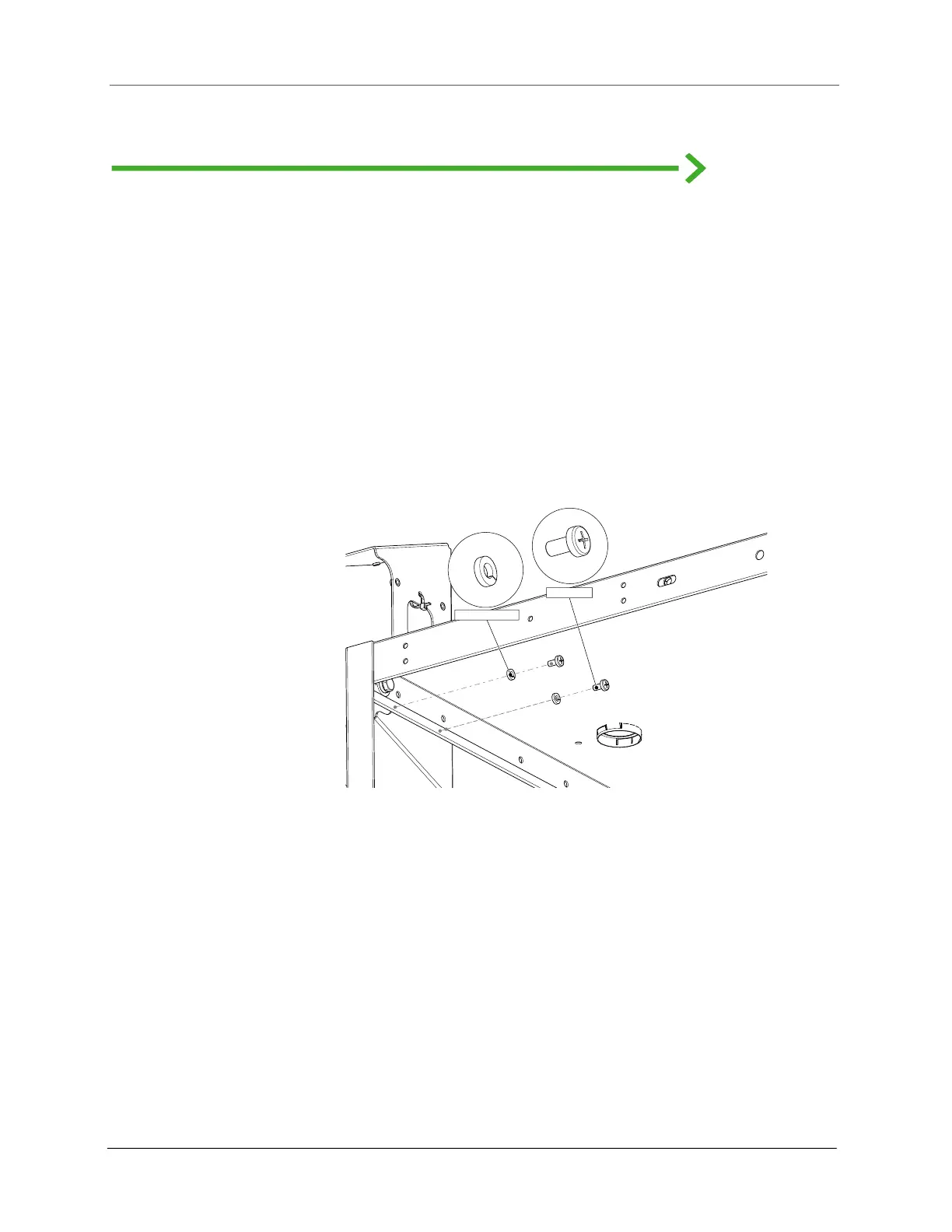
Use the ¼” Lock split washer and ¼” PHP screws to secure the mounting
bracket to the cart.
When mounting on the right-hand side of the cart, you may remove the
side panel in order to have better access to the bracket mounting holes.
Figure 21
Left-hand mounting
1/4" PHP Screw
1/4" Lock Split Washer



 To Next Page