CONFIGURATION System configuration
Cubiscan 325 44
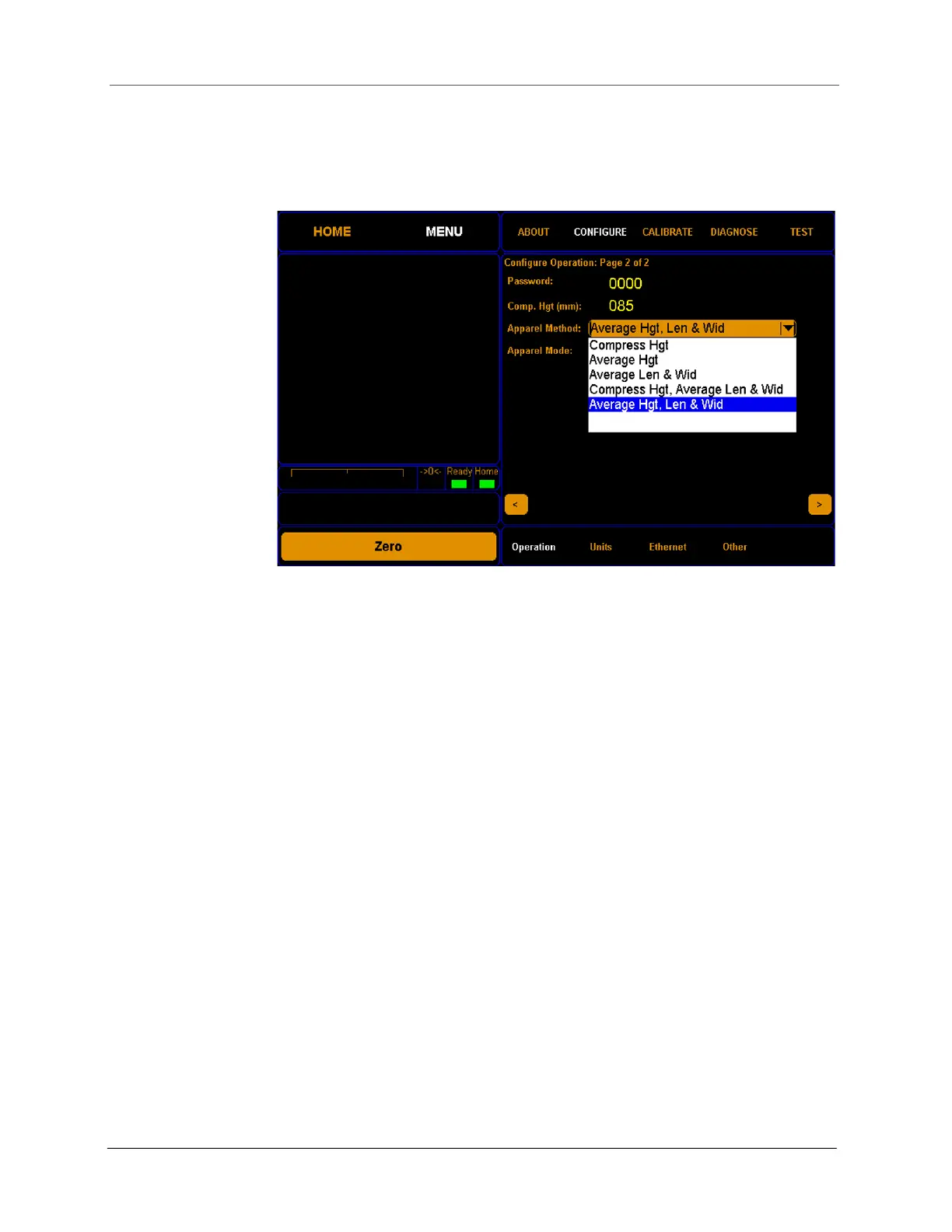
compression plate. The results will display the average height, length,
and width of an item.
Apparel Mode
This drop-down menu offers different modes for using the apparel method
feature. The options are disabled, enabled, auto-off, and lock-on.
When Enabled is selected, an apparel mode check box will be visible on
the home screen.
When Disabled is selected, the check box will not be visible on the home
screen.
When Auto-Off is selected, the operator will need to manually select the
check box for each apparel measurement.
When Lock-On is selected, the check box will always be checked and the
Cubiscan 25 will take measurements in apparel mode until the mode
option is changed.
Units
This section discusses the options available on the Units menu. Complete
the following steps to access the Units menu.
Figure 39
Apparel method drop-down



 To Next Page