OPERATION Special Features
Cubiscan 325 34
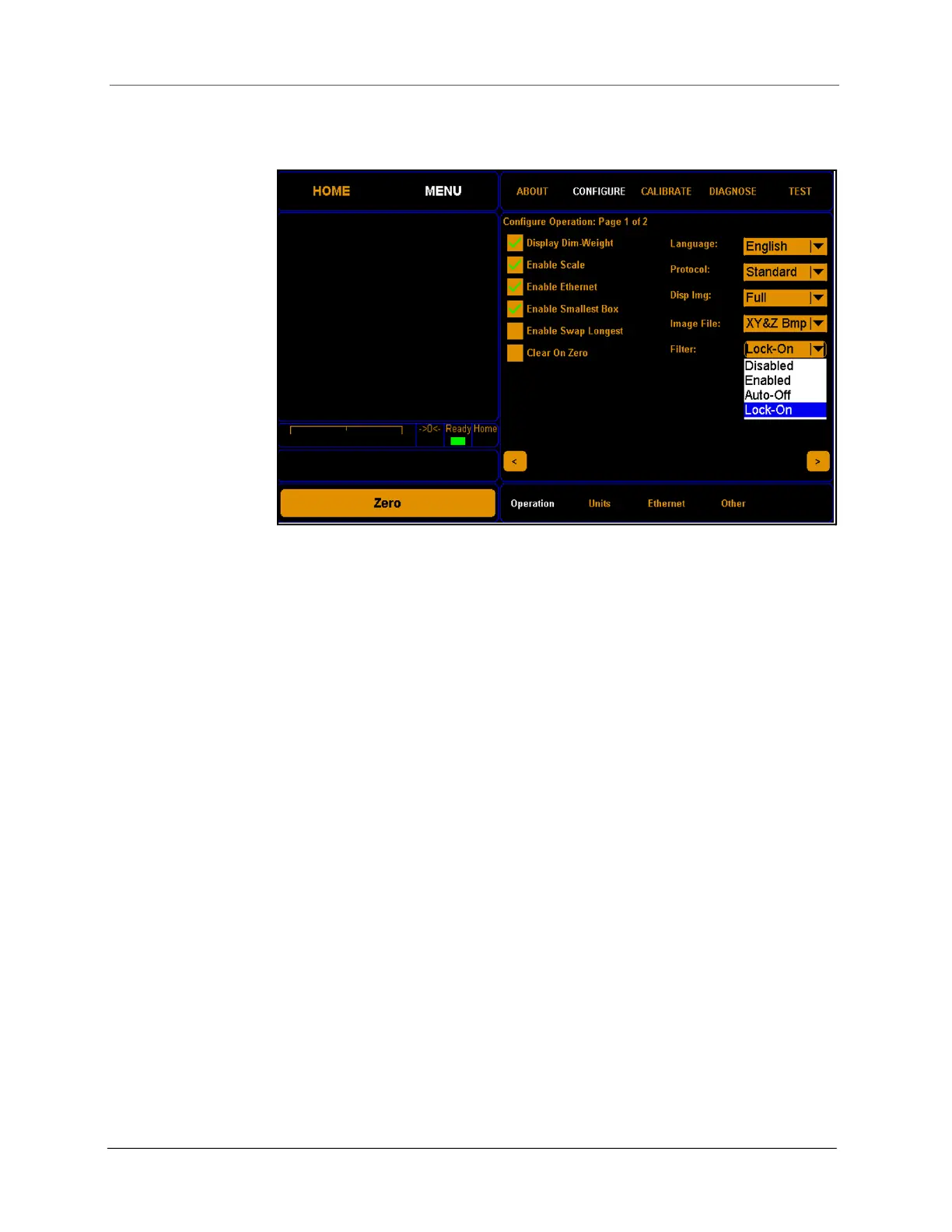
4. Under Filter, select Lock-On.
5. Touch Home. The Apparel and Filter check boxes will be visible and
enabled. The operator will not be able to disable them because of the
Lock-On selection.
The dimensions will be labeled Avg. Length, Avg. Width, and Avg. Height.
The green box will remain the smallest bounding box. The red box
represents the average length and width.
Figure 29
Filter Lock-On



 To Next Page