SETUP Connecting to a computer or network (optional)
Cubiscan 325 21
3. Connect the USB cable to the PC.
Installing and configuring the USB driver
You must install a driver on your computer before it can recognize and
communicate with the Cubiscan 325 via the USB port. Complete the
following steps to install the driver.
1. With the Cubiscan 325 turned on, connect the USB cable to your
computer’s USB port and to the USB port on the Cubiscan 325.
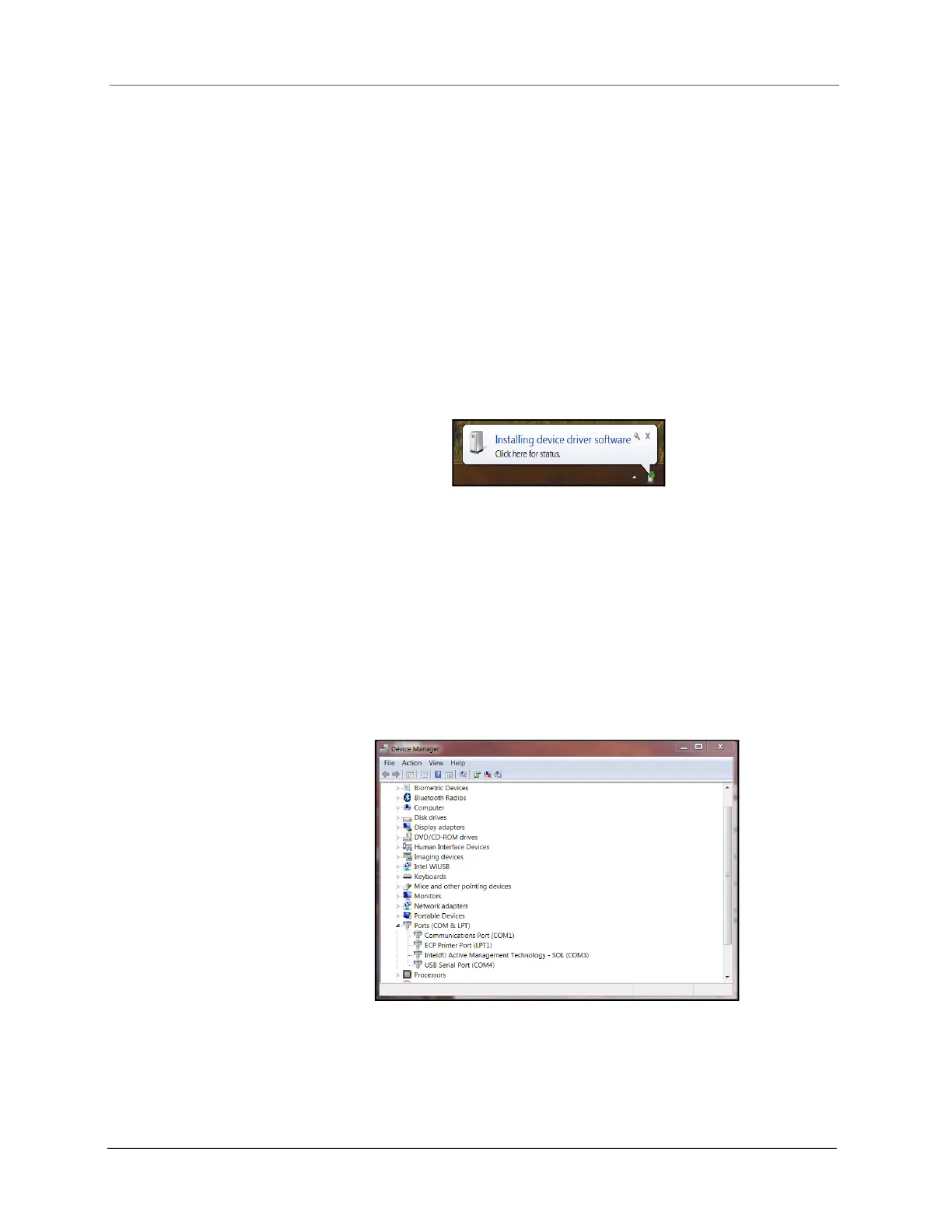
In the bottom right corner of the monitor, a bubble appears indicating
that new hardware has been found.
The driver will be automatically installed. A notification bubble will pop
up in the bottom right corner of the screen when the installation
process is finished.
If you are using Windows XP, the driver will need to be loaded manually.
2. To determine which COM port the computer has assigned to the USB
port, go to Control Panel > Hardware and Sound.
3. Click on Device Manager to display the Device Manager window.



 To Next Page