User's Manual
262
9.2.3 Viewing Algorithm Version
Log in to the PC client. On the home page, select
Maintain
>
System Info
>
Algorithm Version
.
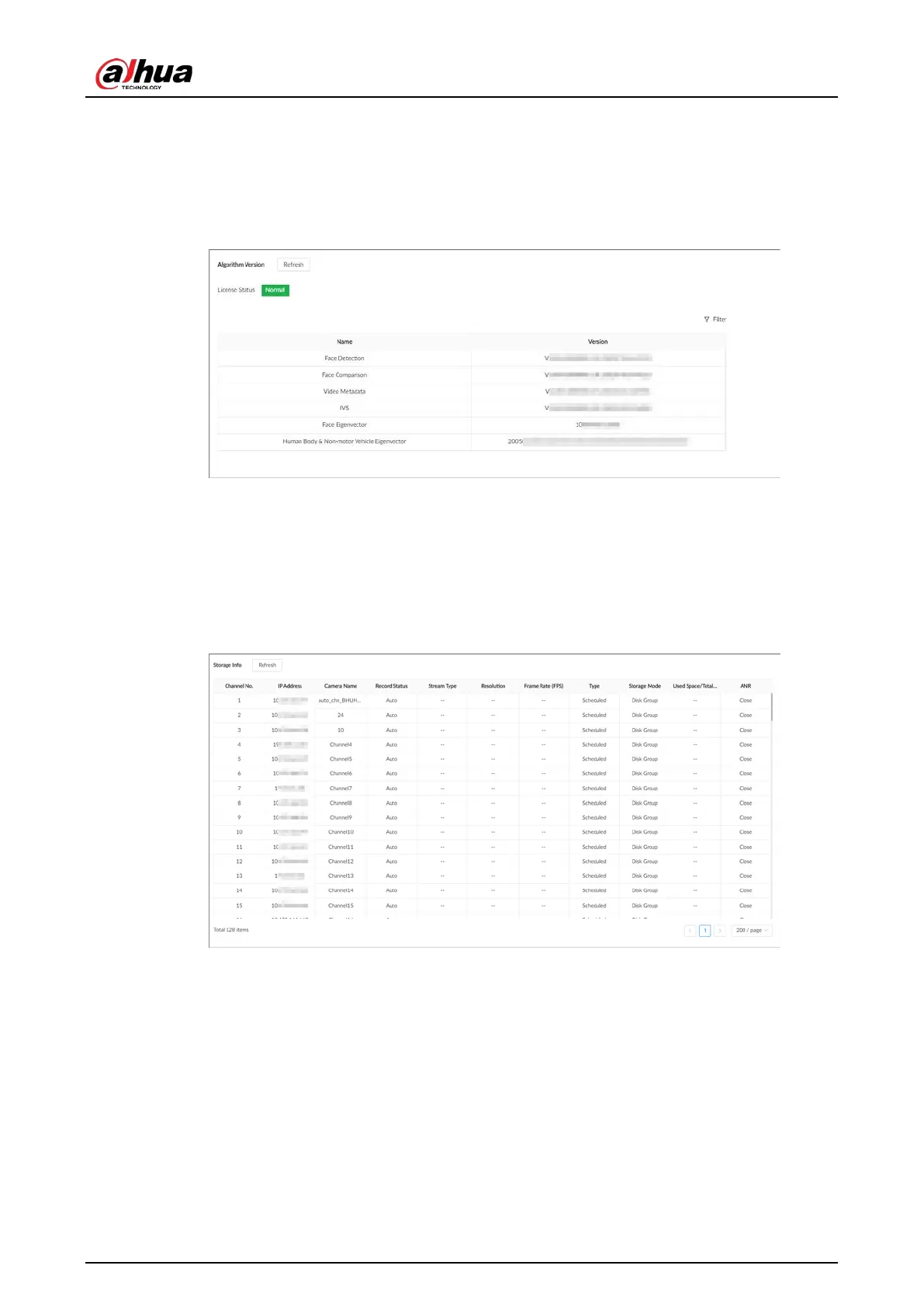
You can view the algorithm license status and versions of smart functions.
Figure 9-2 Algorithm version
9.2.4 Viewing Storage Information
Log in to the PC client. On the home page, select
Maintain
>
System Info
>
Storage Info
. You can
view the storage information of each channel.
Figure 9-3 Storage information
9.3 System Resources
9.3.1 Viewing Device Resources
Log in to the PC client. On the home page, select
Maintain
>
System Resources
>
Device
Resource
. You can view resource status including CPU and memory usage, mainboard temperature
and fan speed.



 To Next Page
 Loading...
