User's Manual
43
5.2 Quick Settings
On the page that prompts you initialization succeeded, click
Quick Config
to quickly set the IP
address and P2P.
5.2.1 Configuring IP Address
Configure the IP address and DNS server information of the Device according to network planning.
Make sure that at least one Ethernet port has been connected to the network before you set IP
address.
Procedure
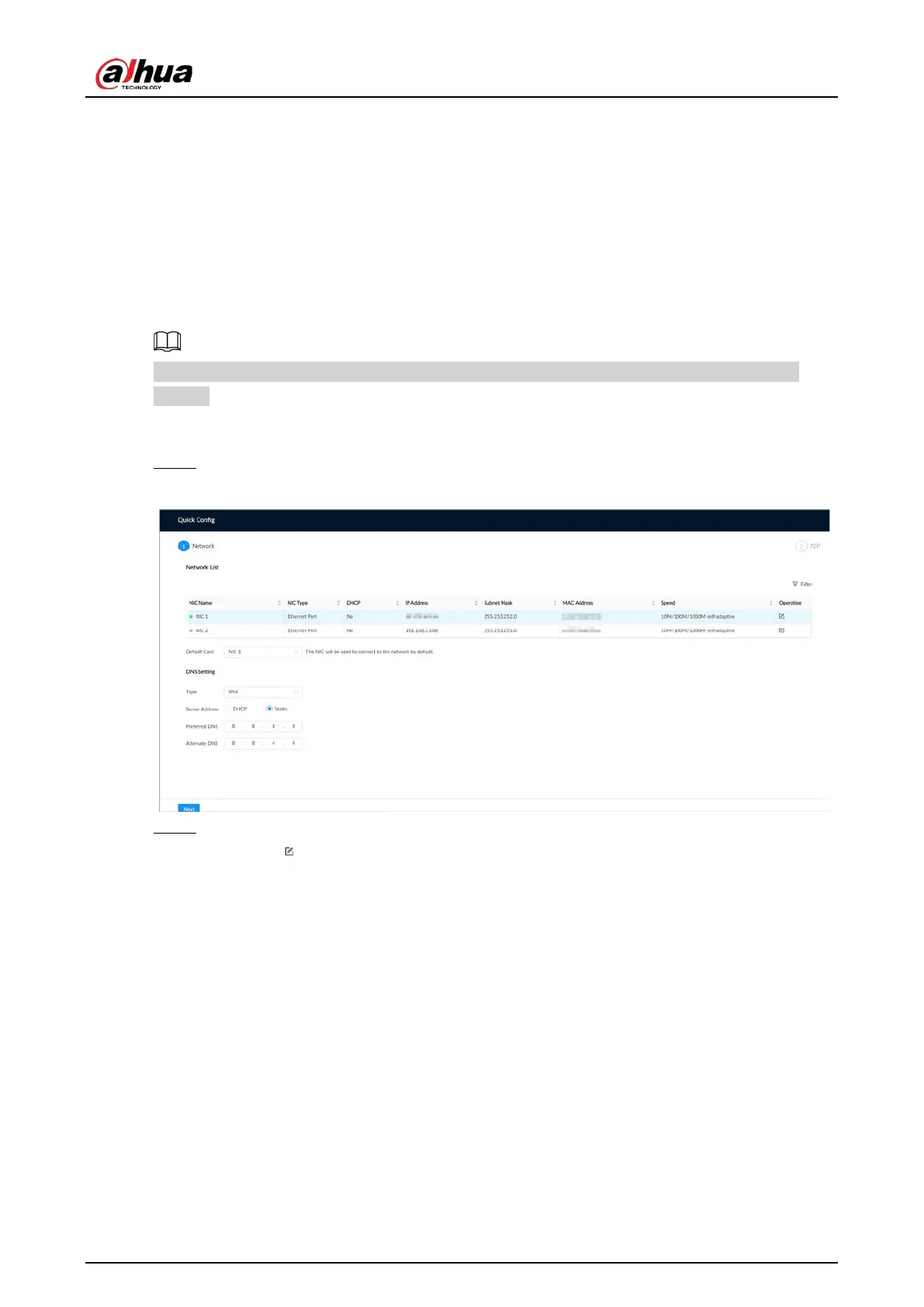
Step 1 On the page that prompts you initialization succeeded, click
Quick Config
.
Figure 5-5 IP setting
Step 2 Configure the IP address.
1) Click of the corresponding NIC.


 To Next Page
 Loading...

