User's Manual
251
Figure 8-35 Add route table
Step 3 Enter the information.
Step 4 Click OK.
8.4 Event Management
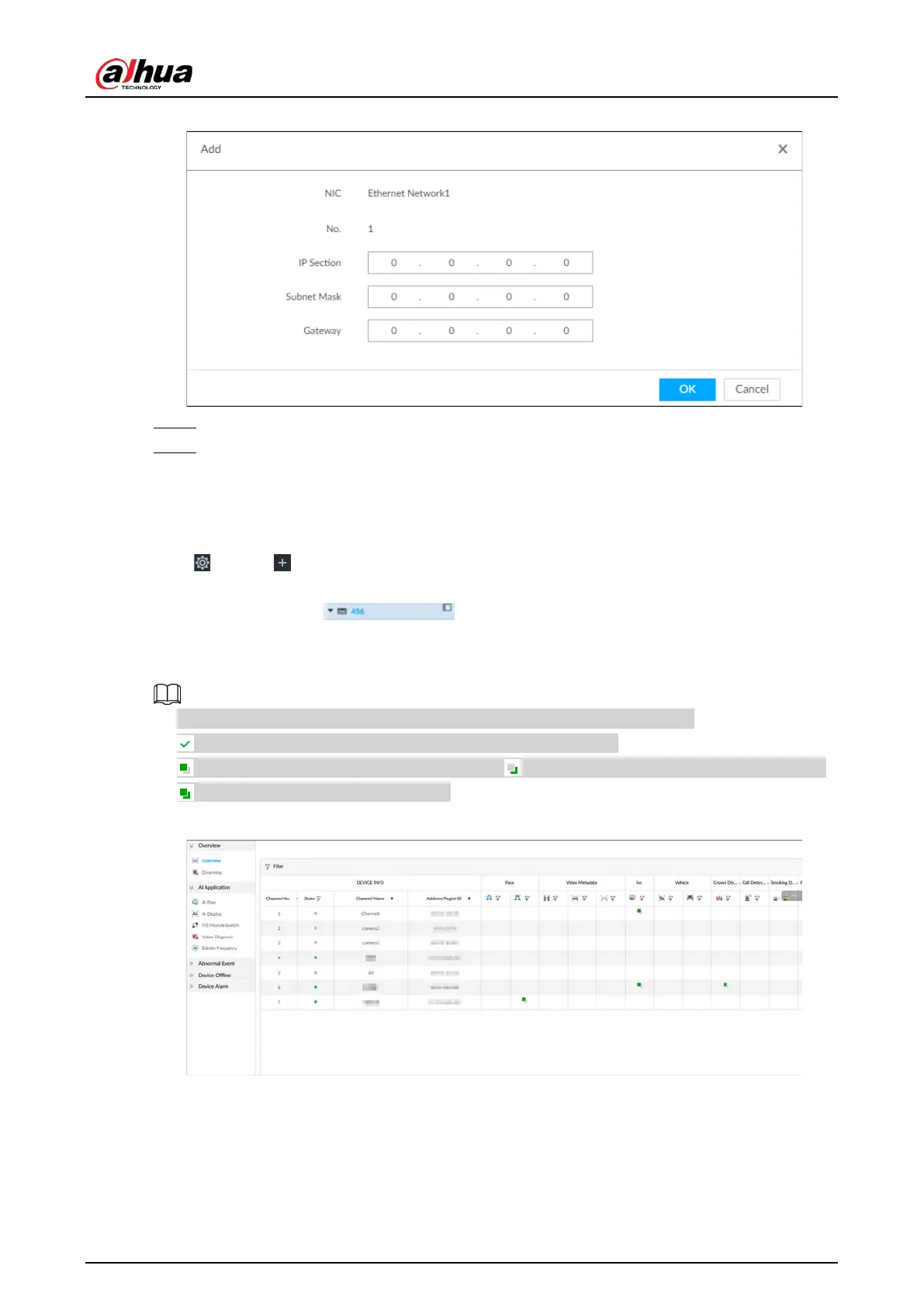
Click or click on the configuration page, select EVENT.
On the page, configure alarm event, including alarm event of the Device and remote device.
●
Select the root node in the resource tree on the left to set alarm event of the
Device.
●
Select remote device in the device tree on the left, to set alarm event of this remote device.
●
The alarm event might be different depending on the model you purchased.
●
means that the corresponding alarm event has been enabled.
●
means that AI by camera has been enabled; means that AI by device has been enabled;
means that both have been enabled.
Figure 8-36 Event management
8.4.1 Alarm Actions
System can trigger the corresponding actions when an alarm occurs.


 To Next Page
 Loading...

