User's Manual
129
6.6 IVS
The IVS feature includes a number of behavior detections such as fence-crossing, intrusion, tripwire,
parking, crowd gathering, missing object, abandoned object, and loitering. You can configure alarm
notifications of those intelligent detections.
This section introduces how to configure the intelligent detections.
Some device models only support some IVS functions by device.
6.6.1 Enabling AI Plan
Enable AI plan when AI by camera is used. See "6.2.1 Enabling AI Plan" to enable AI detect function.
6.6.2 Configuring IVS
Configure IVS model and rules.
6.6.2.1 Switching IVS Model
This function is only effective to AI by Device.
Step 1 Click , or click on the configuration page, and then select
EVENT.
Step 2 Select the root node in the device tree on the left.
Step 3 Select AI Application > IVS Module Switch.
Step 4 Select a model as you need.
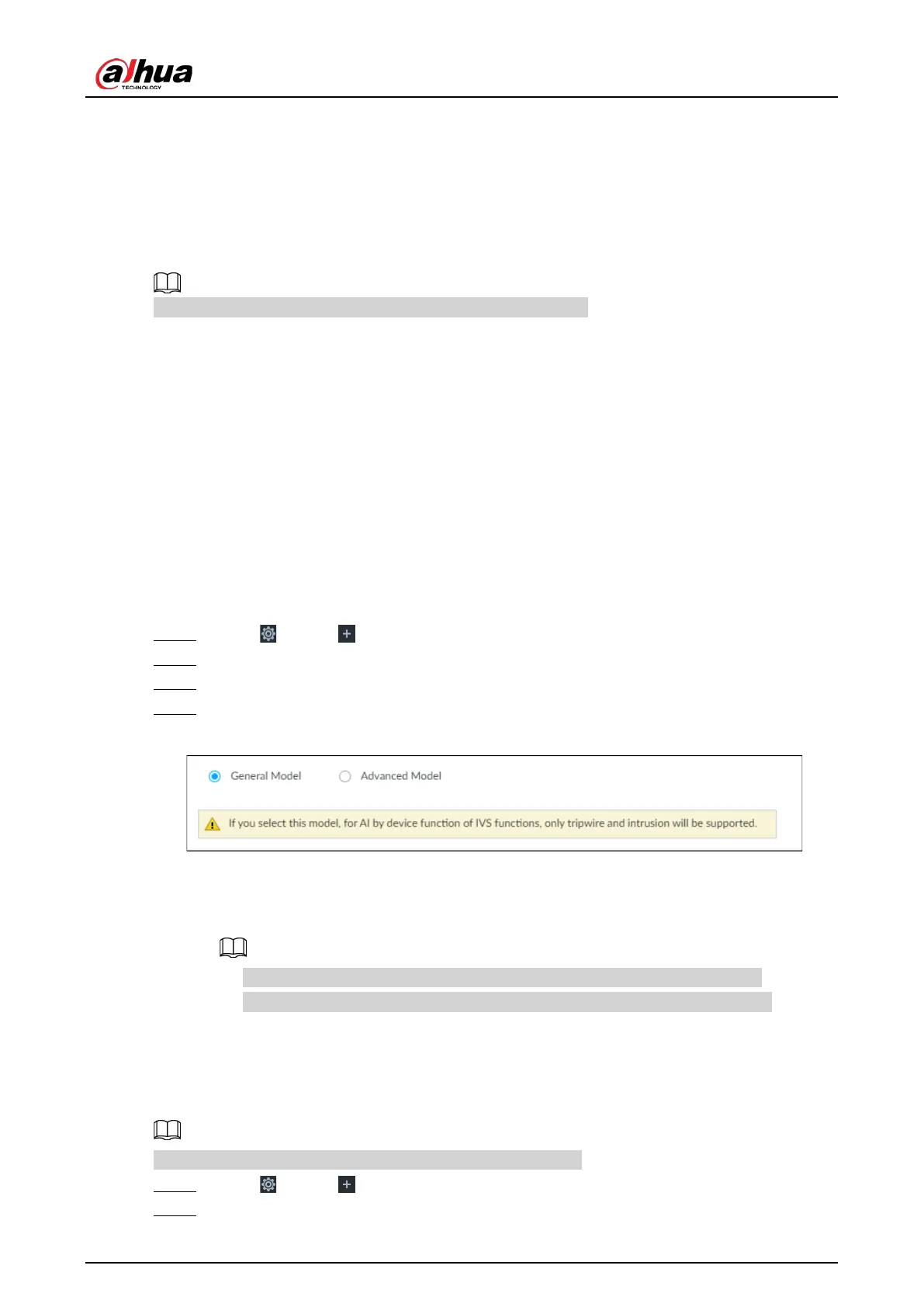
Figure 6-96 Switch IVS model
●
General model: Supports only tripwire and intrusion.
●
Advanced model: Supports tripwire, intrusion, people gathering, parking detection,
and loitering.
●
The Advanced Model includes more detections but supports fewer channels.
●
You need to configure IVS AI-by-Device event again after switching IVS model.
6.6.2.2 Global Configuration
Configure global rules of IVS, including anti-disturbance and sensitivity settings.
Global configuration is needed only when AI by camera is used.
Step 1 Click , or click on the configuration page, and then select EVENT.
Step 2 Select a device in the device tree on the left.



 To Next Page
 Loading...
