User's Manual
166
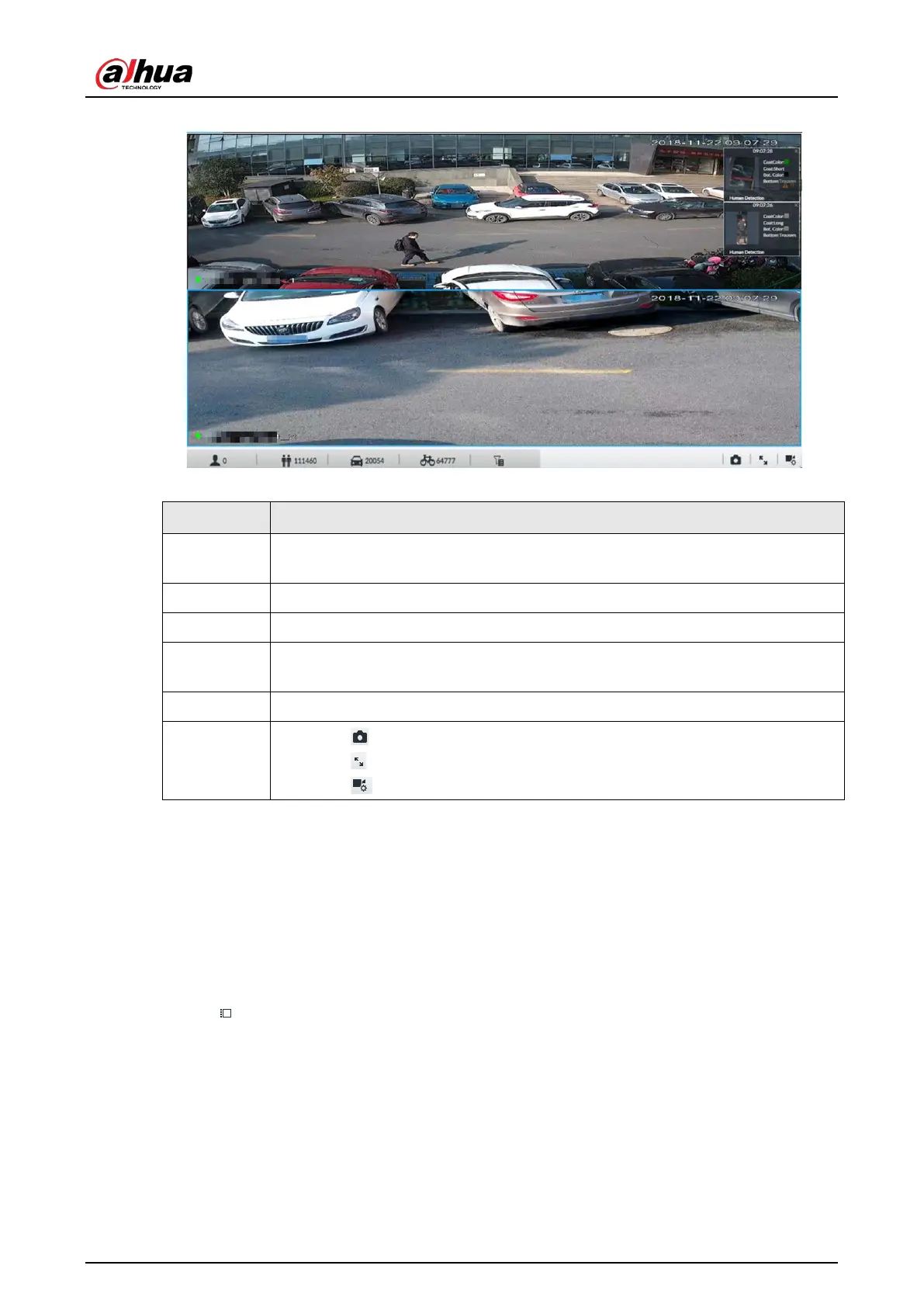
Figure 7-2 Live (2)
Table 7-1 Live page description
1
View zone. Displays the created view and view group. See "7.1.1 View
Management" for detailed information.
2 Resource pool. Displays the added remote device list.
3 PTZ zone. It is to control the PTZ. See "7.1.3 PTZ" for detailed information.
4
Smart preview icons. View face statistics, person statistics, IVS statistics and AI
display.
5 Video play window. See "7.1.1.2 View" window for detailed information.
6
●
Click to take snapshot.
●
Click for full-screen view.
●
Click to go to the
page for recording configuration.
7.1.1 View Management
View is composed of video images of several remote devices. Go to the view panel at the top left
corner of the LIVE page to view or call the view.
●
System has created views group by default. Create view or view group under the View.
●
Double-click the view or drag the view to the play panel on the right side. Device begins playing
the real-time video from the remote device.
●
Click to select views and its sub-node.


 To Next Page
 Loading...

