User's Manual
336
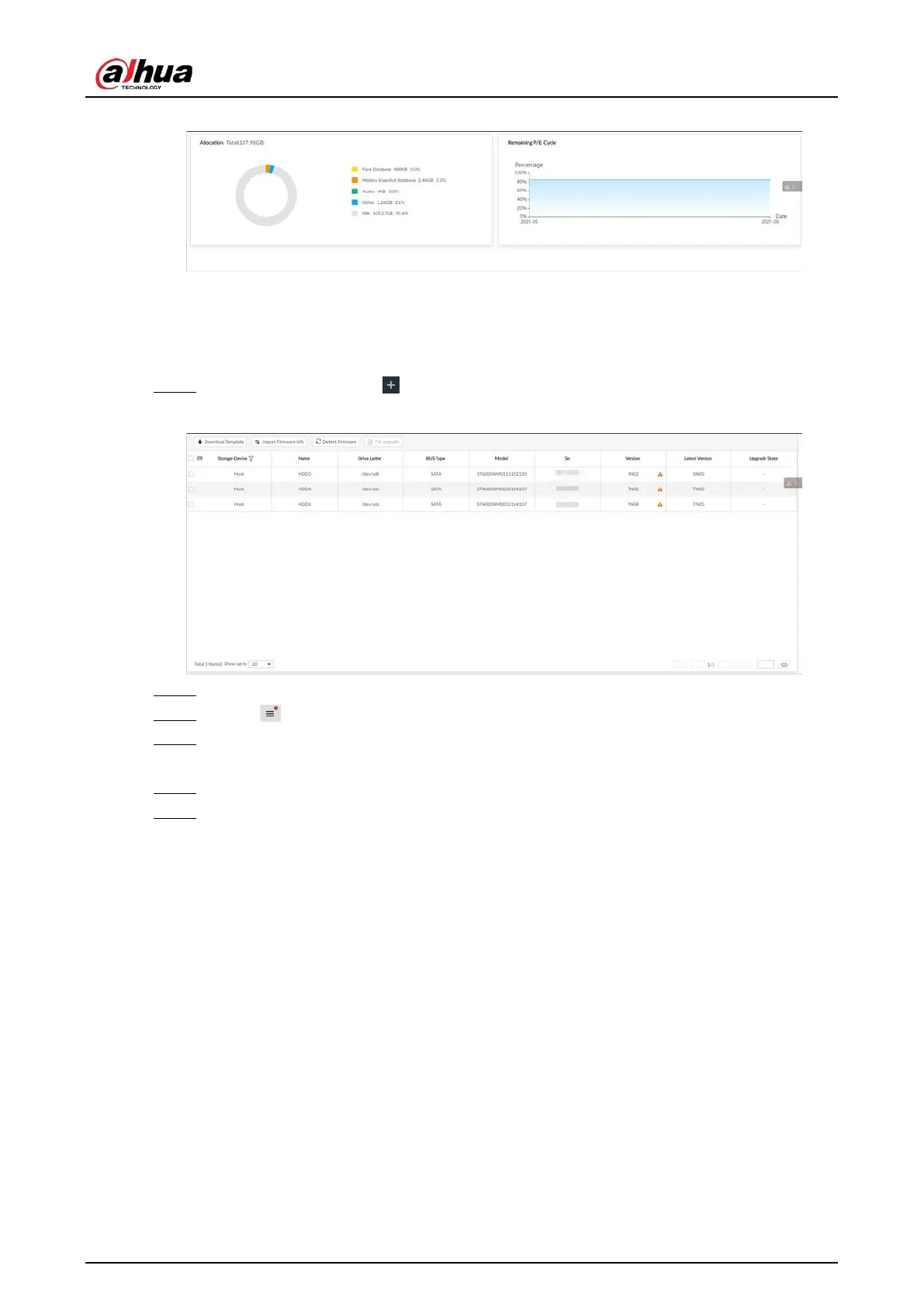
Figure 9-17 SSD health detection
9.8.3 Firmware Update
Import update file to update HDD information.
Step 1 On the
LIVE page, click , and select MAINTAIN > Disk Maintain > Firmware Update.
Figure 9-18 Firmware update
Step 2 Click Download Template to download update template
Step 3 Click , select Download, and then open and fill in the downloaded template.
Step 4 Select an HDD, click Import Firmware Info, click Browse to choose the template to be
imported, and then click Import.
Step 5 Click
Firmware Update to update firmware information.
Step 6 Click Detect Firmware to refresh firmware information displayed on the page.


 To Next Page
 Loading...

